The short answer
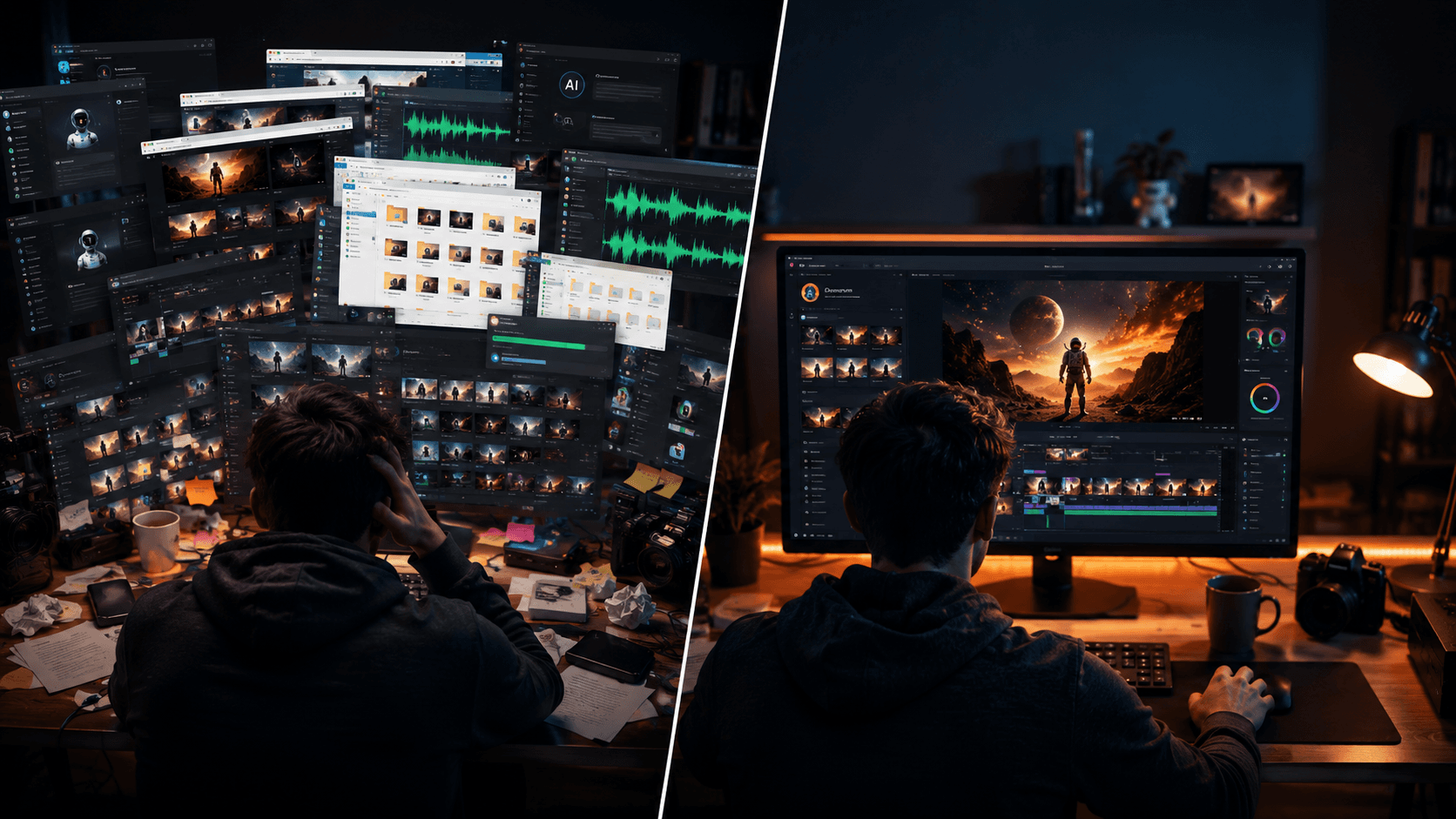
We get this question a lot. Why do I need Vimerse Studio when I can go into Google Flow and create videos? Google Flow and Vimerse Studio both turn ideas into video, but they're built on opposite bets. Flow runs on one engine, Google's Veo. It is a good engine and is available inside Google's subscription. On the other hand, Vimerse is a workflow that lets you pick the best model for each project (Veo, Kling, Seedance, Grok, and more), keeps one consistent voice across the whole video, and runs on a one-time license with pay-per-generation pricing.
If you live in Google's ecosystem and Veo's look is all you need, Flow is excellent. Moreover, its free tier is the best way to try Veo. If you want model choice, voice consistency across a full-length video, and pricing that won't get changed out from under you, that's what Vimerse is built for.
Try Vimerse free → https://vimerse.app
One engine vs. a toolbox
Flow is built on Veo. It's a beautiful tool for getting the most out of Google's video model. But that's the one model you get. Vimerse takes the opposite approach: it's a workflow that plugs into a collection of models and lets you choose per project.
Why that matters: no single model is best at everything. Veo is cinematic but expensive. Kling holds character motion well. Seedance is strong on reference consistency. Grok is fast and cheap for filler shots. In Vimerse you pick the right one for each project. There are areas that Veo poorly performs such as first-to-last frame. You need a toolbox to handle different tasks. Also, you can switch between premium and budget models — premium where it counts, budget where it doesn't. In Flow, every shot is Veo, at Veo's cost.
It also means you get new models faster. When a new video model launches, Vimerse can add it to the dropdown. Flow advances when Google's own model advances. For a creator who wants the latest and the right tool for the job, a toolbox beats a single engine.
How Vimerse and Flow compare
| Feature | Vimerse Studio | Google Flow |
|---|---|---|
| Video models | Pick per project (Veo 3.1, Kling V3, Seedance, Grok) | Veo only (Google's engine) |
| Voiceover | ElevenLabs library, per-character, 11 languages, consistent across whole video | Veo native audio per clip (no voice library) |
| Pricing model | $49 one-time license + pay per generation | Subscription + credits ($20/mo Pro, credits sold separately) |
| Cost transparency | Per-second price shown before you generate | Compute-based credits, harder to predict |
| Music | Built in (Lyria) | Not built in |
| Pro editor export | MP4 or Premiere Pro XML | In-app timeline / MP4 |
| Runs on | Desktop (Windows / macOS) | Browser (Google account) |
| Best for | Full multi-minute videos, model choice, voice consistency | Cinematic Veo clips, Google-ecosystem users, free trials |
The pricing shift nobody asked for
In May 2026, Google changed Flow's pricing: the monthly AI credits that came bundled with the $20 AI Pro plan were removed, and Flow moved to a compute-based credit system with rolling usage windows. Creators who relied on those credits now buy them separately, and many found the new limits harder to predict. This is the biggest problem with the credit based payments. You do not know when your credit will be devalued. You do not know how much you are spending.
This is the structural risk of building your workflow on someone's subscription credits: the terms can change overnight, and your costs change with them. Vimerse works differently. You buy a one-time license and pay per generation — you see the per-second price of each model before you use it, and nobody can quietly devalue credits you already counted on.
Honest note: Flow's free tier (50 daily credits) is still one of the best free ways to try Veo. The pricing concern is about production-scale, paid use — not kicking the tires.
Where Flow wins (the honest part)
Flow is genuinely excellent, and for some work it's the better choice:
- Best free tier in the category. 50 daily credits free is the easiest no-cost way to try Veo 3.1 — better than any free path Vimerse offers.
- Native dialogue and lip-sync. Veo generates audio with the video, including spoken dialogue synced to the character, in one step.
- Deep Google integration. Imagen 4 images, Gemini prompting, and the Scenebuilder/lasso editor all live in one Google studio, tied to your account.
- Cinematic single-clip quality. Veo is one of the best-looking video models available, and Flow is the most direct way to use it.
Where Vimerse Studio wins
Vimerse Studio is versatile and suitable for today's AI environment as it is model agnostic and we do not know which model would excel in the future.
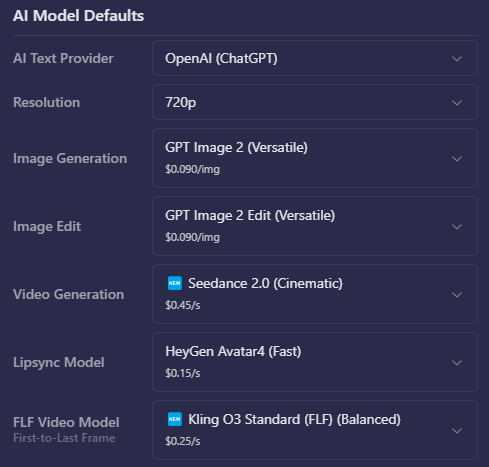
- Model choice per project — Veo when you want cinematic, Kling for motion, Seedance for reference consistency, Grok for cheap filler. Flow is Veo for every shot.
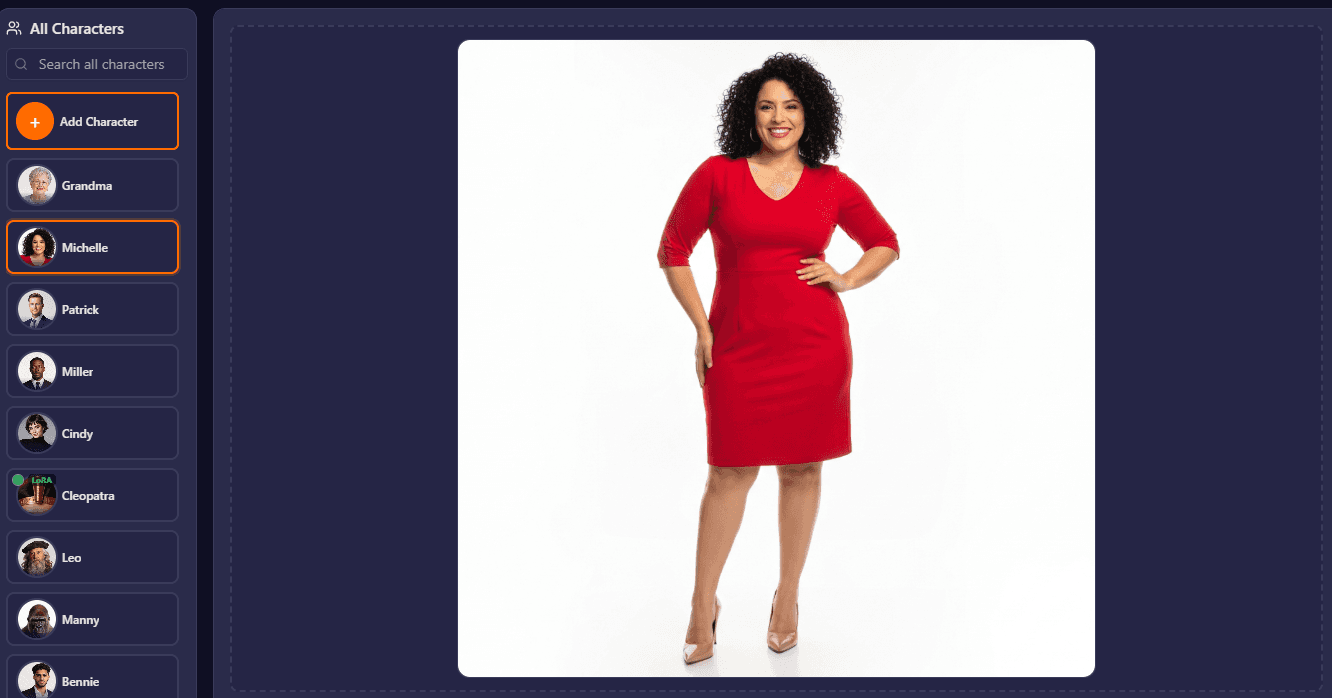
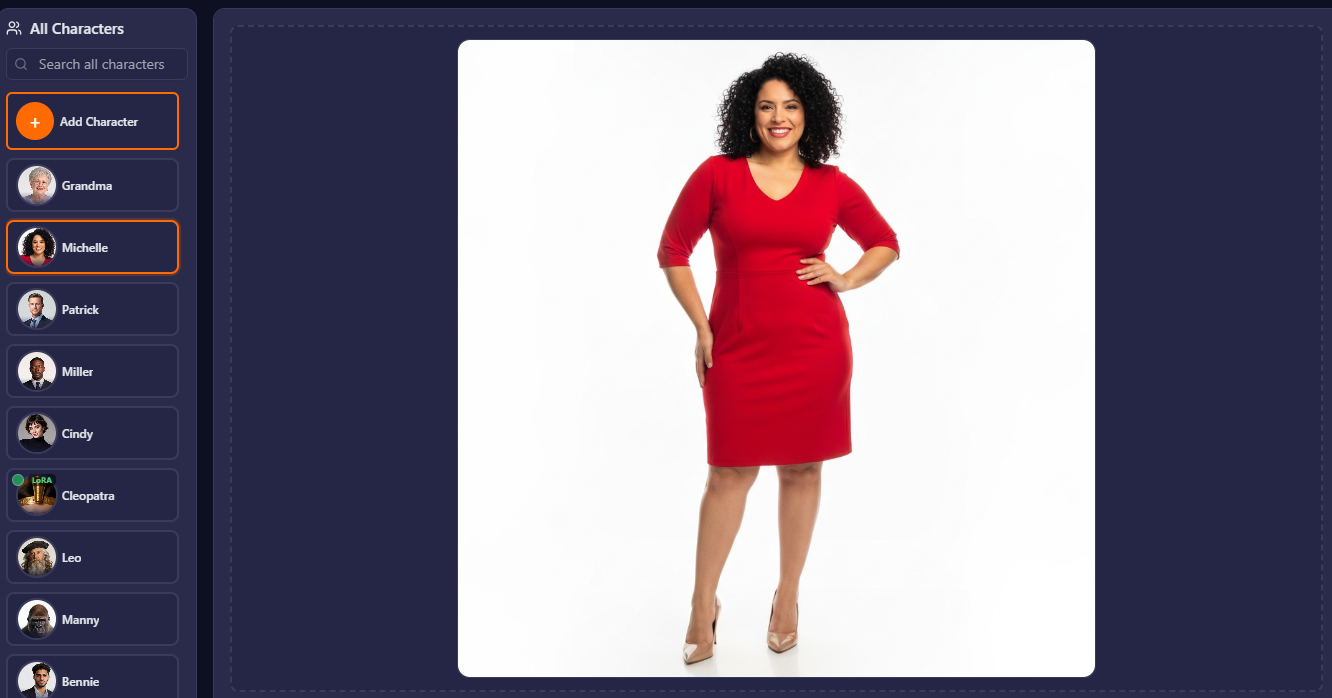
- Voice consistency across a whole video — one narrator voice (or per-character voices) held across 100+ shots from an ElevenLabs library in 11 languages, instead of per-clip audio.
- Pricing you can count on — a one-time license plus pay-per-generation, with the per-second price shown up front. No credits to get devalued.
- Built-in music and Premiere Pro XML export — score the video with Lyria and hand off to a pro editor, in one workflow.
Feature-by-feature (the ones people ask about)
| Capability | Vimerse Studio | Google Flow | Edge |
|---|---|---|---|
| Model choice | Veo, Kling, Seedance, Grok, Sora | Veo only | Vimerse |
| Veo video quality | Veo 3.1 (same model) | Veo 3.1 (native integration) | Tie |
| Voice consistency | One voice across whole video, per-character | Per-clip native audio | Vimerse |
| Native lip-sync audio | Via lipsync models | Veo native dialogue + lip-sync | Flow |
| Free tier | $5 trial credit | 50 daily credits free | Flow |
| Pricing stability | One-time license, pay-per-use | Subscription credits (recently changed) | Vimerse |
| Pro editor handoff | Premiere Pro XML | In-app only | Vimerse |
| Google ecosystem | Standalone | Imagen, Gemini, Scenebuilder integrated | Flow |
The honest summary: Flow is the better way to use Veo on its own, with the strongest free tier and tight Google integration. Vimerse is the better way to build a whole video; model choice per project, one consistent voice throughout, and pricing that stays put.
What Vimerse Studio actually does
Here's the script-to-export flow, start to finish.
Pick the model per project — the dropdown shows the per-second price, so you control cost.
Voiceover is generated per shot in consistent character voices, across 11 languages — one voice held across the whole video.
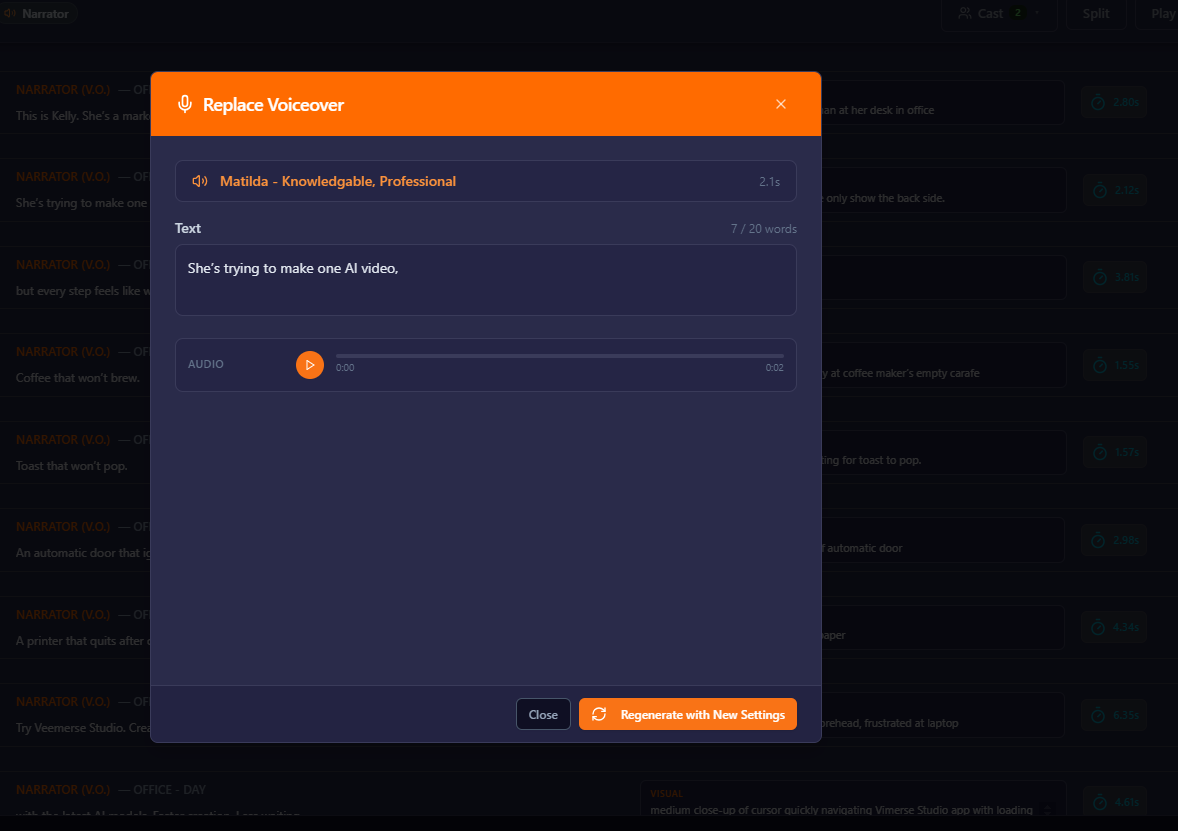
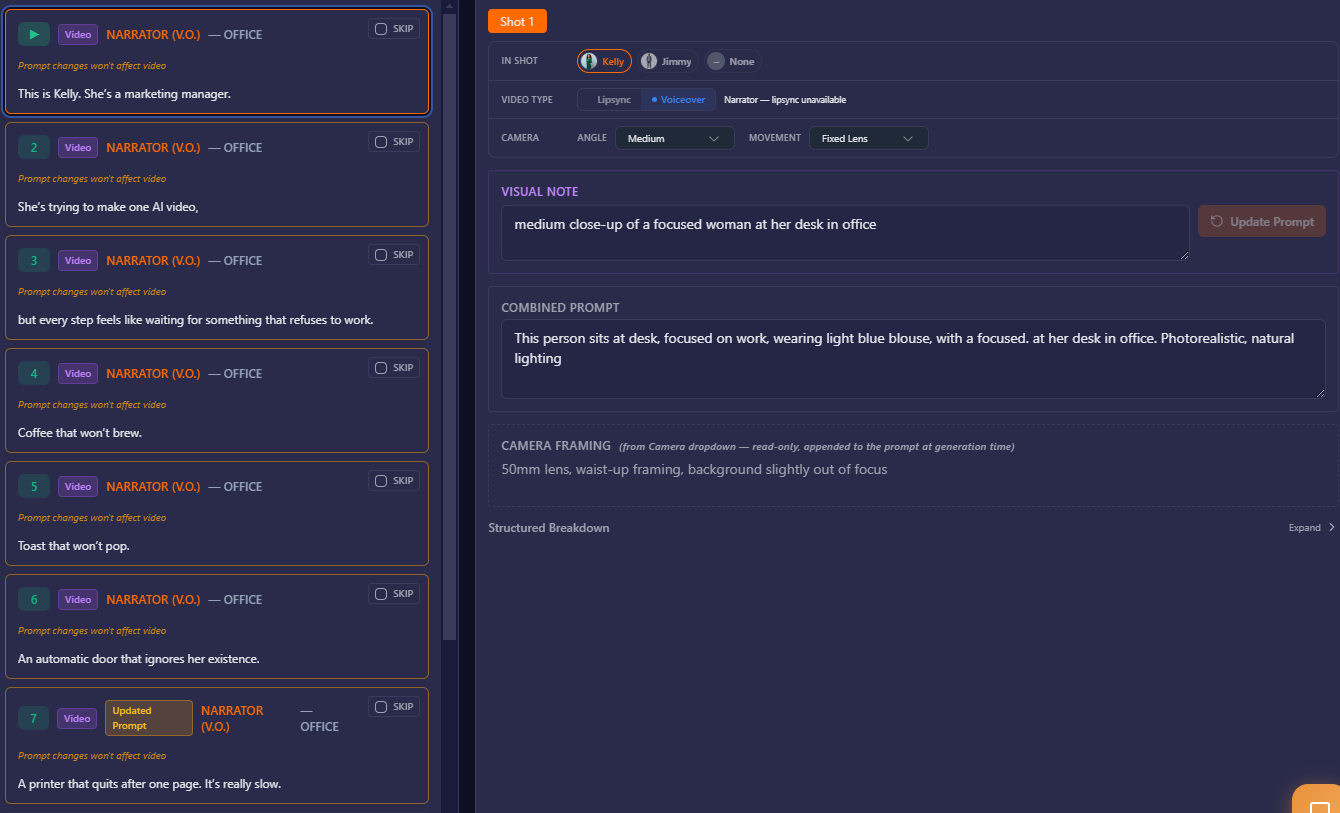
A full project breaks into shots with auto-written prompts. For each shot you choose the character, shot type, and camera angle.
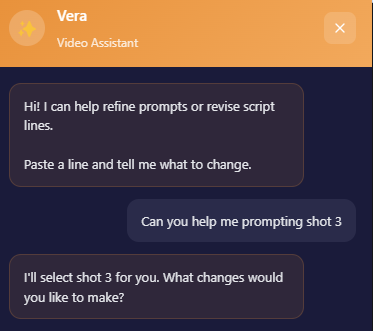
Vera, our AI chatbot, help you throughout the process.
Generate music with a prompt and score it across your shots.
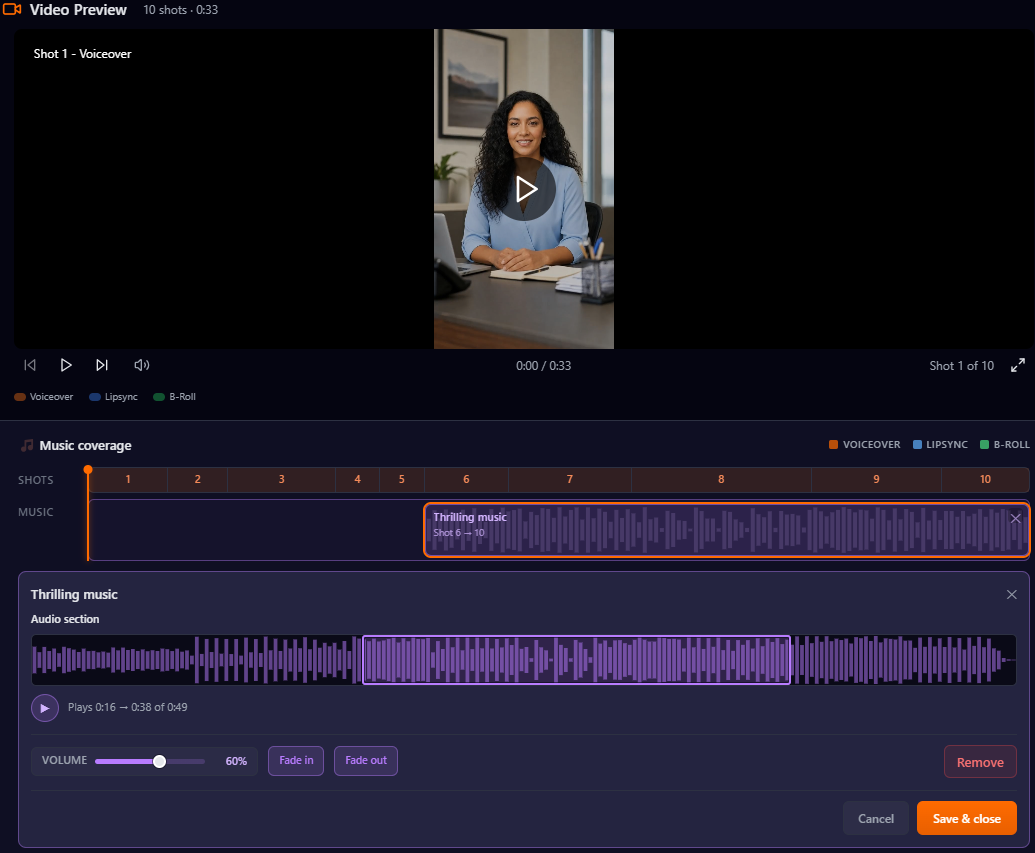
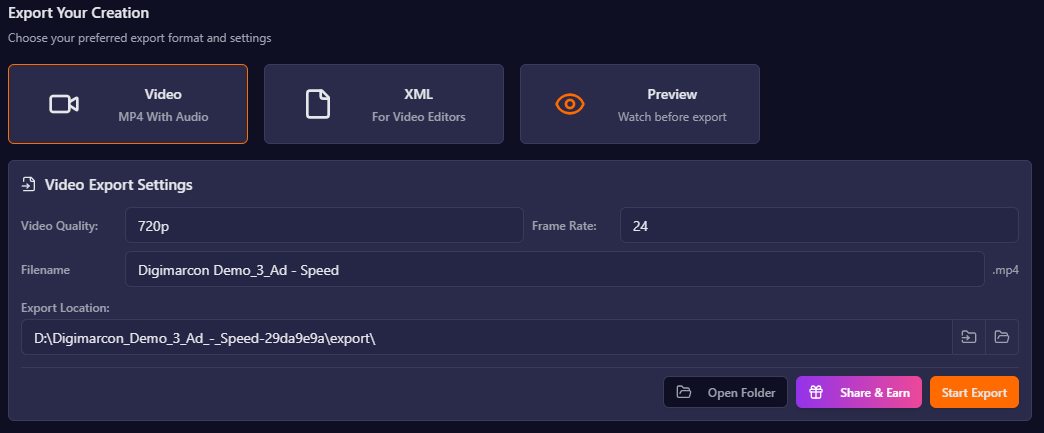
Export to MP4 to share, or Premiere Pro XML to finish in your editor.
Who should switch (and who shouldn't)
Switch to Vimerse if you make full-length videos — explainers, ads, YouTube content, courses; you want to choose the best model for each shot instead of one engine; you need one consistent voice across the whole video; or you want pricing that won't change out from under you.
Stay on Flow if you mainly want Veo's look on its own, you live in Google's ecosystem (Imagen, Gemini), you want the strongest free tier to experiment, or native dialogue lip-sync in a single step is your priority.
FAQ
Is Vimerse free to try?
Yes — sign up and use $5 in credits free. Flow's free tier is more generous (50 daily credits), so Flow is the better pure free trial; Vimerse's advantage shows at production scale.
Does Vimerse use Veo like Flow?
Yes. Veo 3.1 is one of the models you can pick in Vimerse — alongside Kling, Seedance, Grok, and Sora. Flow runs on Veo only.
Why did Flow's pricing change?
At Google I/O 2026, Google removed the AI credits bundled with the $20 AI Pro plan and moved Flow to a compute-based credit system; credits are now bought separately. Vimerse uses a one-time license plus pay-per-generation instead.
Can Vimerse keep one voice across a whole video?
Yes. You assign a voice per character (or a narrator) from an ElevenLabs library and it stays consistent across every shot, in 11 languages. Flow uses Veo's per-clip native audio.
Does it run on Mac and Windows?
Yes — Vimerse is a desktop app for both. Flow runs in the browser through your Google account.
The verdict
Google Flow is the best way to use Veo on its own — strong free tier, native audio, and deep Google integration. Vimerse Studio is the better way to build a whole video: pick the right model for each shot, keep one voice across the entire piece, and pay on a one-time license that won't get changed out from under you.
Create your first video free → https://vimerse.app