Script in. Video out.
A desktop app for Mac and Windows. One script. 100+ shots. AI voices each character, builds every scene, and keeps them consistent.
No app switching
No blank-page visual planning
No opaque credit system
From script to finished video.
Each step in Studio feeds the next. The script writes the voice-over; the voice-over locks scene timing; the timing drives the visuals.
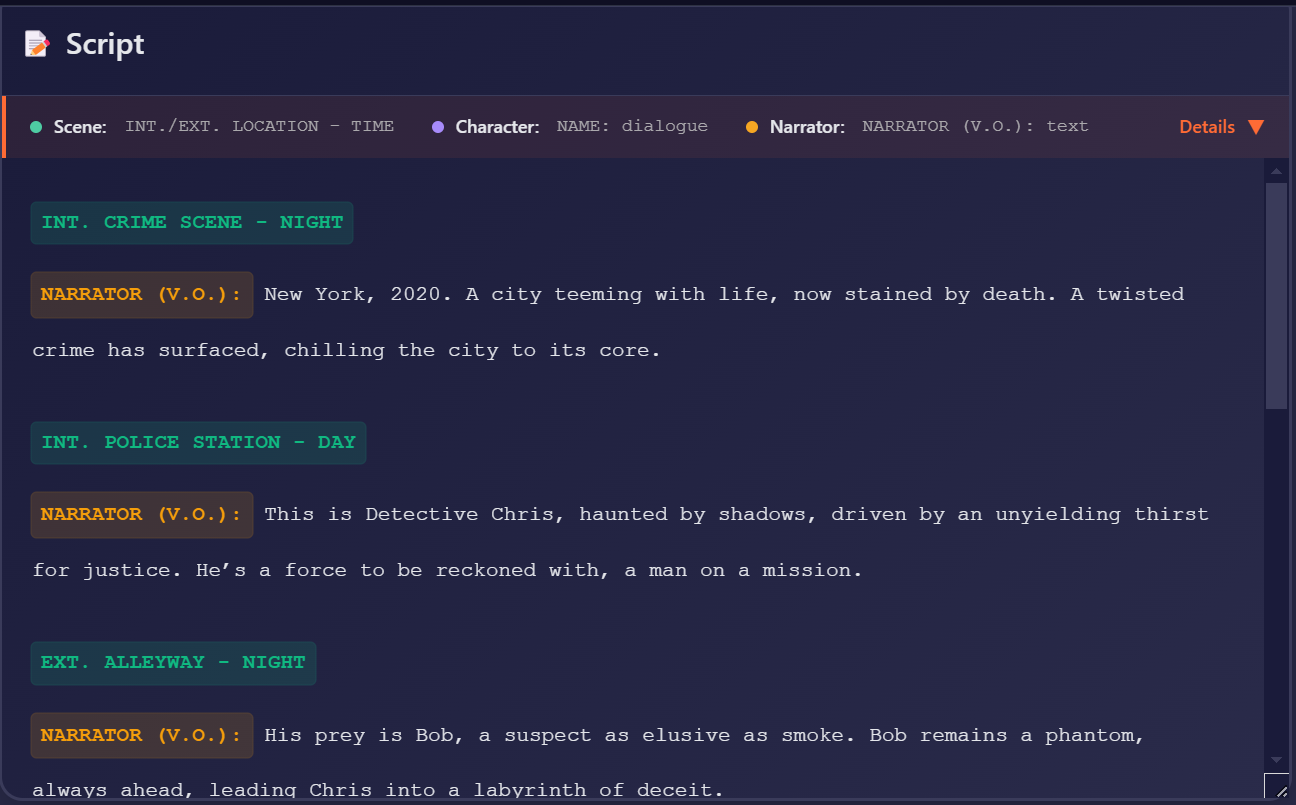
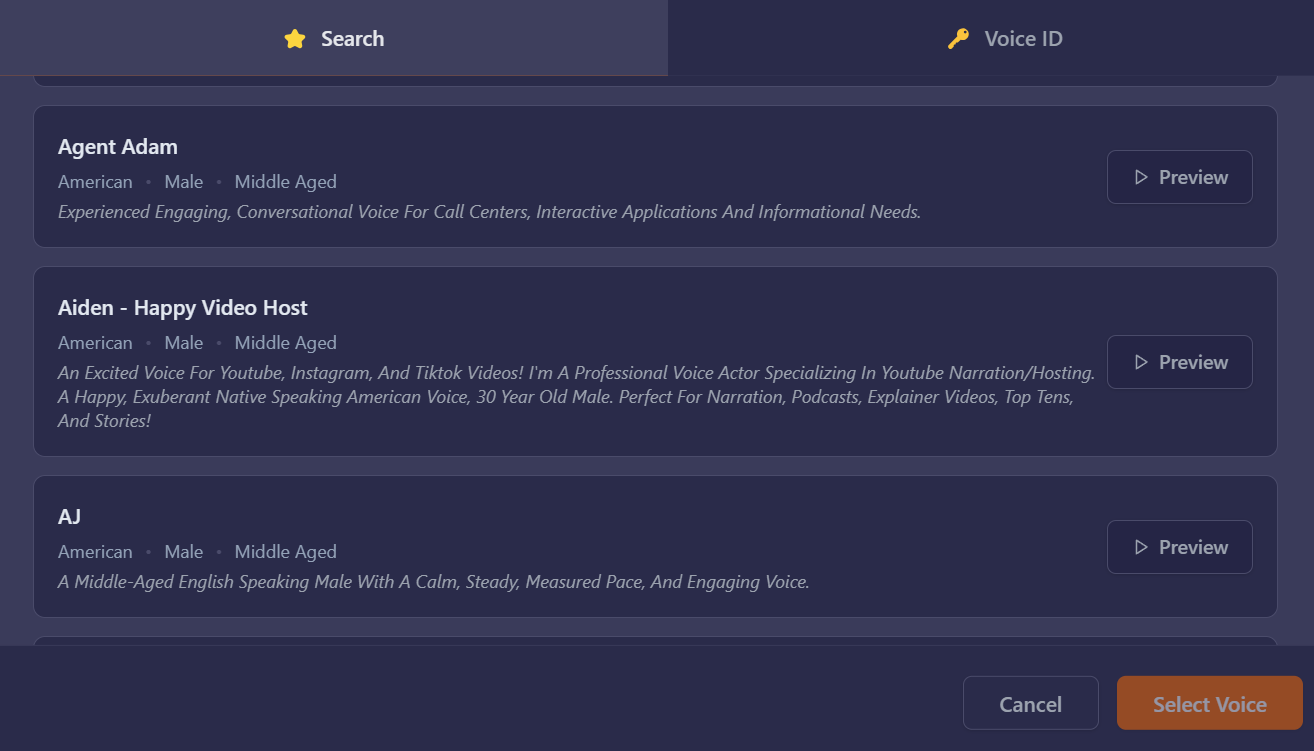
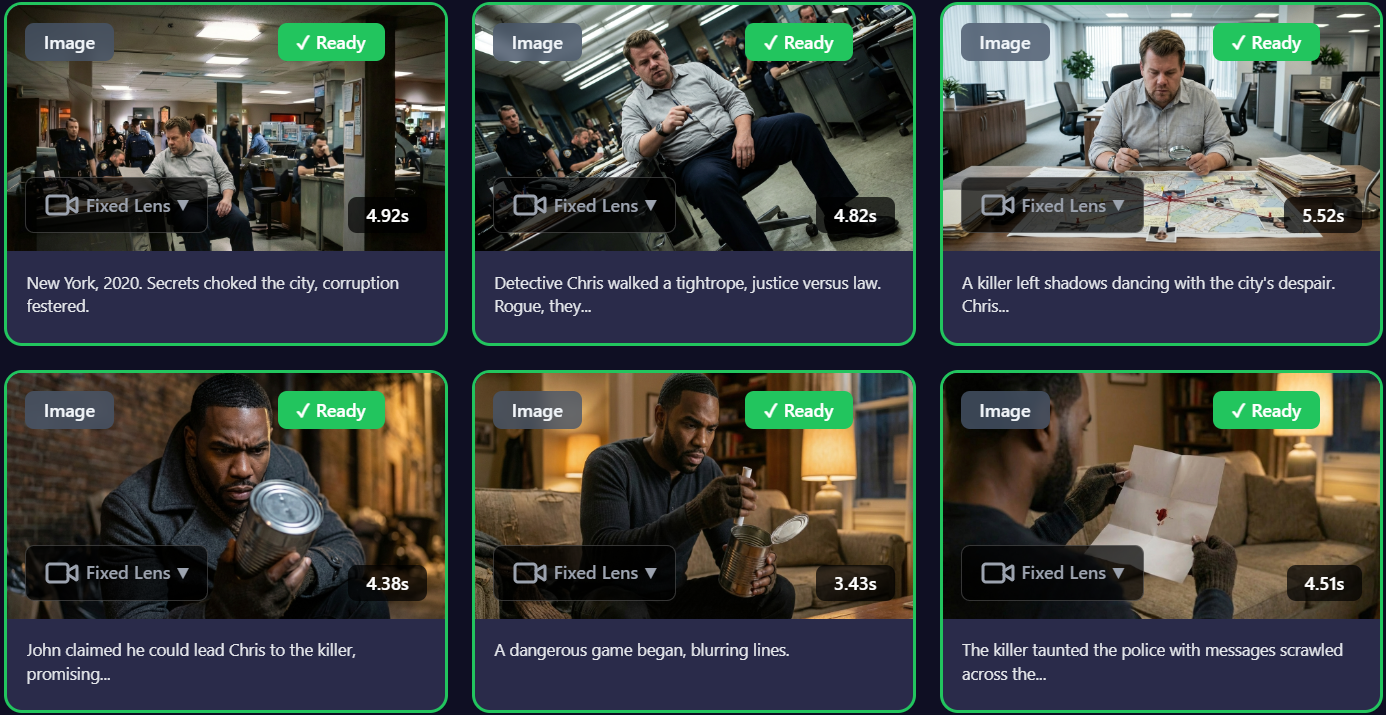
From script to finished video.
Each step feeds the next, so you never start from scratch.
Write your script in Studio, generate one with AI from a prompt, or import a voice file — Studio transcribes and segments it into scenes automatically.
Pick a voice per character. Studio narrates the script — every scene now has audio + timing locked, so visuals will fit it exactly.
Studio writes a shot prompt for each scene and renders the visuals. Queue 100+ shots at once — 4 render in the background, even with the app closed.
A 10-minute video is
100+ shots.
Vimerse Studio is built for that. Other AI tools make you build each shot one by one, with no system holding the project together.

What's broken with other tools
— and how Vimerse fixes it.
Export voice-over as MP3, then go into Premiere and trim every clip to fit the audio. 100 shots means 100 trims.
Voice-over generates first. Visuals time to it automatically — every shot lasts exactly as long as the narration.
Split the script into shots manually — write 100 prompts before generating anything. Half a day before seeing a single frame.
Studio reads your script and generates 100 shots with prompts ready in minutes. You spend time editing, not segmenting.
Most AI tools render shots one at a time. A 10-minute project eats the whole day — and you're stuck babysitting the browser tab.
Queue all 100 shots at once. 4 render concurrently — and they keep running even when you close the app. Pick up later, fully done.
Web-based AI tools choke on long projects. Browser tab crashes mid-render and 40 minutes of work disappears. Happens every other project.
Vimerse Studio runs locally. Audio and video sync on your machine. Stable at any scale — your project never disappears with a tab.
Want to try this with your own script?
Start with $5 in creditsPowered by the world's best AI.
We picked the strongest model for every stage. Click a name to swap the preview.

Full video lineup: Gemini Omni Flash 1.1 · MiniMax H3 · MiniMax H3 Max Turbo · Grok Video 1.5 · Kling V3 Standard & Pro · Kling O3 Standard & Pro · Seedance 2.0 & 2.0 Fast · Seedance 2.5
One Tool. Any Script.
Marketers, creators, and educators — if you have a script, you have a video.
 0:18
0:18Your client wants a video by Friday
One license. Everything unlocked.
Try the full Studio with $5 in credits. Buy the lifetime license when you're ready.
$5 in credits to start.
- $5 in starting credits
- No credit card required
- Try the full Studio workflow
- Upgrade any time — your trial credits roll forward
Everything unlocked. No subscription.
- All AI models — image, video, lip-sync, first-to-last-frame
- Videos up to 10 minutes, 1080p
- Native desktop app — renders run with the app closed
- Commercial rights included
- Pay only for AI usage on top — no opaque credits
You always see estimated usage cost before generating. Only pay for the AI rendering you actually use, on top of the one-time license.
Estimate your per-video costGot a script? Try it free.
Make your first video free. $5 in credits on signup — no credit card required.