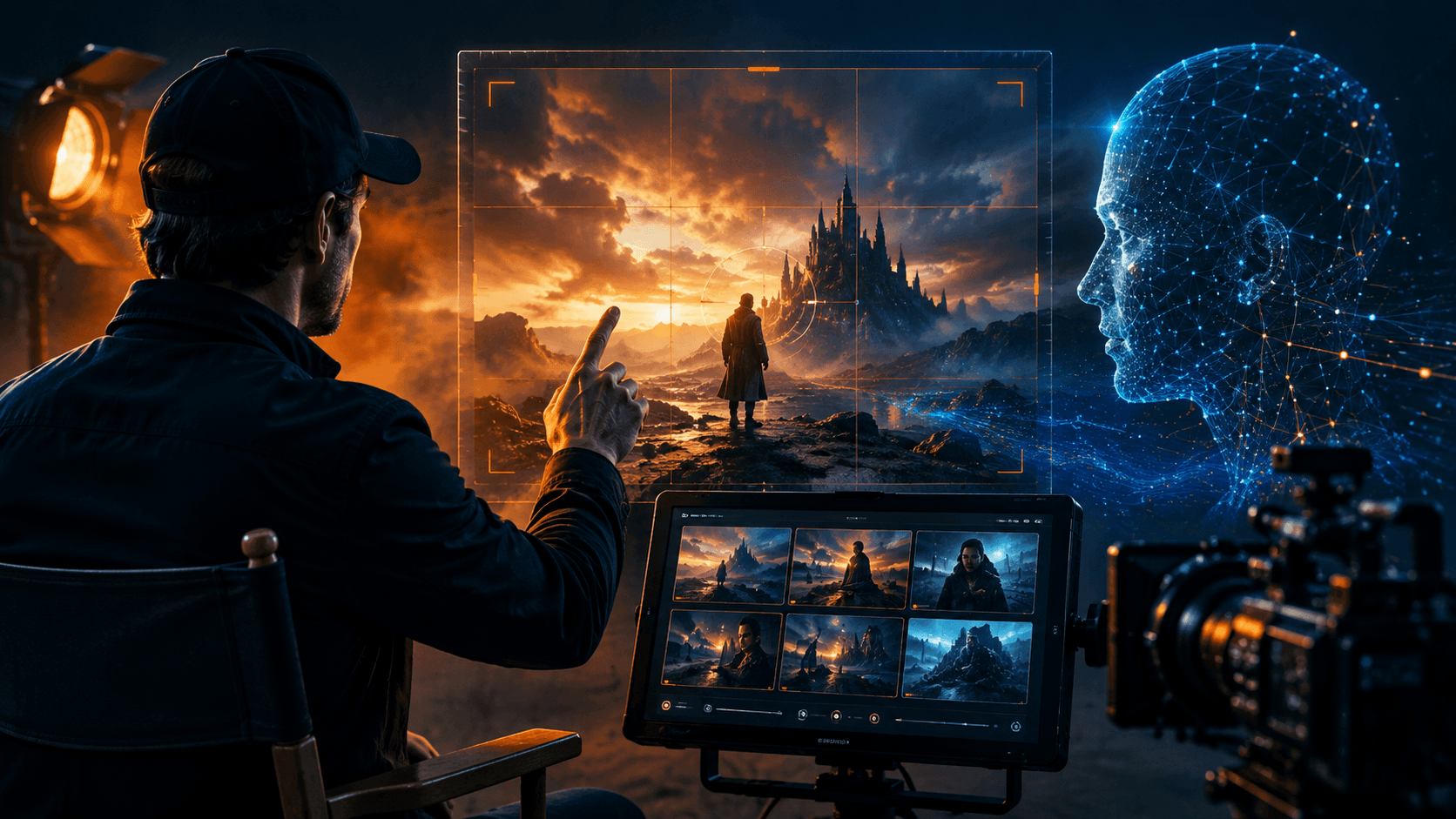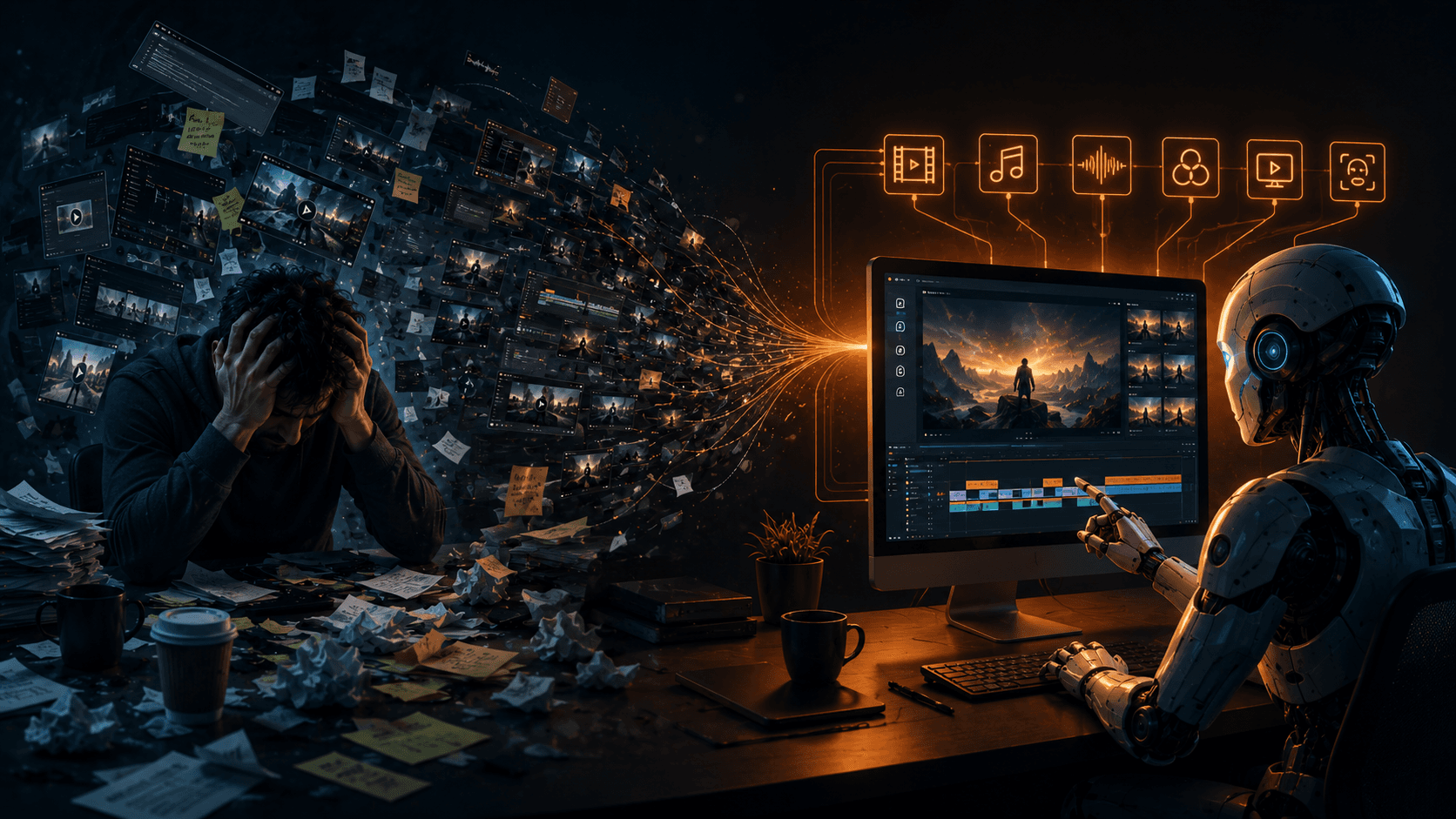
There is a massive trend right now in the tech and coding space: building autonomous AI agents and orchestrators. Creators are constantly looking for ways to connect different Large Language Models through routing tools, deploying them on servers, and letting them communicate to solve complex problems automatically. The goal is seamless orchestration—letting the software handle the messy connections behind the scenes so the human can focus on the results.
But when you look at the world of AI video creation, that elegant orchestration is nowhere to be found. Instead of relying on a smart system to route tasks, you—the creator—are the manual agent. You are the one painstakingly stitching everything together by hand. If you have ever tried to produce a narrative AI short film or a cohesive marketing video, you know exactly how painful this reality is.
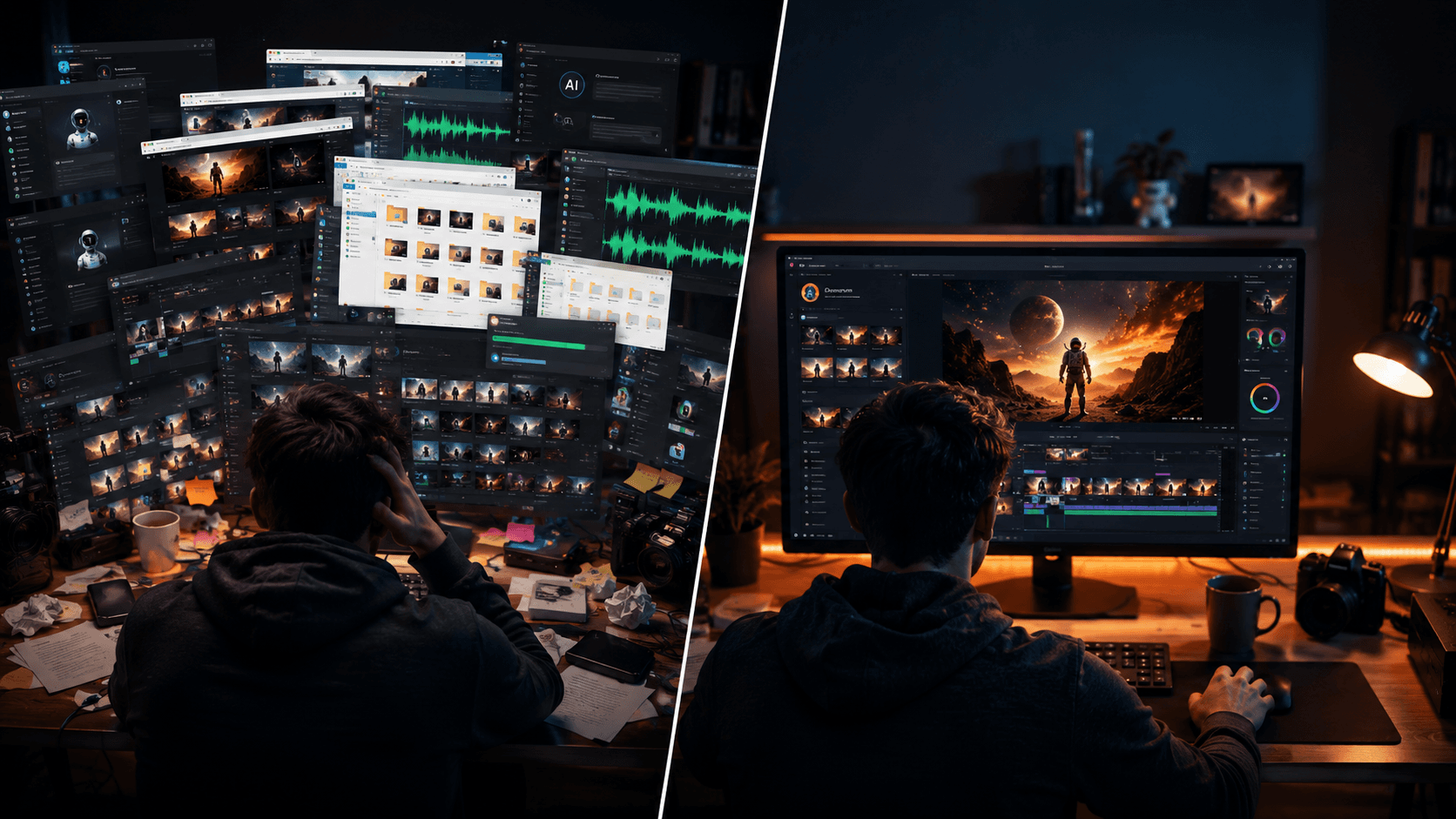
You find yourself bouncing between five different browser tabs. You are generating base images in Midjourney or Flux, downloading them, and then uploading them into Kling or Veo. You are hopping over to ChatGPT to format a script, then pasting that text into ElevenLabs to get your voiceover. Finally, you dump this chaotic mess of MP4s and WAV files into an editing timeline, desperately trying to sync lips to audio, only to realize your main character looks entirely different in shot four than they did in shot one.
This fragmented approach is a massive bottleneck. "I use five different apps to make one video" is the most common complaint among solo creators who just want professional video output without having to hire a full production team or spend hours doing basic data-entry tasks between AI tools.
This is exactly the problem Vimerse Studio was built to solve.
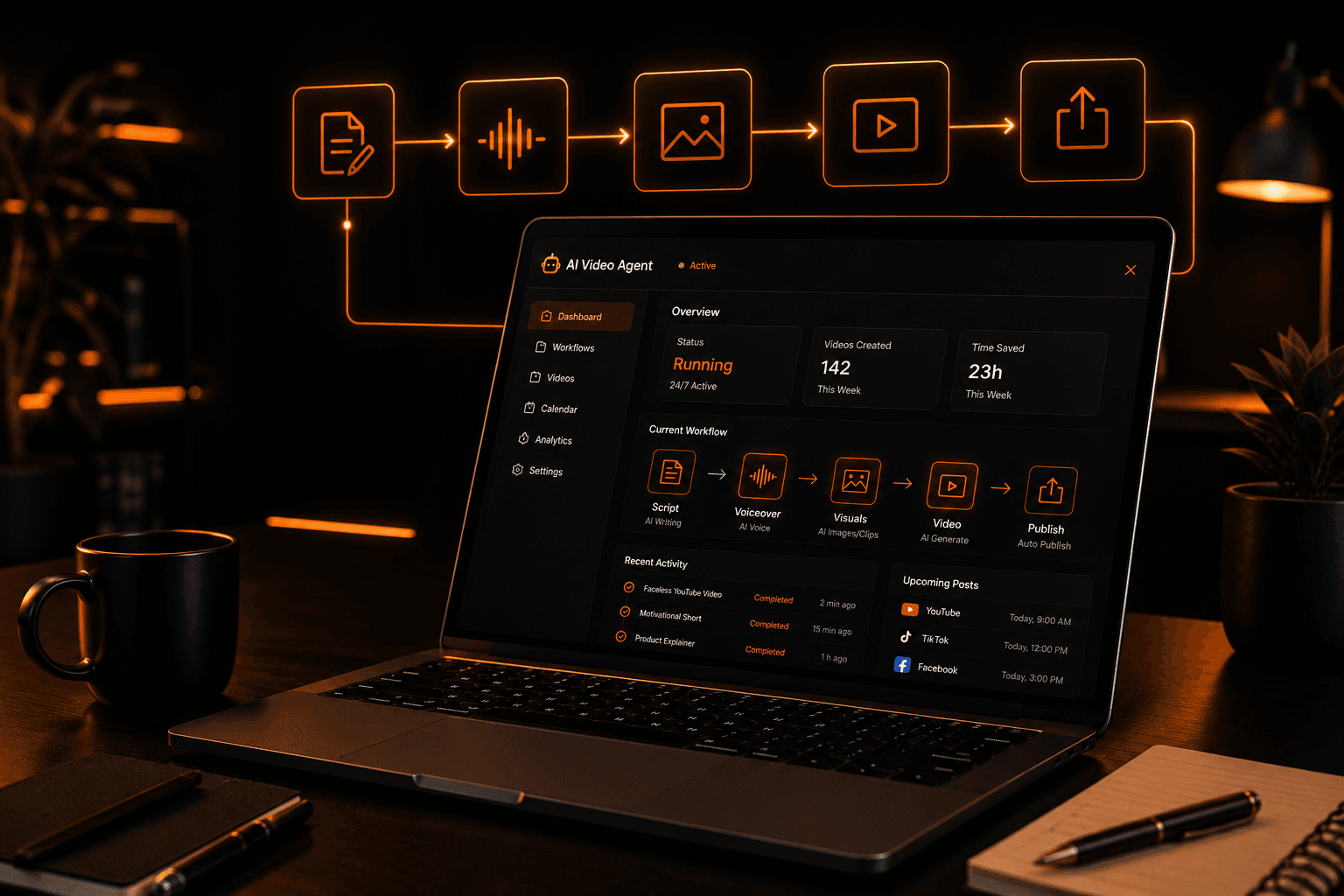
Vimerse Studio is an all-in-one AI video creation workflow desktop app. It is important to understand what it is not: Vimerse Studio is not a single, proprietary video generator trying to compete directly with Kling, Veo, Runway, Sora, or ElevenLabs. Instead, it is the workflow layer that connects them all together. Users get the freedom to choose which cutting-edge AI models they want to use, while Vimerse Studio acts as the orchestrator, managing the full pipeline from model selection all the way through to the final export.
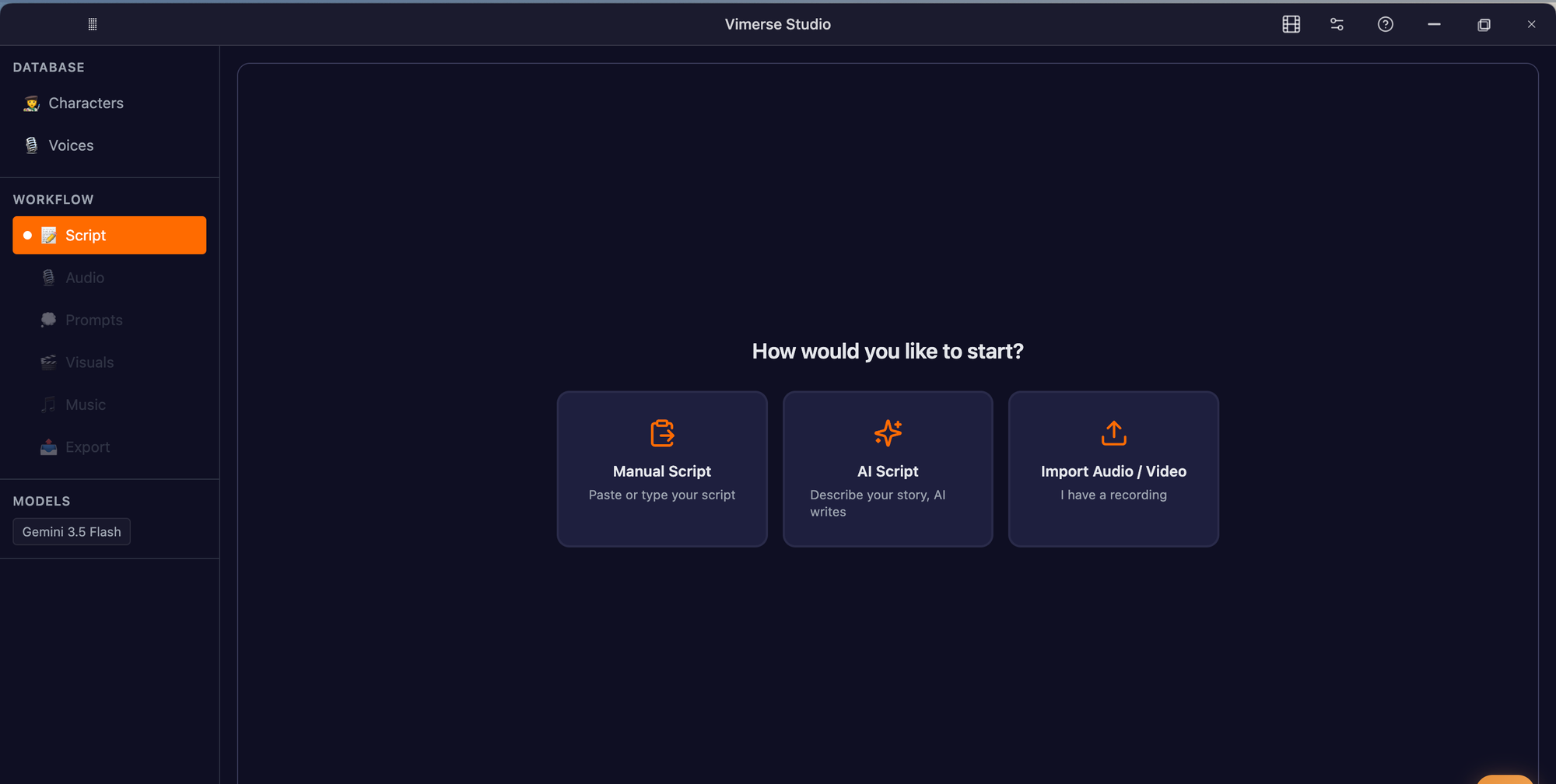
The Vimerse Studio Workflow
When you start a project in Vimerse Studio, you are guided through a structured, highly optimized pipeline that eliminates the need for manual tool-juggling. The app handles the heavy lifting, allowing you to focus on the creative direction. Here is exactly how the Vimerse Studio workflow operates:
1. Select model
Everything begins with a unified foundation. Before you start generating content, the user chooses their AI models up front. You make a project-wide decision on which engines will power your creation. For instance, you might select Flux, Imagen, Seedream, Recraft, Qwen, or Nano Banana for your image generation, and pair it with Veo, Kling, Seedance, or OmniHuman for your video motion. By locking in your models right at the start, Vimerse Studio ensures a unified aesthetic and technical foundation for your entire project.
2. Create character
Once your models are set, you define your cast. In this step, you create and lock in your character designs. Vimerse Studio allows you to define characters with a consistent appearance that will automatically carry across all scenes in your project, ensuring your protagonist actually looks like the same person from start to finish.
3. Write script
With your cast ready, it is time to build the narrative. You have full control here: you can either write your script manually, typing out the dialogue and scene directions yourself, or you can leverage the built-in AI to generate a compelling script for you based on a core concept.
4. Convert to audio
Next, the text needs a voice. Vimerse Studio seamlessly converts your script to audio by generating professional voiceovers. Powered by ElevenLabs, this step gives you access to premium voices across 11 different languages. Crucially, it applies one consistent voice for a character across the whole video, and full lipsync is supported so your character's mouth movements will match the generated dialogue perfectly.
5. Create prompts
Prompting for multiple sequential shots is tedious. In this step, Vimerse Studio’s AI auto-generates the visual shot prompts based on the script you created. It breaks down the narrative into specific, optimized prompts designed to get the best possible results from the models you selected in step one.
6. Convert to images / videos
This is where the magic happens and the heavy orchestration pays off. Vimerse Studio fires up the engines to generate the visuals. It systematically processes your project, first generating the high-quality base images, and then automatically animating them into video clips using your chosen video model.
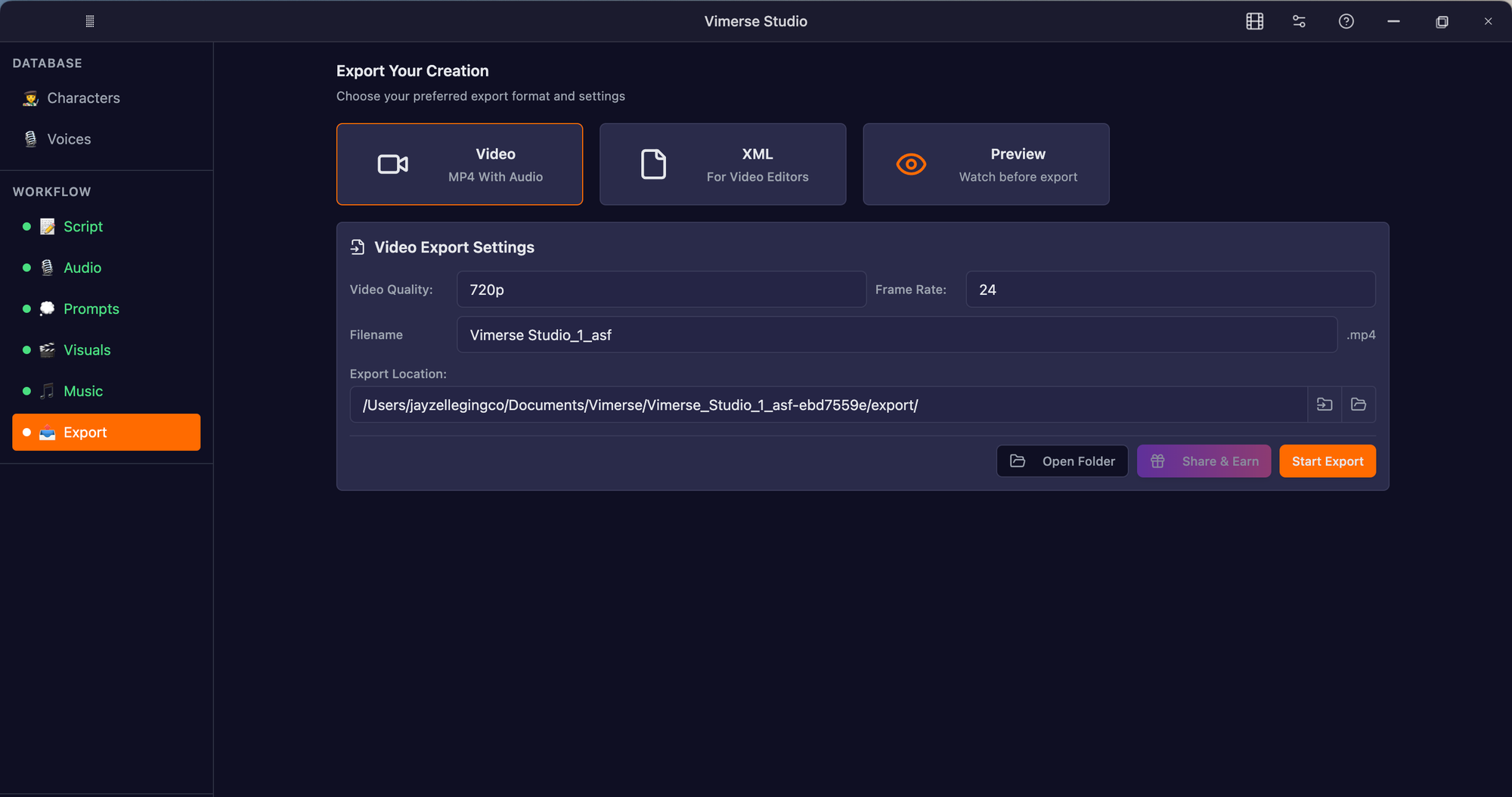
7. Export
Finally, your video is complete and ready for the world. Vimerse Studio allows you to export your finished project as a standard MP4 file, ready for YouTube or social media. Alternatively, if you want to apply advanced post-production, you can export a Premiere Pro XML file, which sends your perfectly timed sequence directly into professional editing software.
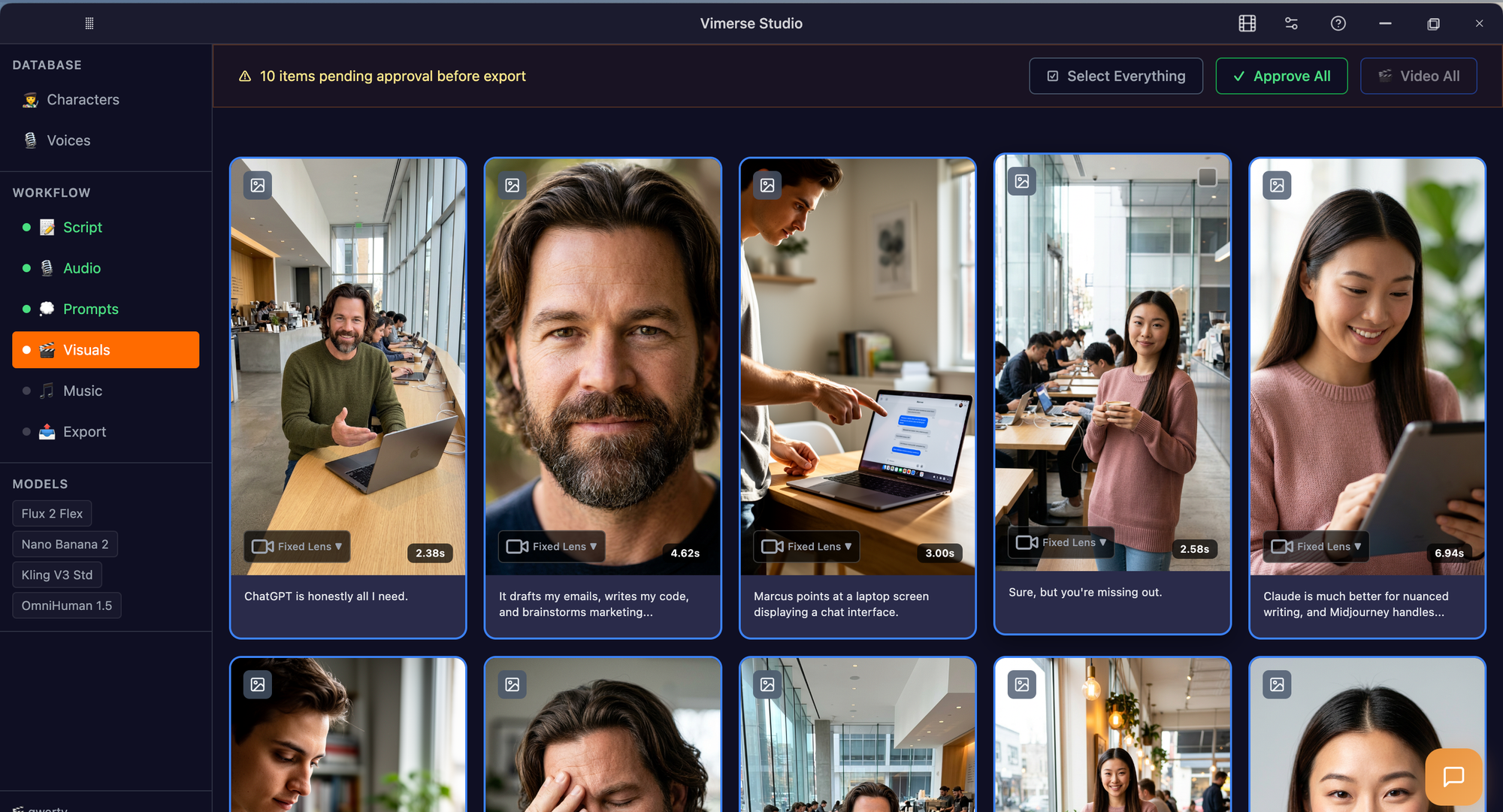
Feature Spotlight: Consistent Character Across Every Scene
While the orchestrated workflow is the core engine of Vimerse Studio, there is one specific feature that solves arguably the most frustrating problem in AI filmmaking today: consistent character appearance across every scene.
If you have ever attempted to make a narrative AI video, you know the struggle. You prompt an image generator for "a cinematic shot of a 30-year-old detective with a leather jacket and short dark hair." The first image looks amazing. But when you move to the next scene and prompt for the same character sitting at a desk, the AI gives you someone who looks like a distant cousin. By scene three, your protagonist has entirely different facial features, a different jawline, and the continuity of your film is ruined. Viewers notice this immediately; nothing shatters the illusion of a story faster than a shapeshifting main character.
Usually, creators try to fix this by obsessively managing reference images, using complex third-party face-swapping tools, or spending hours in Discord servers hoping a bot will respect their character seeds. It is exhausting.
Vimerse Studio eliminates this headache natively in Step 2 of the workflow. When you create your character, you are establishing a visual anchor for the entire project. Vimerse Studio’s underlying architecture ensures that this specific face, style, and identity are locked in. When the AI auto-generates your visual prompts and converts them into images and videos, it actively references the character profile you established. The result? Your detective looks like the exact same detective whether they are walking down a rainy street, speaking dialogue in a close-up, or sitting in a diner. It transforms AI generation from a random slot machine into a reliable, professional filmmaking tool.
A Structural Advantage: Transparent Pricing That Makes Sense
Beyond the workflow, there is another massive pain point in the AI video space: the pricing models of the platforms themselves. The current industry standard is a maze of subscriptions and opaque credit systems.
Most single-generator apps trap you in recurring monthly fees. You are paying $10 to $120 a month, depending on the plan for Midjourney, another around $15–$35 a month for Runway, depending on the plan, and $22 a month for ElevenLabs. Whether you create ten videos a month or take a month off to write, those subscriptions drain your bank account. Worse, they operate on confusing credit systems. You might get 1,000 "credits," but what does a video actually cost? One tool might charge 5 credits per second, another charges 12. The prices fluctuate, the credits expire, and you are left with zero transparency regarding what a single generation actually costs in real dollars.
Vimerse Studio approaches this entirely differently, offering a structural advantage that respects the creator.
First, there are no subscriptions. Vimerse Studio operates on a perpetual, one-time license model (Standard for $49 or Pro for $299). You buy the software, and you own the workflow layer forever.
Second, the actual AI generation runs on a transparent, pay-per-generation usage model. Because Vimerse Studio connects to various APIs (like Kling, Veo, or Flux), you only pay for exactly what you use. There are no confusing, arbitrary "Vimerse coins." The interface shows you the exact per-second price of each model before you generate. You know precisely what a 5-second Kling video or a 10-second ElevenLabs voiceover will cost in real terms before you ever click the button.
This predictable, transparent model means you can budget your projects accurately. You never pay a monthly tax just to keep the software open, and you are never hit with surprise costs. It is a professional business model for professional solo creators.
Stop Juggling, Start Directing
Building a complex video doesn't mean you have to be the one manually carrying files between five different websites. Just as developers use orchestrators to manage AI models in the background, you deserve a desktop environment that handles the mundane technical routing for your filmmaking.
Vimerse Studio bridges the gap between powerful, disparate AI models and the smooth, professional workflow you need to tell your stories. By defining your models up front, locking in character consistency, and automating the pipeline from script to final Premiere Pro XML, you stop being a data-entry clerk and go back to being a director.
Key Takeaways
- One seamless workflow: Vimerse Studio is not a competitor to single generators like Veo or Kling; it is the desktop application layer that connects them all in a strict, seven-step automated pipeline.
- True character consistency: Stop battling shapeshifting characters. Vimerse Studio allows you to define a character once and automatically maintains their exact appearance across every scene in your project.
- No subscription traps: Ditch the expiring credits and monthly fees. Vimerse Studio offers a one-time software license paired with completely transparent, pay-per-generation pricing where the cost is shown before you create.
Try Vimerse Studio free: https://vimerse.app