AI video generation is getting faster. The workflow around it, however, can still feel strangely manual.
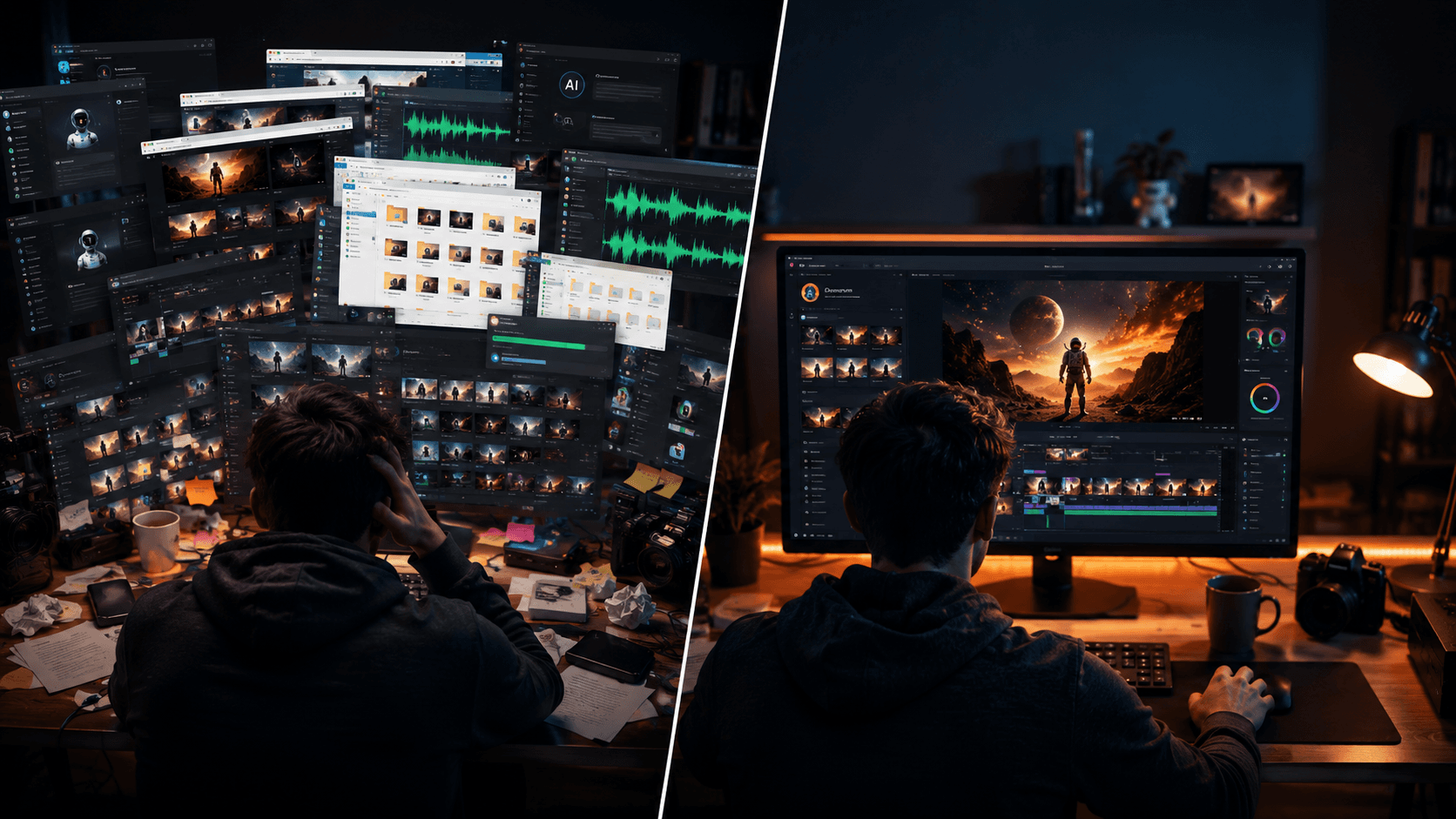
Creating a single video often means jumping between a script generator, image model, video generator, voice tool, lip-sync platform, and editing software. You generate something in one app, download it, upload it somewhere else, tweak it, export it again, and repeat until the final video is finally ready.
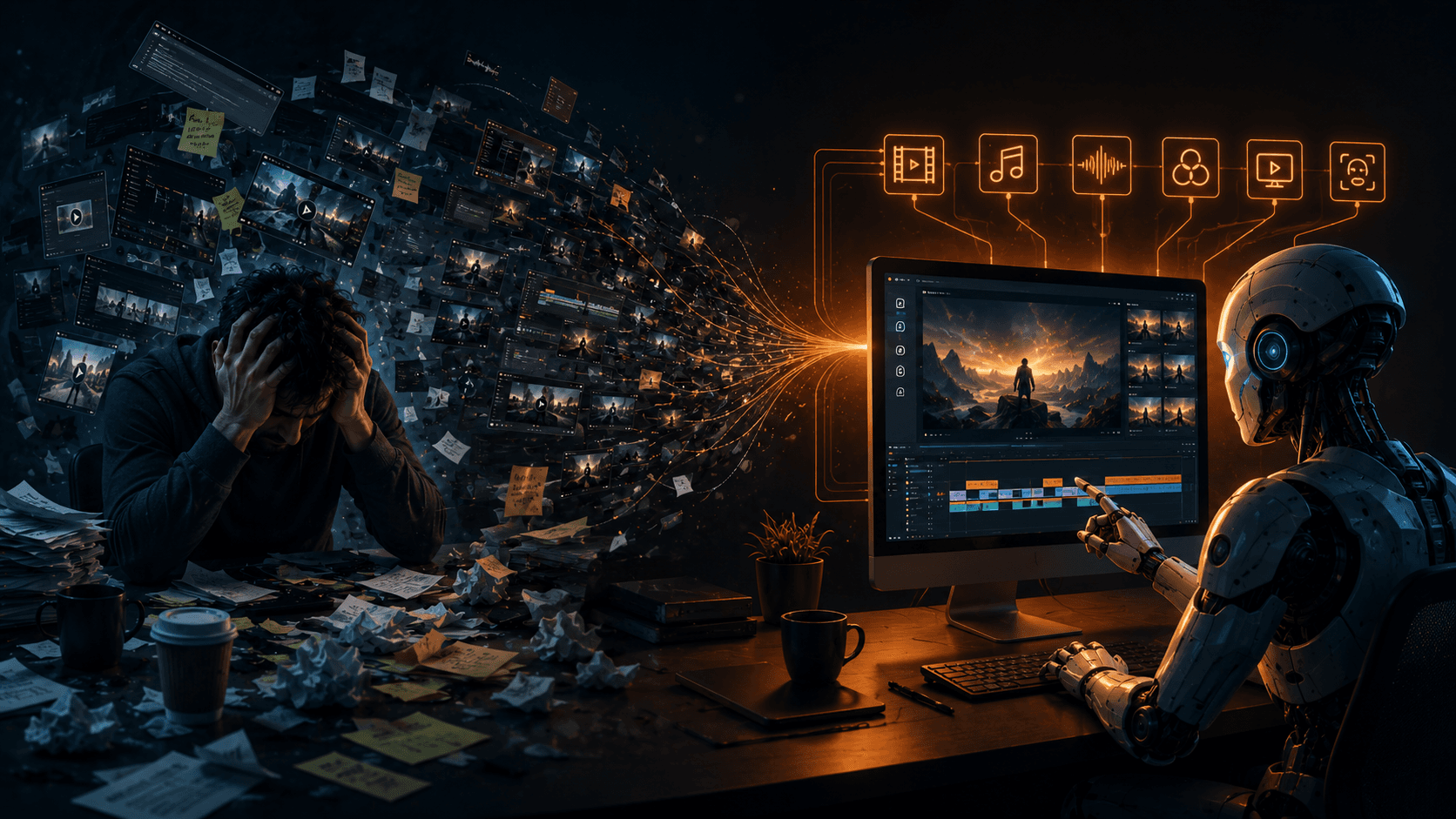
For creators, the irony is hard to miss. AI is supposed to remove tedious work, yet we're still spending a surprising amount of time acting as the human middleman between different AI tools.
The problem isn't the AI. It's the workflow.
Most AI video tools are very good at doing one thing. One generates images, another creates video, another handles voice, and another takes care of lip-syncing. The problem starts when you need all of those things to work together.
A typical project can quickly turn into a maze of browser tabs and downloaded files. You might have a script in one app, character references in another, voiceovers somewhere else, and dozens of generated clips sitting in a folder that you have to manually organize before you can even start editing.
And then there's consistency. Your main character might look perfect in the opening scene, only to have a completely different face, hairstyle, or proportions a few scenes later. The individual generations may look impressive, but stitching them into one coherent story becomes a job of its own.
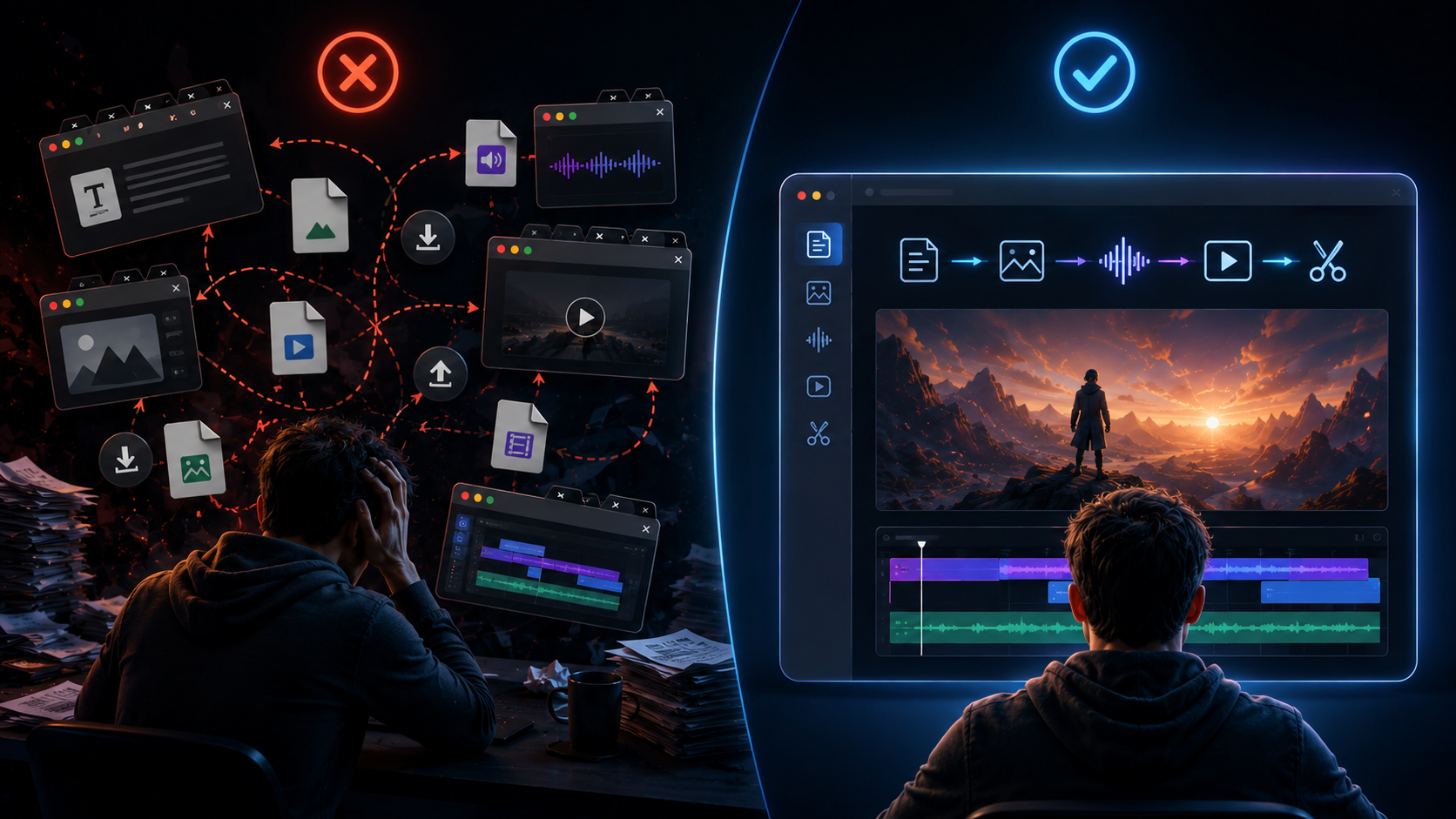
This is where the idea of an AI agent becomes interesting for video creation. Instead of simply generating something when you ask, an agent-like system can understand a larger goal, keep track of the instructions, and move through multiple steps without requiring you to manually coordinate every handoff.
That's the thinking behind Vimerse Studio. Rather than trying to be yet another standalone AI generator, it acts as the workflow layer that connects different models and production steps inside one environment.
One workflow, from idea to export
Vimerse Studio starts at the project level, where creators can select the AI models they want to use. Image options include Flux, Imagen, Seedream, Recraft, Qwen, and Nano Banana, while video generation can be powered by models such as Veo, Kling, Seedance, and OmniHuman.
The important part isn't simply having access to multiple models. It's having those choices inside the same workflow, so you aren't constantly moving between platforms just to get from one production stage to the next.
The workflow then moves into character creation, which addresses one of the biggest problems with AI-generated storytelling: keeping the same character recognizable throughout a video. Instead of recreating your protagonist from scratch for every shot, Vimerse Studio carries the character's defining features across the project.
That matters more than it might seem. A character who looks different every few scenes can make an otherwise polished AI video feel disjointed, while consistent characters give creators something much closer to actual visual continuity.
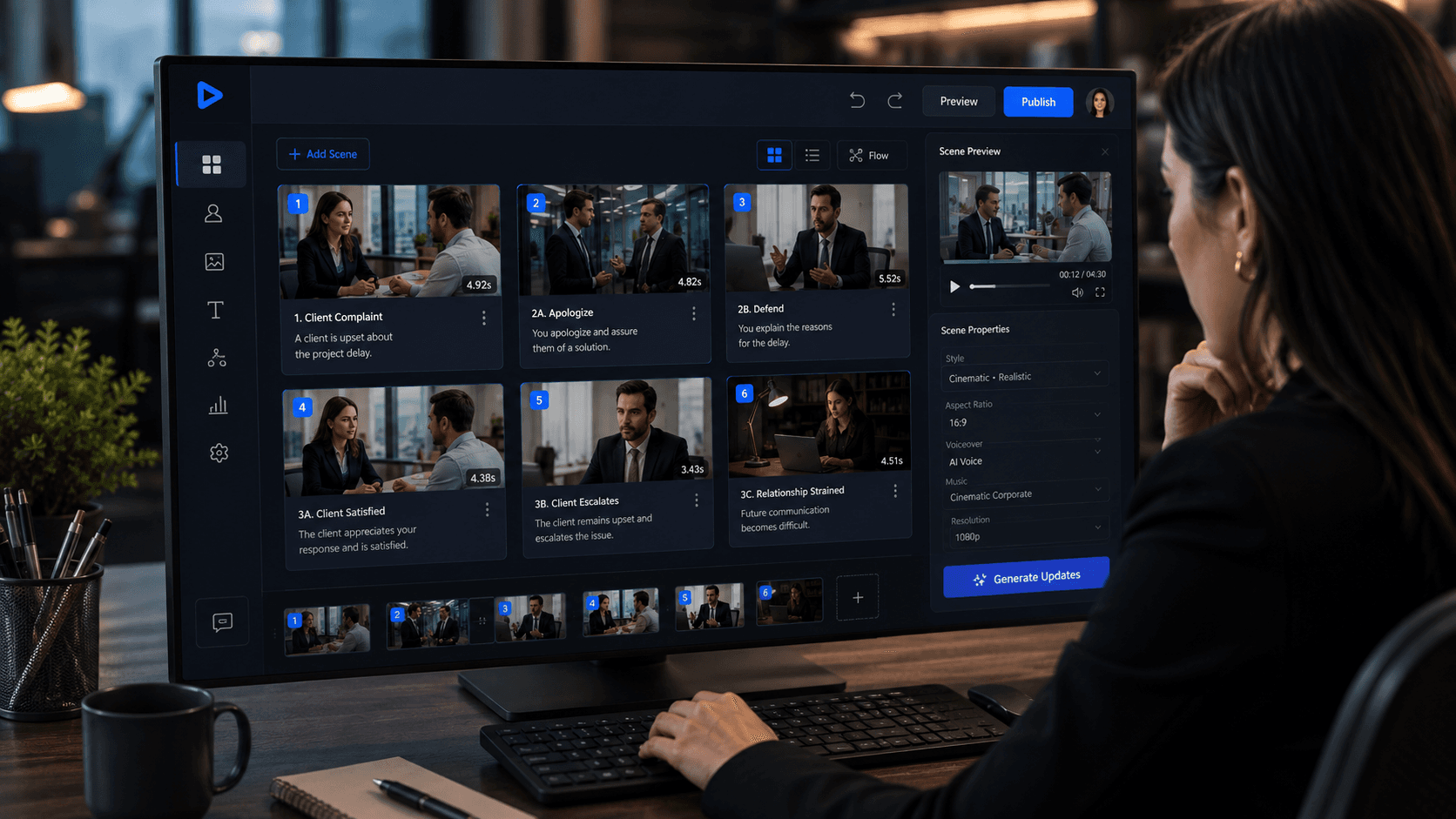
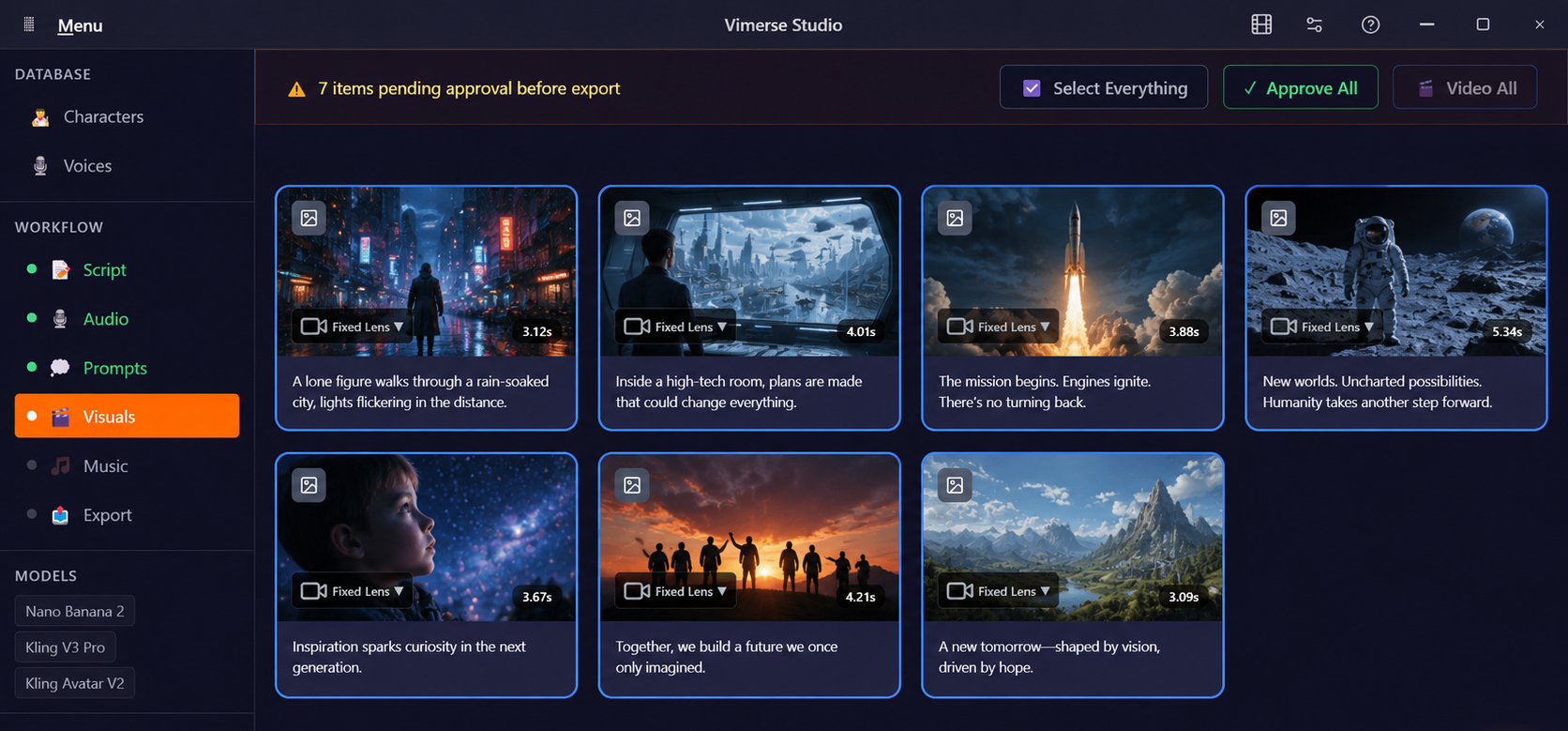
From there, the workflow moves from story to production. Creators can write their script, generate voiceovers using integrated ElevenLabs voices, and turn the script into scene-specific prompts without having to manually translate every line of narration into a detailed visual prompt.
Vimerse Studio then uses those prompts to generate images and turn them into video through the selected models. The assets stay connected within the same project, removing much of the downloading, uploading, renaming, and file management that normally happens between each step.
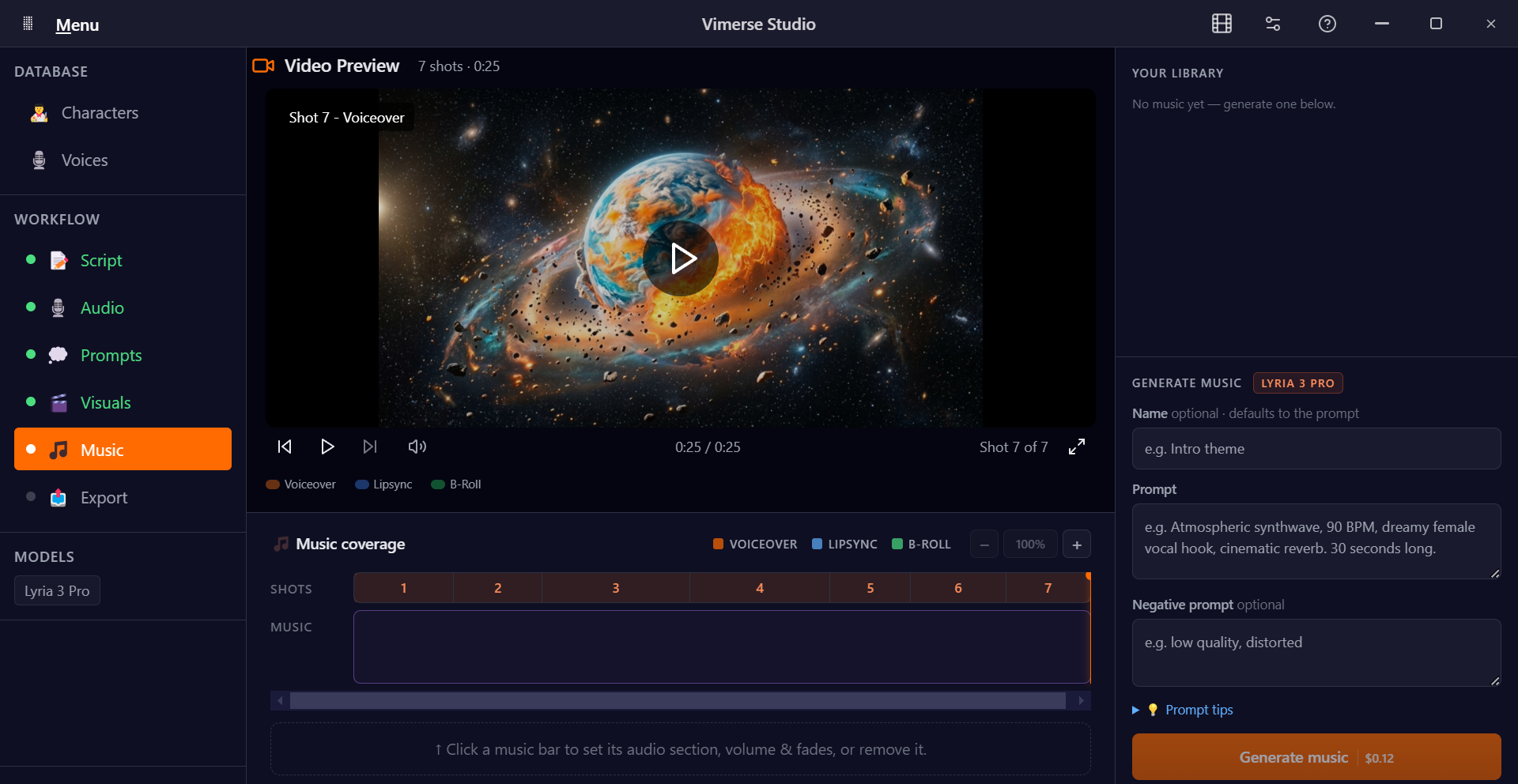
Once the video is ready, creators can export it as an MP4 or continue refining it in Premiere Pro through XML export. That means the workflow doesn't have to end when the AI generation does; it can flow directly into the editing process for creators who want more control over the final cut.
The cost of a fragmented workflow adds up, too
There is another reason this matters: you're often paying for every part of that fragmented workflow separately. A creator might need one subscription for images, another for video generation, another for voice, and yet another for lip-syncing, even if some of those tools are only used occasionally.
Vimerse Studio takes a different approach. The desktop app uses a one-time license, starting at $49 for Standard and $299 for Pro, followed by pay-per-generation usage rather than another recurring subscription.
The pricing model also makes generation costs visible before you create. Instead of guessing how quickly your credits will disappear, you can see what a generation will cost and decide whether it's worth making.
The real shift is bigger than one app
The most interesting thing about AI video isn't that a model can generate a beautiful five-second clip. We've already seen how quickly that technology is advancing. The bigger opportunity is building a workflow where those clips, characters, scripts, voices, and scenes can actually work together without the creator manually holding everything together.
That's the difference between using AI as a collection of individual tools and using it as a production system. The former can make you faster at generating assets; the latter can fundamentally change how much of the production process you have to manage yourself.
For creators, that means spending less time being a file manager and more time making decisions that actually require a human eye: What should this scene feel like? Does the story work? Is the pacing right? Does the final video say what you want it to say?
AI video doesn't need another tool that makes generation slightly faster. It needs workflows that make the entire process feel less fragmented.
And perhaps that's where AI agents in creative work become genuinely useful: not replacing the creator, but quietly handling everything between the idea and the finished video.
If you're curious to see what that kind of workflow looks like in practice, you can try Vimerse Studio for free at vimerse.app.