One platform helps you create AI presenters. The other helps you produce complete videos. Here's how to choose the one that fits the way you create.
Choosing the Right AI Video Tool Starts with the Right Question
When people compare AI video platforms, they usually ask:
"Which one is better?"
But that's not the question that matters.
A better question is:
"What kind of videos do I want to create?"
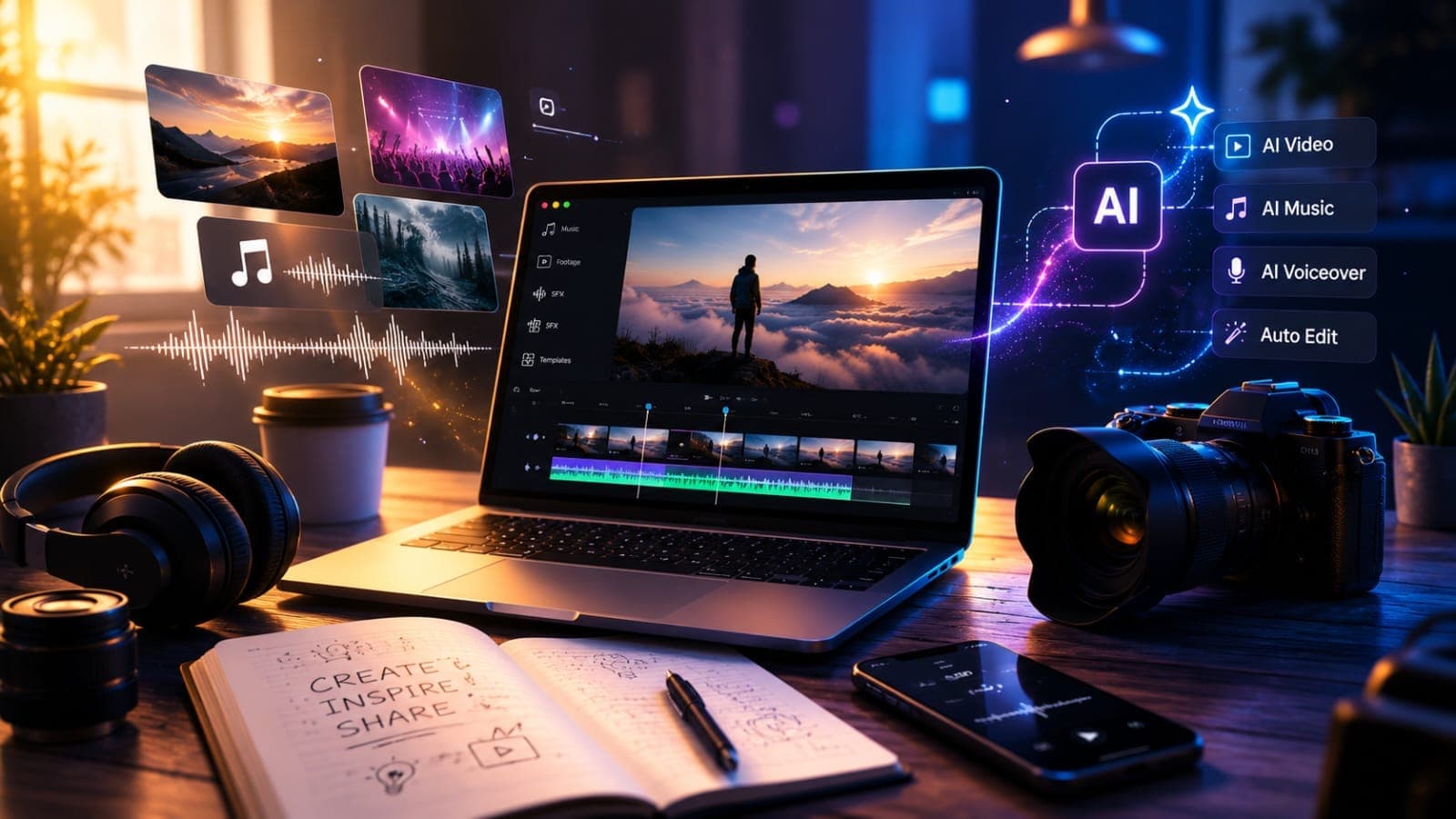
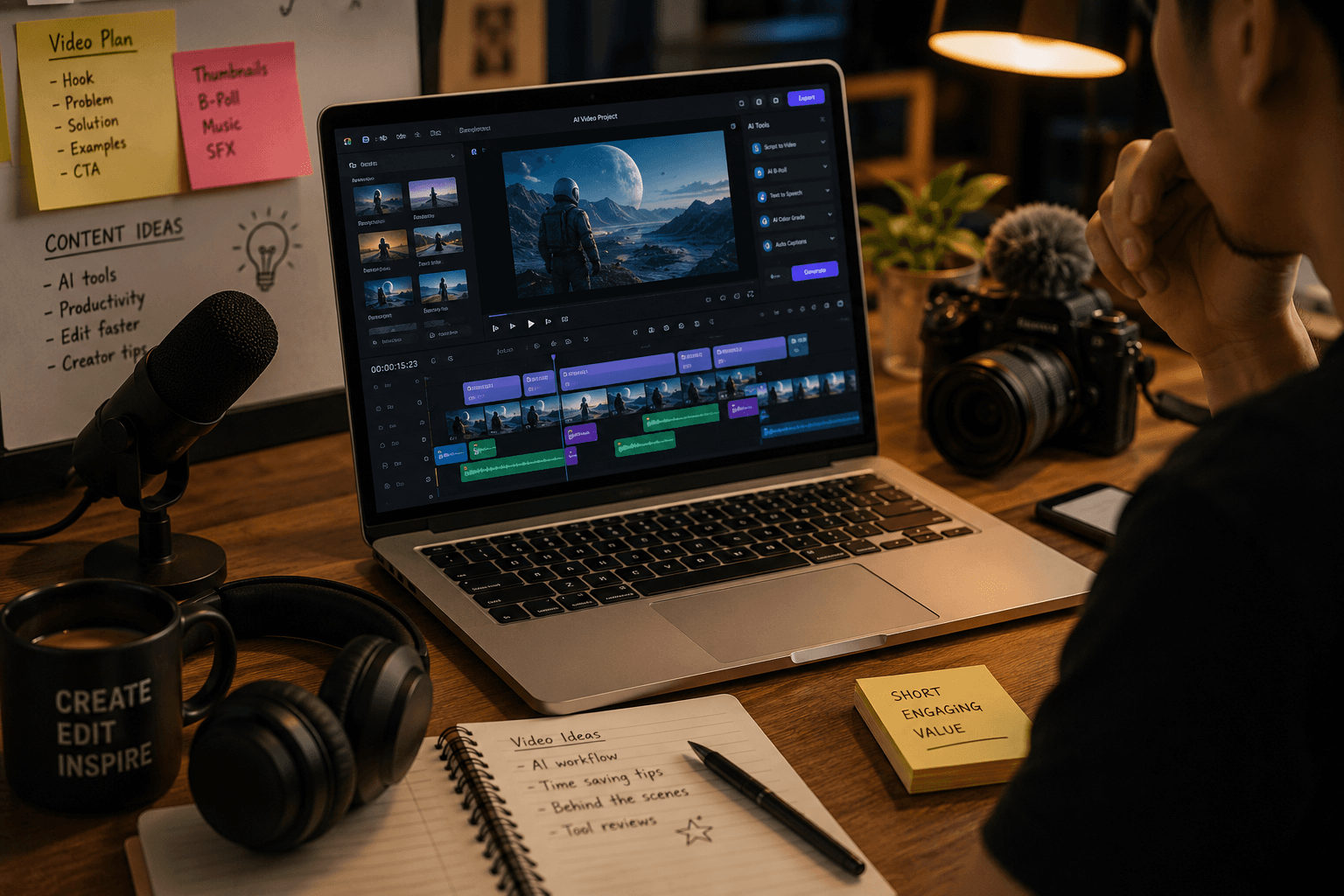
The AI video industry has evolved quickly, and today's platforms are becoming more specialized. Some tools focus almost entirely on AI presenters, while others are built to streamline the entire video production process—from scripting to the final edit.
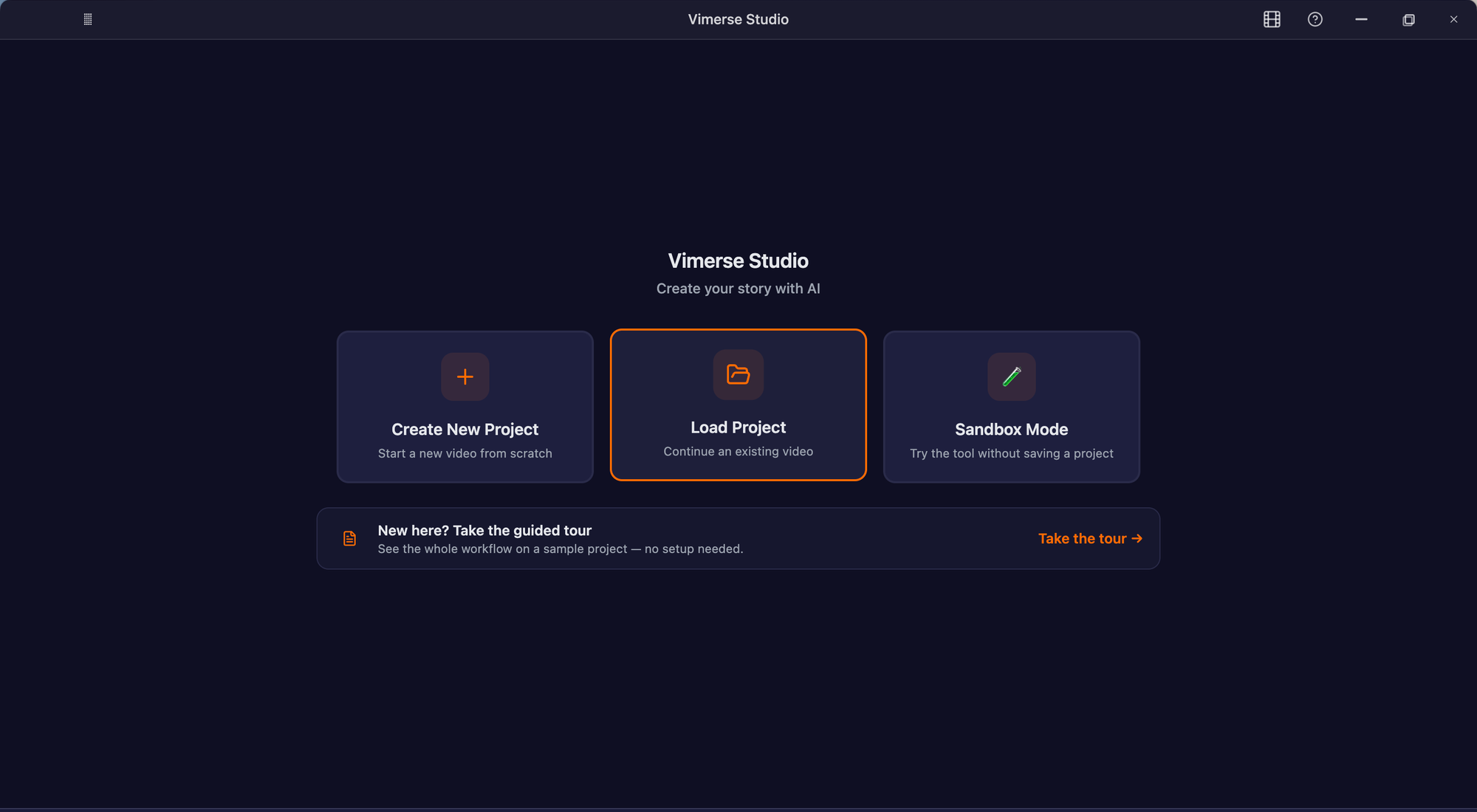
That's exactly why comparing Vimerse Studio and HeyGen isn't about finding a universal winner. Both can help you create presenter-style videos, but they approach video creation differently.
In this guide, we'll explore where each platform shines, who they're best suited for, and how to choose the one that fits your creative workflow.
Every Great Video Starts with a Different Goal
Before comparing features or pricing, think about the outcome you're trying to achieve.
Are you creating a video where you—or an AI version of you—speaks directly to the audience?
Or are you producing a multi-scene story with AI-generated visuals, narration, music, and editing?
Your answer will likely determine which platform makes the most sense.
For some creators, an AI presenter is the entire video.
For others, it's just one part of a much larger production.
If Presenter Videos Are Your Priority
Many videos revolve around a single presenter explaining information clearly.
Examples include:
- Employee onboarding
- Corporate training
- Sales outreach
- Product walkthroughs
- Internal communications
- Customer support videos
This is where HeyGen has built its reputation. Its realistic AI avatars, natural lip-syncing, and multilingual capabilities make it easy to produce polished talking-head videos without cameras or studio equipment.
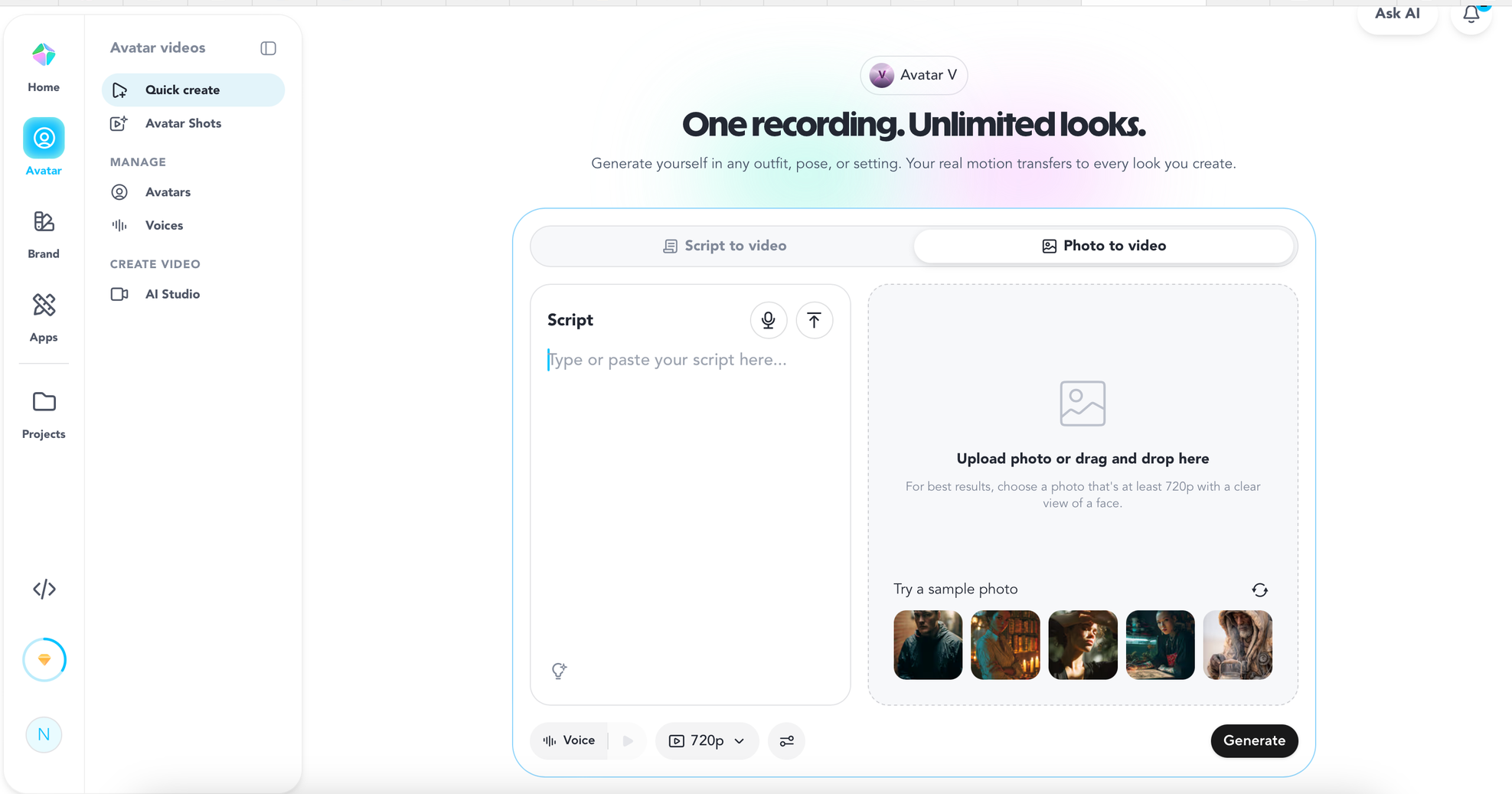
Vimerse Studio now supports presenter videos too
With the addition of voice cloning and customizable AI characters, Vimerse Studio can now create presenter-style videos inside the same production workflow.
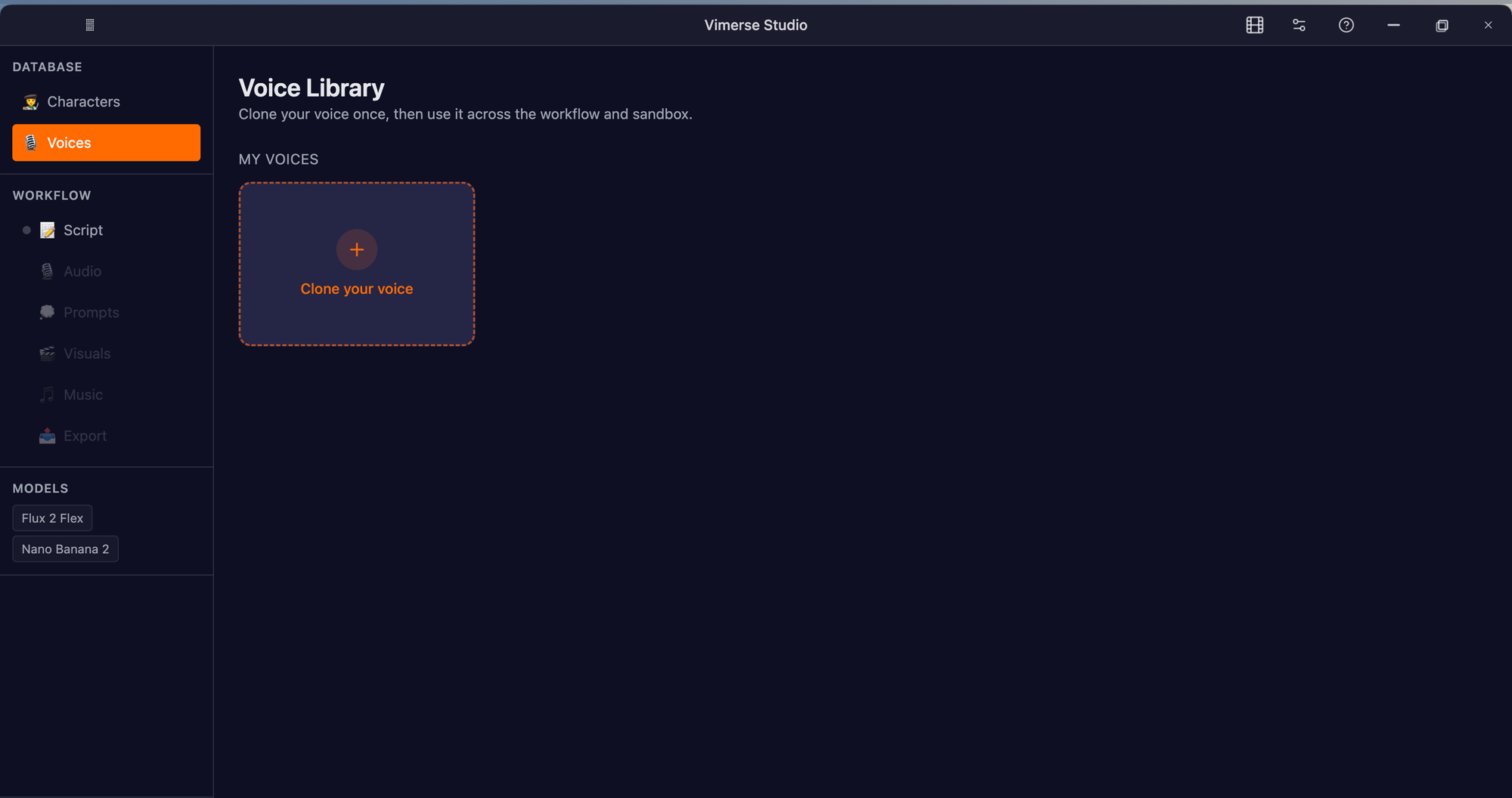
The process is straightforward:
- Clone your voice with as little as 10 seconds of audio.
- Create an AI character in the Character Database. You can even upload your own photo and customize it using the built-in editing tools.
- Assign your cloned voice to that character.
- Add your script and choose your presenter.
- Generate the audio, create scene prompts, and produce your images and videos.
Instead of switching between multiple applications, your presenter, narration, visuals, prompts, and production all stay inside the same workflow.
For creators who want to appear in their videos while also producing richer visual content, this can eliminate a significant amount of repetitive work.
If Your Videos Tell Stories
Now imagine creating something different:
- YouTube documentaries
- Startup explainers
- Product launches
- Social campaigns
- Cinematic ads
- Faceless YouTube videos
In these projects, the presenter is only one piece of the puzzle.
The real work involves scripting, generating visuals, building scenes, recording narration, creating music, and assembling everything into a finished production.
That's where Vimerse Studio takes a different approach.
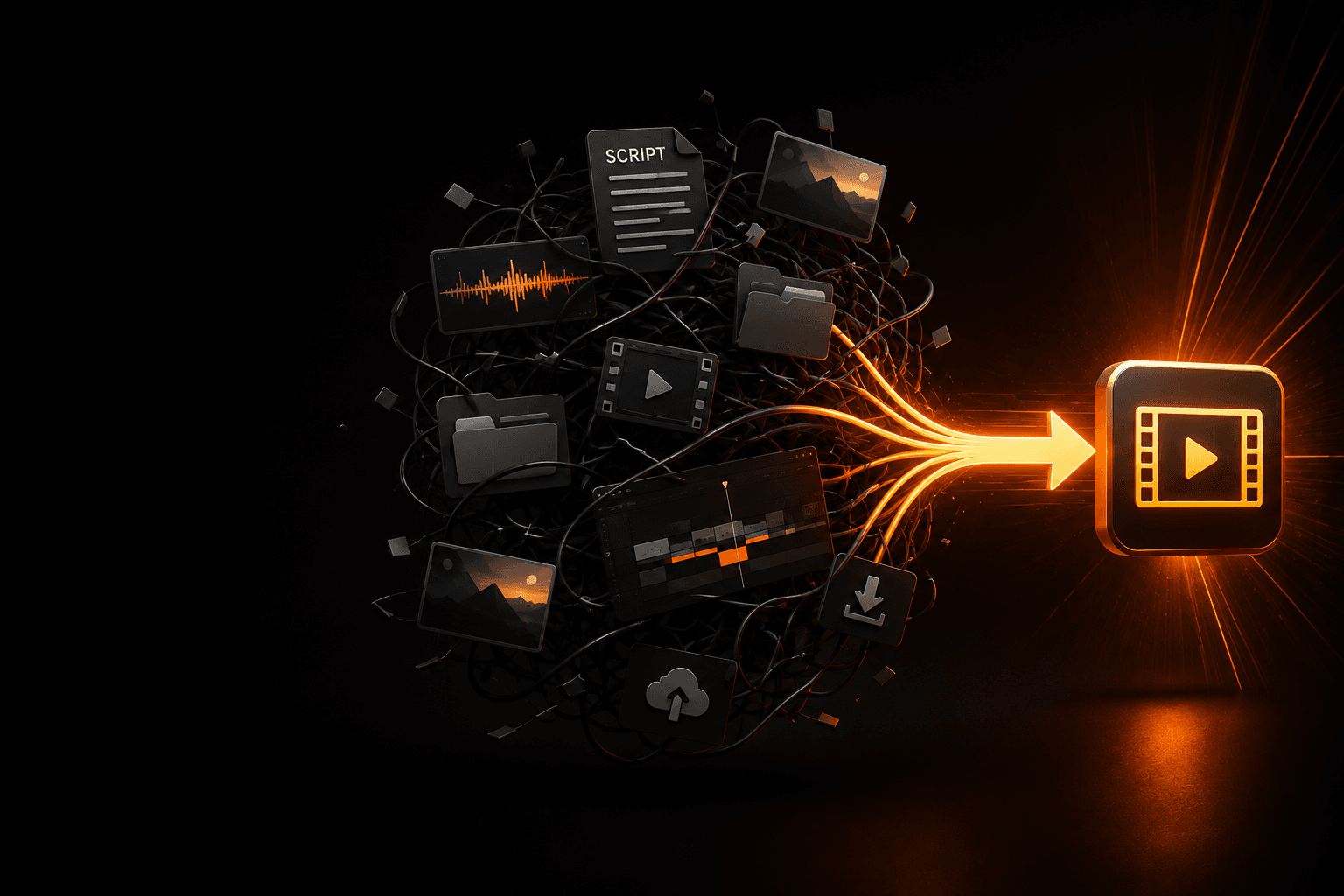
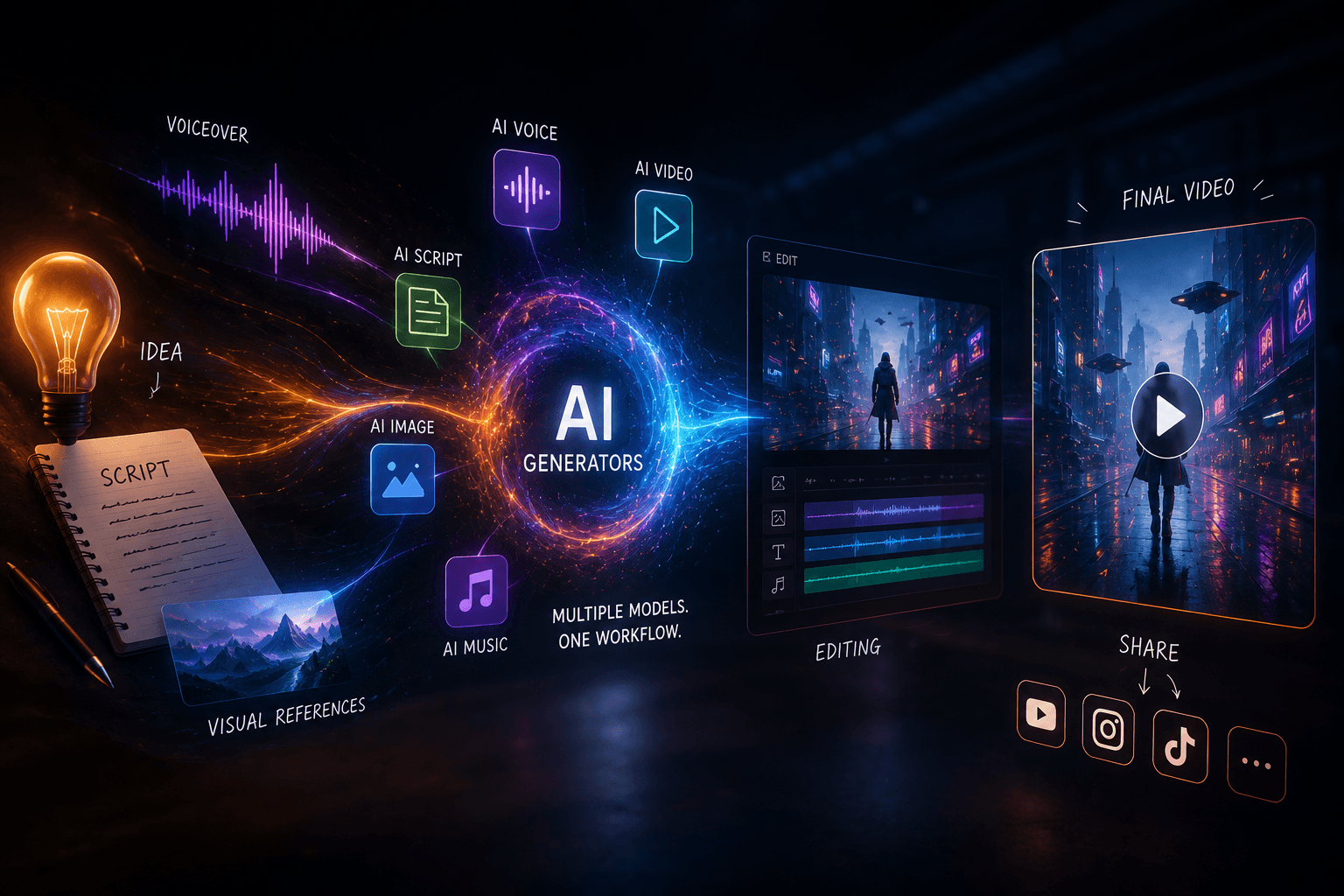
Rather than focusing primarily on AI avatars, it connects every major step of AI video creation into a single workflow—from script writing and voice generation to prompts, AI visuals, music, and export.
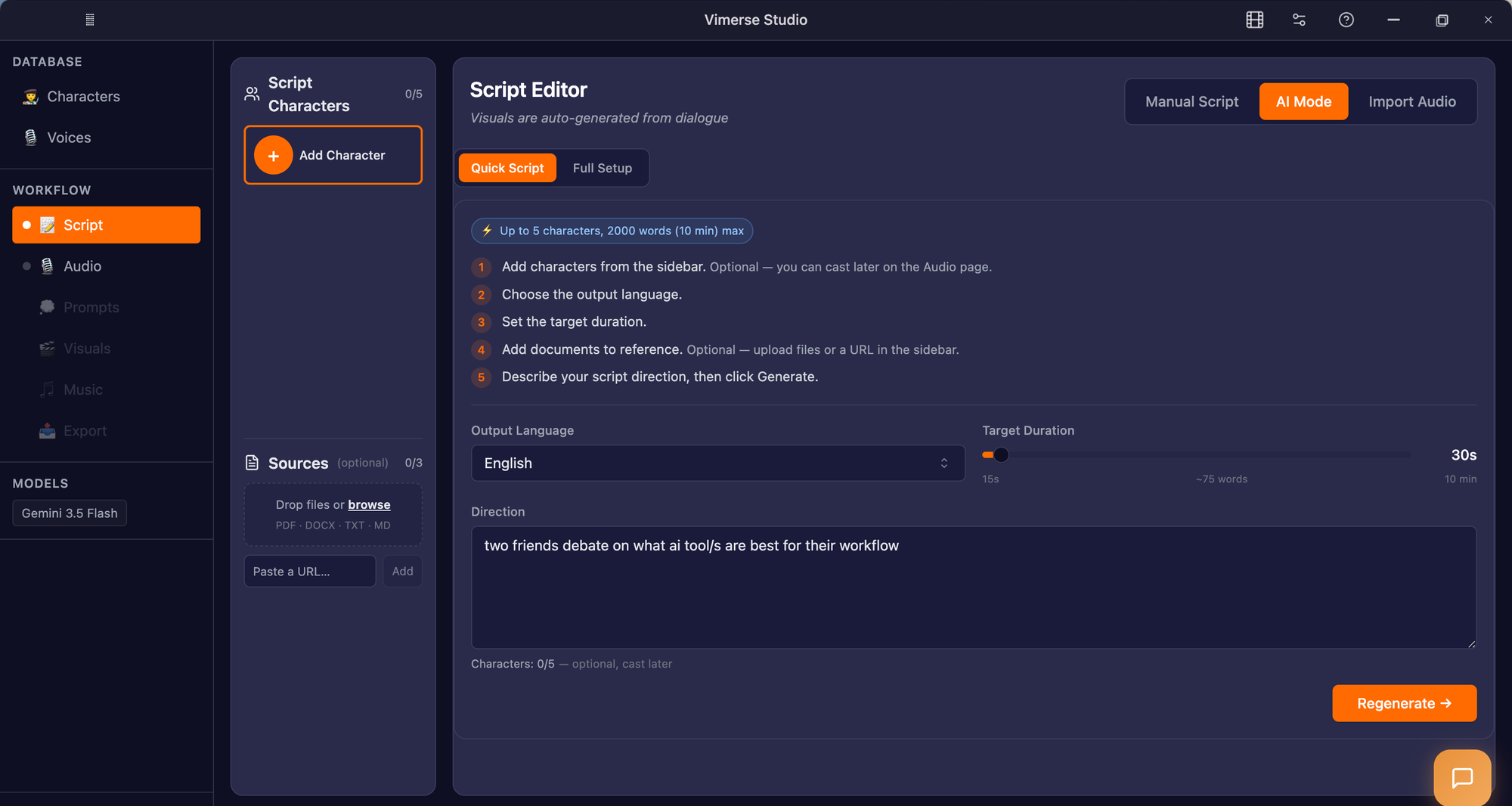
The goal isn't simply generating an avatar.
It's reducing the friction between every creative step.
The Biggest Difference Isn't Features—It's Workflow
Many comparison articles focus on feature checklists.
While those are helpful, they don't answer the question creators actually have:
Which platform fits the way I work?
| Workflow Stage | Vimerse Studio | HeyGen |
|---|---|---|
| AI Presenter | ✓ | ✓ |
| Voice Cloning | ✓ | ✓ |
| Script Creation | ✓ | Basic |
| AI Characters | ✓ | ✓ |
| AI Image Generation | ✓ | Limited |
| AI Video Generation | ✓ | Limited |
| Multi-Scene Storytelling | ✓ | Limited |
| Music Generation | ✓ | Limited |
| Editing Workflow | ✓ | Basic |
| Best For | Complete AI video production | Presenter-first videos |
Neither platform is trying to replace the other.
They're optimized for different creative priorities.
Which Platform Fits Your Role?
YouTubers
If your content relies on storytelling, B-roll, AI visuals, narration, and multiple scenes, an end-to-end workflow gives you greater flexibility.
Recommended: Vimerse Studio
Marketing Agencies
Agencies often manage many content formats across multiple clients.
Keeping scripting, voiceovers, presenters, visuals, prompts, and editing inside one workflow can save hours over the course of a project.
Recommended: Vimerse Studio
Sales Teams
If your primary goal is sending personalized outreach videos that feel direct and conversational, AI presenters are often the fastest solution.
Recommended: HeyGen
HR & Corporate Teams
Training videos, onboarding, policy updates, and internal communication remain ideal use cases for AI presenters.
If you simply need presenters, HeyGen is an excellent choice.
If your training materials also include demonstrations, diagrams, animations, or richer visual storytelling, Vimerse Studio offers a broader production workflow.
Online Course Creators
If your lessons are mostly face-to-face presentations, either platform can work well.
If your courses combine presenters with diagrams, AI visuals, demonstrations, and scene-based storytelling, Vimerse Studio offers more creative flexibility.
Can You Use Both?
Absolutely.
Many creators may benefit from combining both platforms.
For example, you might use HeyGen to create a presenter-led introduction before transitioning into a larger production inside Vimerse Studio.
Likewise, you could create your presenter directly inside Vimerse Studio using your own cloned voice and AI character, then continue generating visuals, scenes, music, and editing without leaving the platform.
The best workflow isn't always about choosing one tool.
Sometimes it's about choosing the right tool for each stage of production.
Five Questions to Ask Before You Choose
Before committing to any AI video platform, ask yourself:
- Do my videos revolve around presenters, storytelling, or both?
- Will I mostly create business communications or creative content?
- Do I only need AI avatars, or an end-to-end production workflow?
- Will my projects become more complex over time?
- Which platform removes the most repetitive work from my current process?
The answers usually point you toward the right platform much faster than comparing dozens of feature lists.
Final Thoughts
Vimerse Studio and HeyGen represent two different philosophies of AI video creation.
HeyGen excels at helping businesses produce polished presenter-led videos quickly and consistently.
Vimerse Studio now supports presenter-style videos through voice cloning and customizable AI characters while extending far beyond avatars into a complete AI production workflow that includes scripting, prompt generation, AI visuals, multi-scene storytelling, music, and editing.
If your primary goal is creating talking-head videos, HeyGen remains one of the strongest choices available.
If you want to build complete videos without constantly switching between separate AI tools—and still have the option to present with your own cloned voice and AI character—Vimerse Studio offers a more comprehensive creative workflow.
The best AI video platform isn't the one with the longest feature list.
It's the one that makes your workflow faster, simpler, and more enjoyable—so you can spend less time managing tools and more time creating content that connects with your audience.
Try Vimerse Studio for free: https://vimerse.app