THE SHORT ANSWER
Pika and Vimerse Studio are often mentioned together because both use AI to speed up video creation, but they solve very different problems.
Pika is designed to generate visually impressive AI video clips from text prompts or images. It's ideal for creators who want to experiment with AI effects, create short animations, or produce eye-catching content for social media.
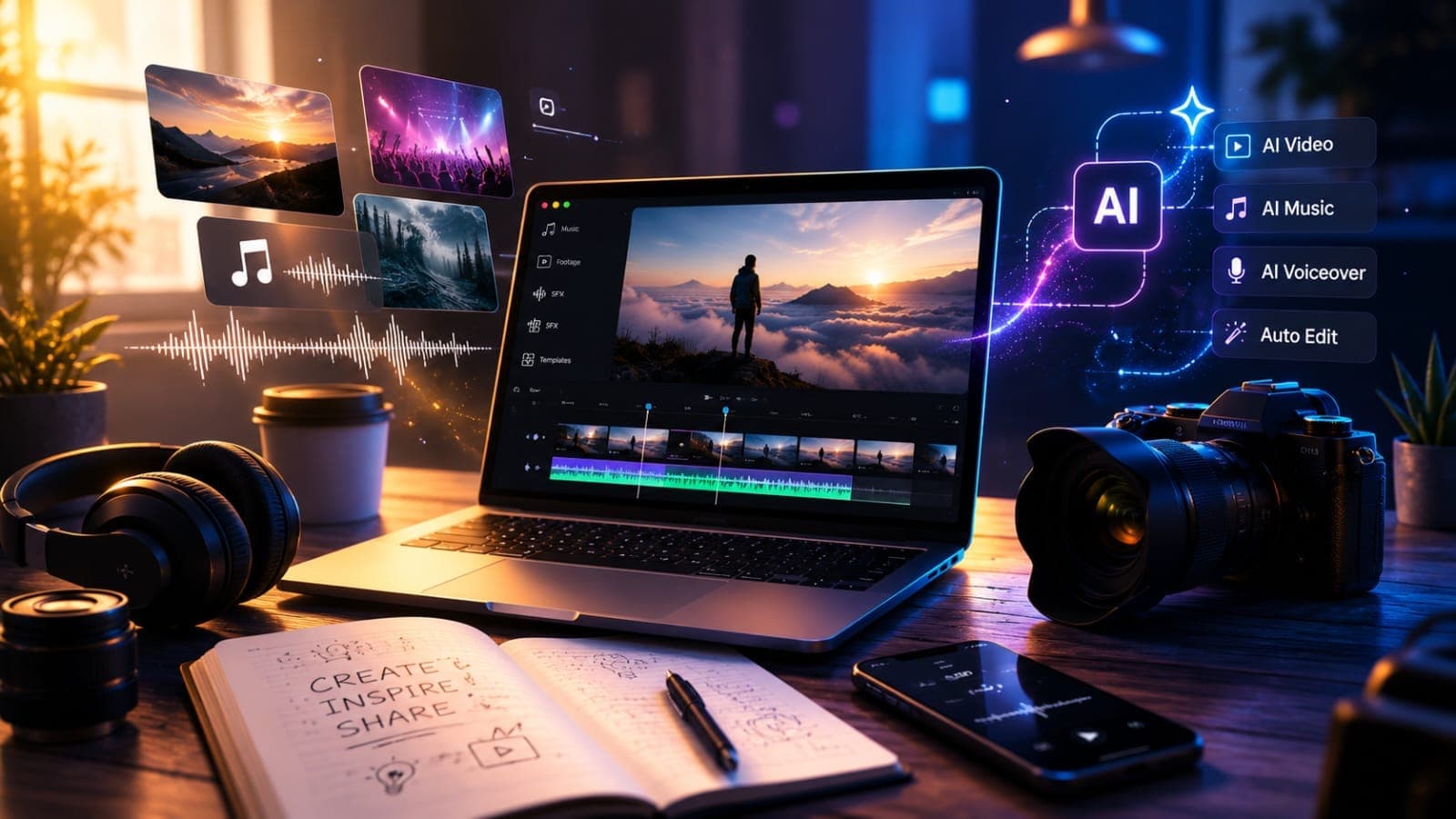
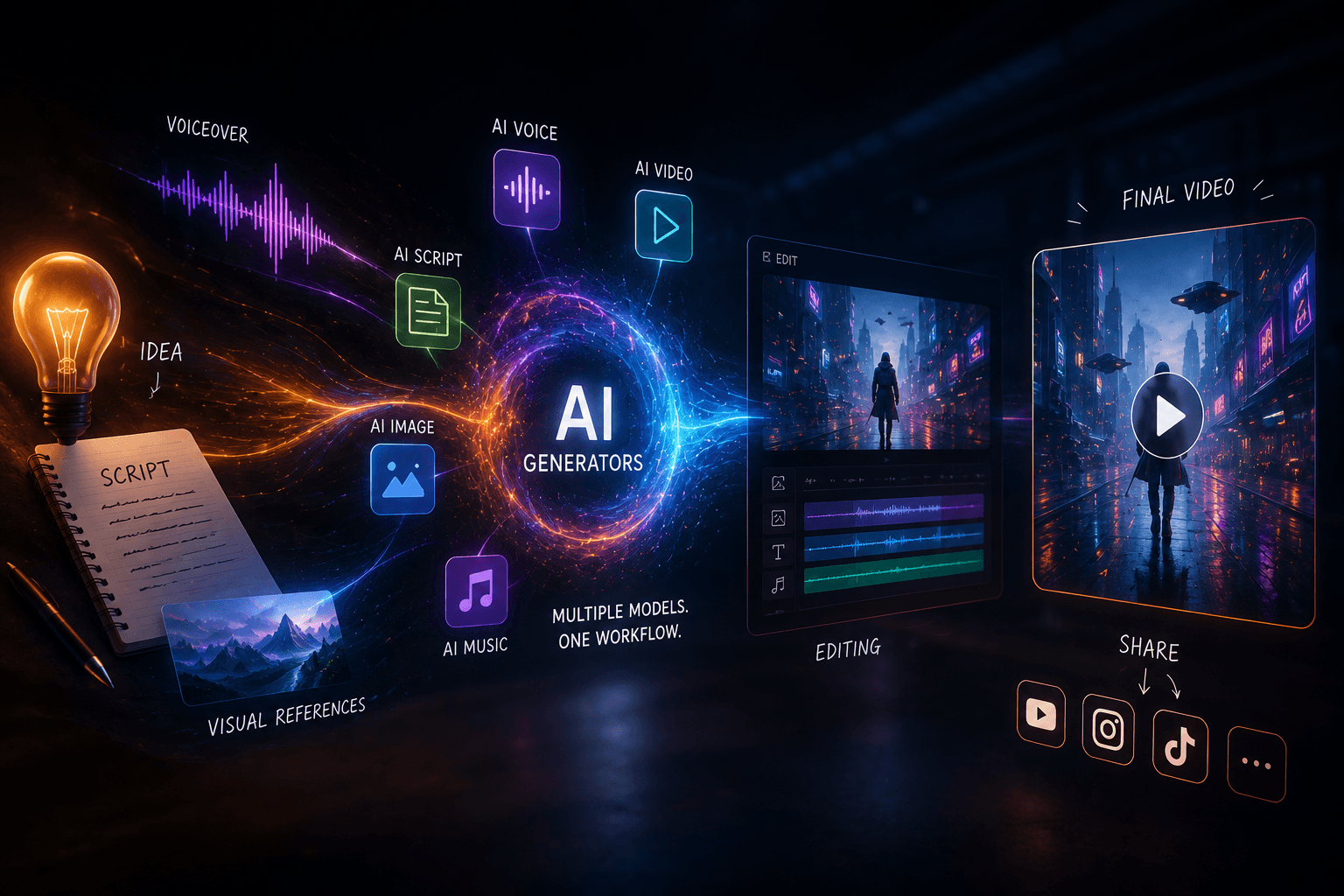
Vimerse Studio, on the other hand, focuses on the entire video production process. Instead of generating a single clip, it helps creators move from an idea to a finished video by bringing scripting, AI visuals, voiceovers, editing, music, and exporting into one workflow.
If your goal is to make a great-looking AI clip, Pika is an excellent choice. If you're producing complete videos on a regular basis, Vimerse Studio offers a workflow designed to keep every stage of production in one place.
What Is Pika?
Pika is an AI video generation tool that transforms text prompts, images, and existing footage into short animated videos. Since its launch, it has become popular among creators looking for a quick way to generate cinematic scenes without traditional animation or editing skills.
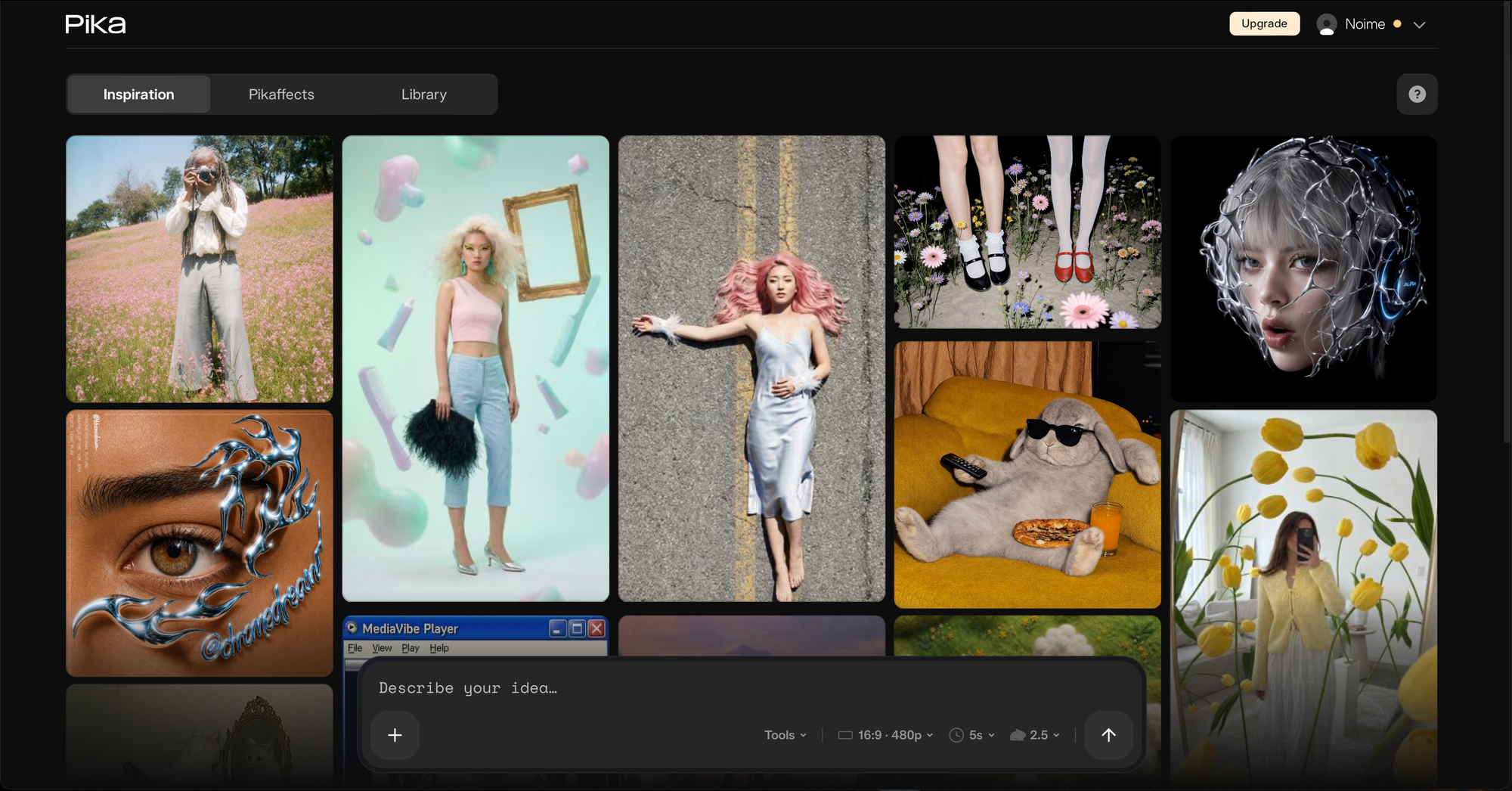
One of Pika's biggest strengths is its simplicity. After entering a prompt or uploading an image, the platform generates a video in minutes. It also includes creative editing features that make it easy to extend clips, change scenes, or apply stylized visual effects.
Because of this streamlined experience, Pika is especially appealing to creators making content for platforms like TikTok, Instagram Reels, and YouTube Shorts. When the goal is to capture attention quickly with a visually striking clip, Pika performs very well.
However, Pika's focus remains on individual video generation. Once the clip has been created, many creators still need additional software for scripting, narration, editing, music, captions, and assembling a complete project.
What Is Vimerse Studio?
Vimerse Studio approaches AI video creation from a broader perspective. Rather than centering everything around one generated clip, it brings together the different stages of video production into a connected workflow.
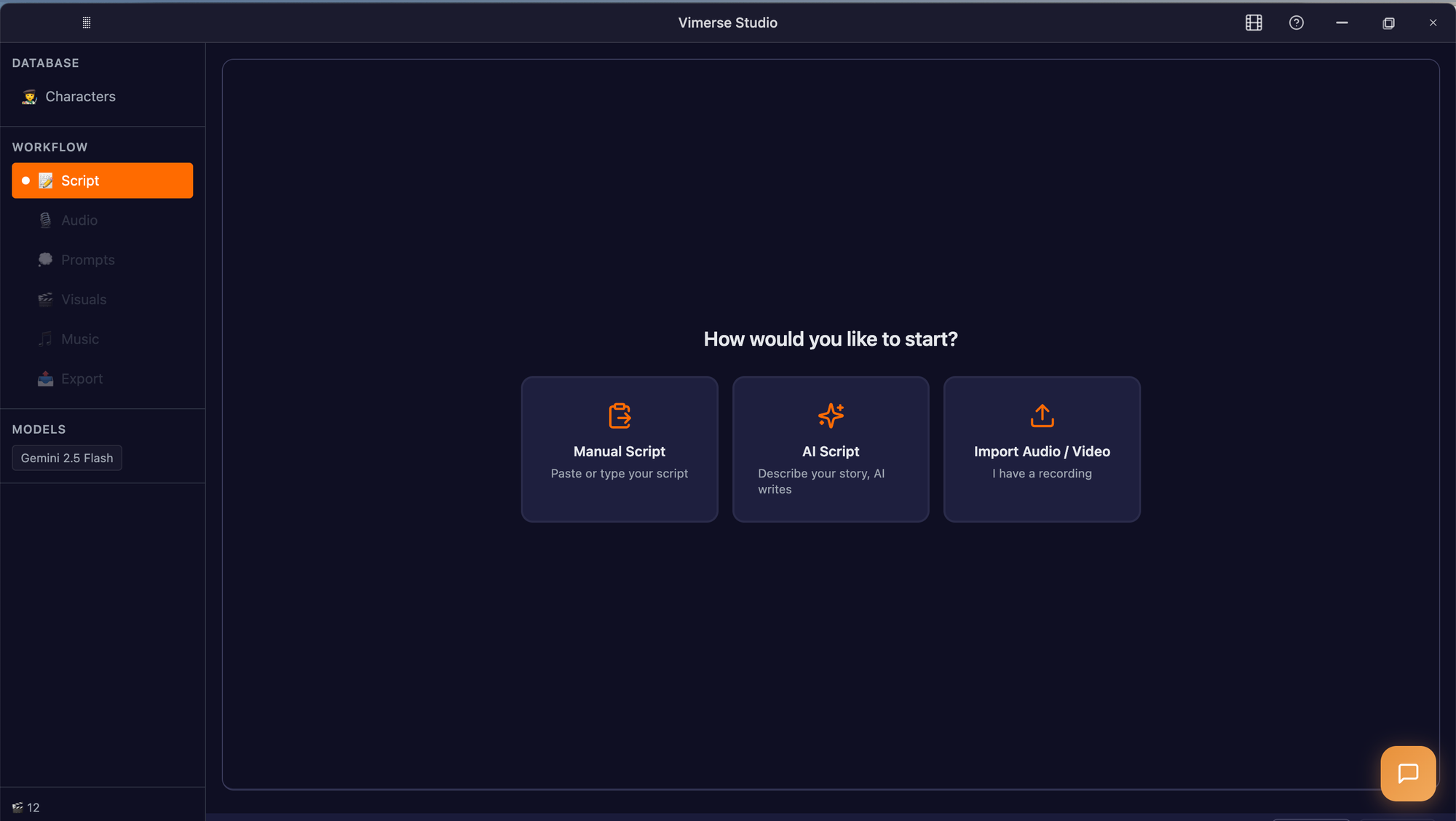
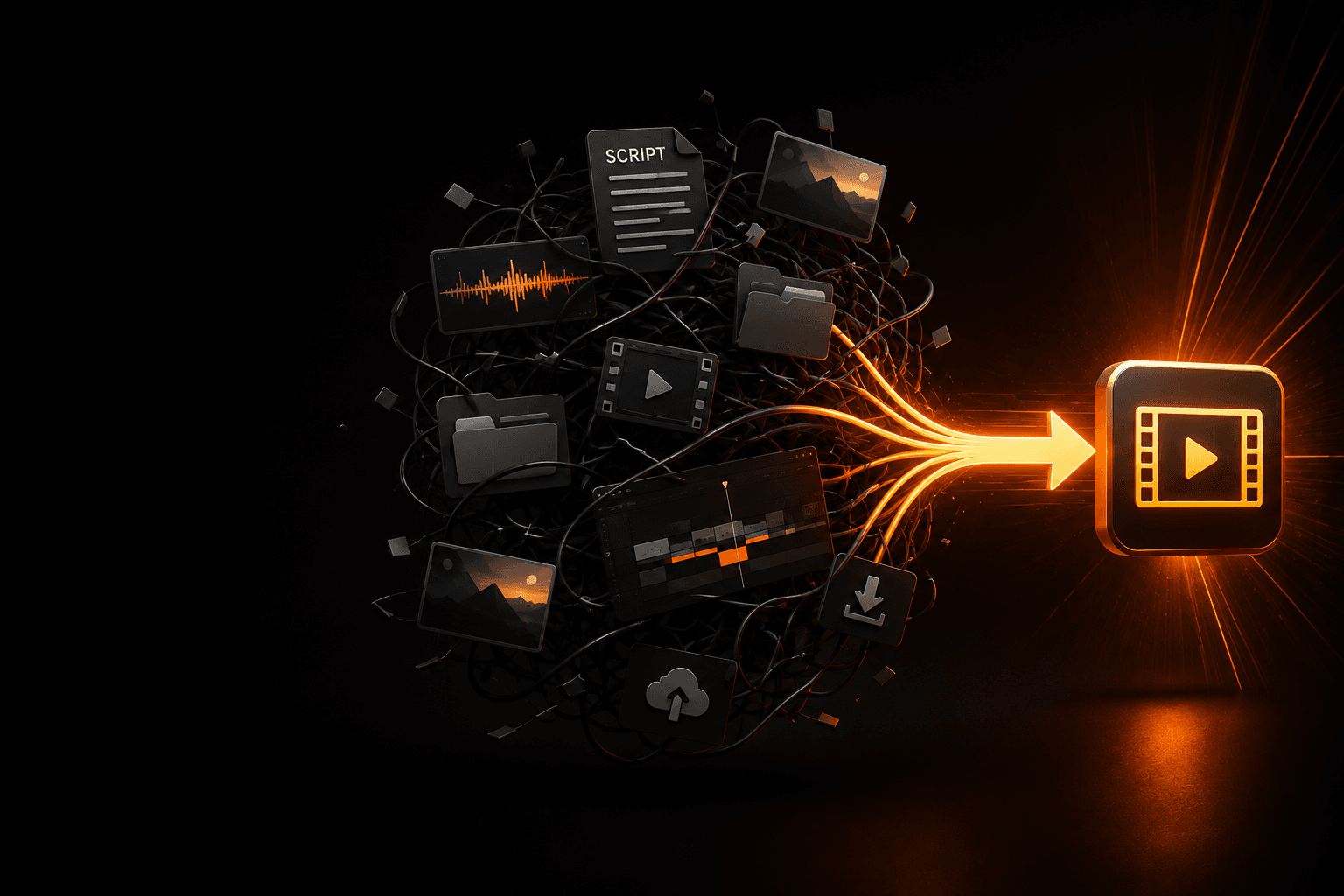
Creating a finished video usually involves more than generating visuals. There is research, script writing, voice generation, scene planning, editing, transitions, music, subtitles, and exporting in the correct format. Switching between multiple AI tools for each of these tasks can become time-consuming, particularly for creators who publish consistently.
Vimerse Studio is designed to reduce that friction by allowing creators to manage these steps within a single production environment. Instead of copying prompts from one application to another or rebuilding projects in separate editors, the workflow remains connected from start to finish.
This makes it particularly useful for YouTube creators, educators, marketers, agencies, and businesses producing complete videos rather than standalone clips.
Pika vs Vimerse Studio: Understanding the Difference
Comparing these two tools is a little like comparing a camera with a full production studio. Both contribute to creating video, but they serve different purposes.
Pika focuses on the generation stage. It excels at producing short AI-generated scenes with creative motion and impressive visual quality. If your project begins and ends with one AI-generated clip, that's exactly what it's designed to do.
Vimerse Studio focuses on the production workflow as a whole. Instead of asking how to generate one scene, it addresses the larger question of how to produce an entire video efficiently.
For many creators, generating visuals is only one step in a much longer process. Writing a script, recording narration, organizing scenes, editing timing, adding music, and preparing the final export often take more time than the AI generation itself. Vimerse Studio aims to simplify those additional stages by keeping them connected.
AI Video Generation
When it comes to generating AI visuals, Pika has established itself as one of the strongest options available. The platform is capable of producing dynamic animations from simple prompts while offering creative controls that encourage experimentation.
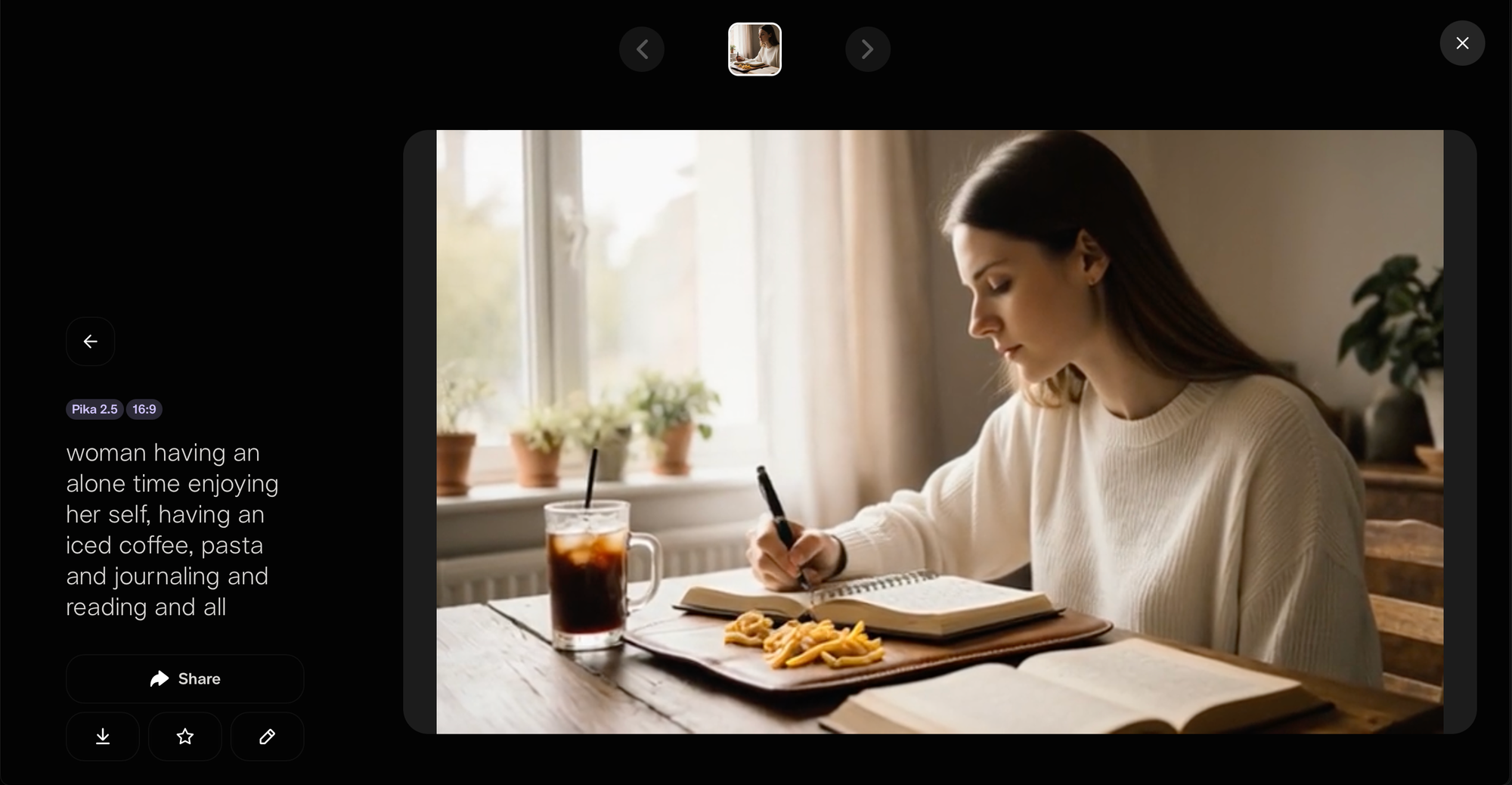
Its emphasis on visual quality makes it particularly effective for storytelling, product showcases, and short-form content where the animation itself is the main attraction.
Vimerse Studio also supports AI-generated visuals, but its role is different. Rather than positioning itself solely as a video generator, it incorporates AI generation into a larger workflow. The generated scenes become part of a complete project instead of existing as isolated clips.
For creators whose priority is simply producing AI-generated animations, Pika has a clear advantage because that's its primary focus.
Workflow and Ease of Use
Workflow is where the distinction between these two tools becomes much more noticeable.
Using Pika is straightforward. A prompt becomes a video, and within minutes the result is ready for download or further editing elsewhere. The interface is designed for speed, making it easy for beginners to start creating immediately.
As projects become more complex, however, creators often find themselves opening additional applications. Scripts may be written in one tool, voiceovers generated in another, music selected elsewhere, and final editing completed in traditional editing software.
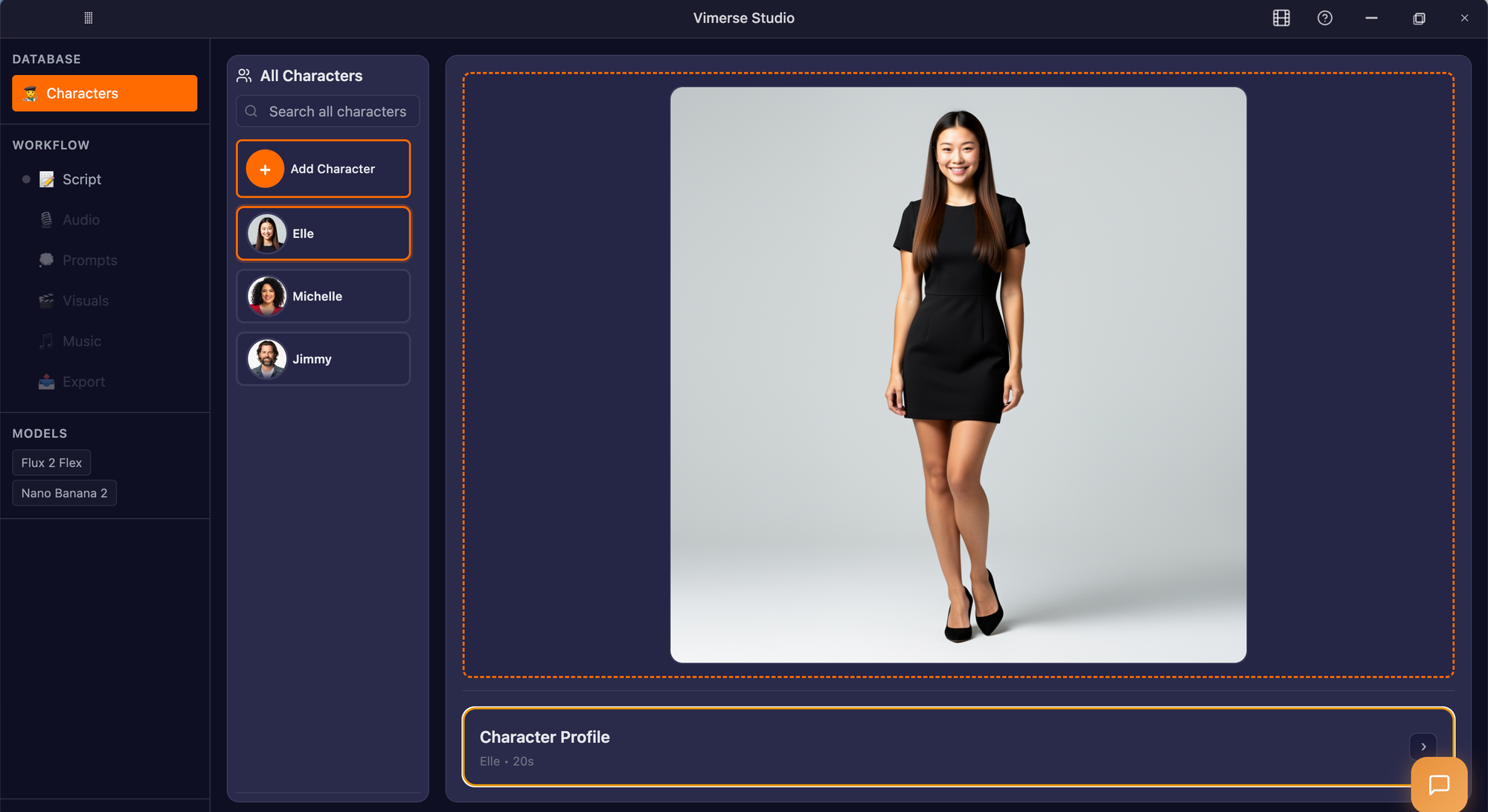
Vimerse Studio attempts to simplify this process by reducing the number of separate tools involved. Instead of treating every production step as an individual task, it keeps them connected within one workflow. This can save considerable time for teams and creators producing content on a regular schedule.
For someone publishing one social media clip every few days, the difference may not be significant. For someone creating multiple YouTube videos each week, keeping production organized can become a major advantage.
Which Tool Is Better for Different Types of Creators?
The answer depends less on which tool is "better" and more on the type of content you create.
Creators focused on short-form platforms often value speed and visual impact above everything else. In those situations, Pika provides a straightforward way to generate engaging clips that are ready to share after only minimal editing.
Long-form creators usually have different priorities. A YouTube documentary, educational lesson, product walkthrough, or marketing campaign involves much more than one AI-generated scene. Those projects require planning, consistent narration, editing, pacing, and multiple assets working together.
Because of this difference, Vimerse Studio tends to fit creators who view AI as one part of a larger production pipeline rather than the entire workflow.
Pricing and Overall Value
Pricing is another area where the decision depends on how you work.
For creators who occasionally need AI-generated clips, paying for a dedicated generation tool can be a practical investment. The value comes from quickly producing high-quality visuals without spending hours creating animations manually.
For creators producing videos regularly, overall efficiency often becomes more important than the cost of any single generation. Reducing the need to switch between multiple applications can save both time and effort, particularly when working on recurring projects.
Instead of evaluating price alone, it can be more useful to consider how much of your production process each tool actually covers.
Who Should Choose Pika?
Pika is an excellent fit for creators who prioritize visual creativity and fast AI generation. If your work revolves around short videos, concept animations, social media content, or experimenting with new AI effects, its streamlined interface and high-quality generation make it one of the strongest tools in its category.
It also works well for creators who already have an established editing workflow and simply need an AI generator to produce individual scenes.
Who Should Choose Vimerse Studio?
Vimerse Studio is better suited to creators who regularly produce complete videos rather than isolated clips.
Whether you're building YouTube content, marketing campaigns, online courses, product demonstrations, or branded videos, having scripting, AI generation, voiceovers, editing, and exporting connected within one workflow can make production more efficient.
Instead of replacing creativity, the goal is to reduce the repetitive work involved in moving between multiple applications throughout the production process.
Final Verdict
Although Pika and Vimerse Studio both use AI to accelerate video creation, they aren't direct replacements for one another.
Pika is one of the strongest AI video generators available for producing creative, visually engaging clips with minimal effort. Its focus on high-quality generation makes it an excellent choice for creators who primarily need individual animations or short-form content.
Vimerse Studio takes a broader approach by helping creators manage the complete production process. Rather than stopping after a clip has been generated, it supports the stages that follow, from scripting and narration to editing and final export.
The best choice ultimately depends on your workflow. If you need a powerful AI clip generator, Pika is hard to beat. If your goal is to create polished, full-length videos while keeping production organized in one place, Vimerse Studio is designed for that kind of end-to-end workflow.
Try Vimerse Studio free: https://vimerse.app