AI video is moving past the simple talking avatar.
One of the more interesting examples is scenario-based training, where viewers do not just watch someone explain what to do. They see a realistic situation unfold, make a decision, and discover what happens next.
Synthesia has been moving strongly into this space. Its interactive training tools can combine AI presenters with knowledge checks and branching scenarios, making it possible to create training where employees practice decisions instead of simply watching another corporate video. (Synthesia)
It is also a useful glimpse at where platforms like Vimerse Studio can go next.
Created entirely in Vimerse Studio. Try Vimerse Studio for free: https://vimerse.app
What Synthesia Can Do Today
Synthesia has grown into a broad AI video platform for business. Alongside its AI presenters, it offers more than 160 languages and voices, personal avatars, AI dubbing, customizable avatars, and tools designed specifically for business training. (Synthesia)
Scenario-based training is particularly interesting.
Instead of creating a video that says, “Here is how to handle an unhappy customer,” a company can put an employee inside the situation. A customer complains. The learner chooses how to respond. The video then follows that decision and shows its consequences.
Synthesia describes this as closing the gap between knowing what to do and actually being able to do it. Its interactive videos can include knowledge checks and branching decision paths, while Enterprise customers can export training as SCORM packages for use in learning management systems. (Synthesia)
That makes Synthesia particularly attractive to corporate learning and development teams, HR departments, sales enablement teams, and larger organizations that need to produce and localize training at scale.
Where Vimerse Studio Can Take a Different Approach
Vimerse Studio can tackle the same scenario-based concept from a more cinematic production angle.
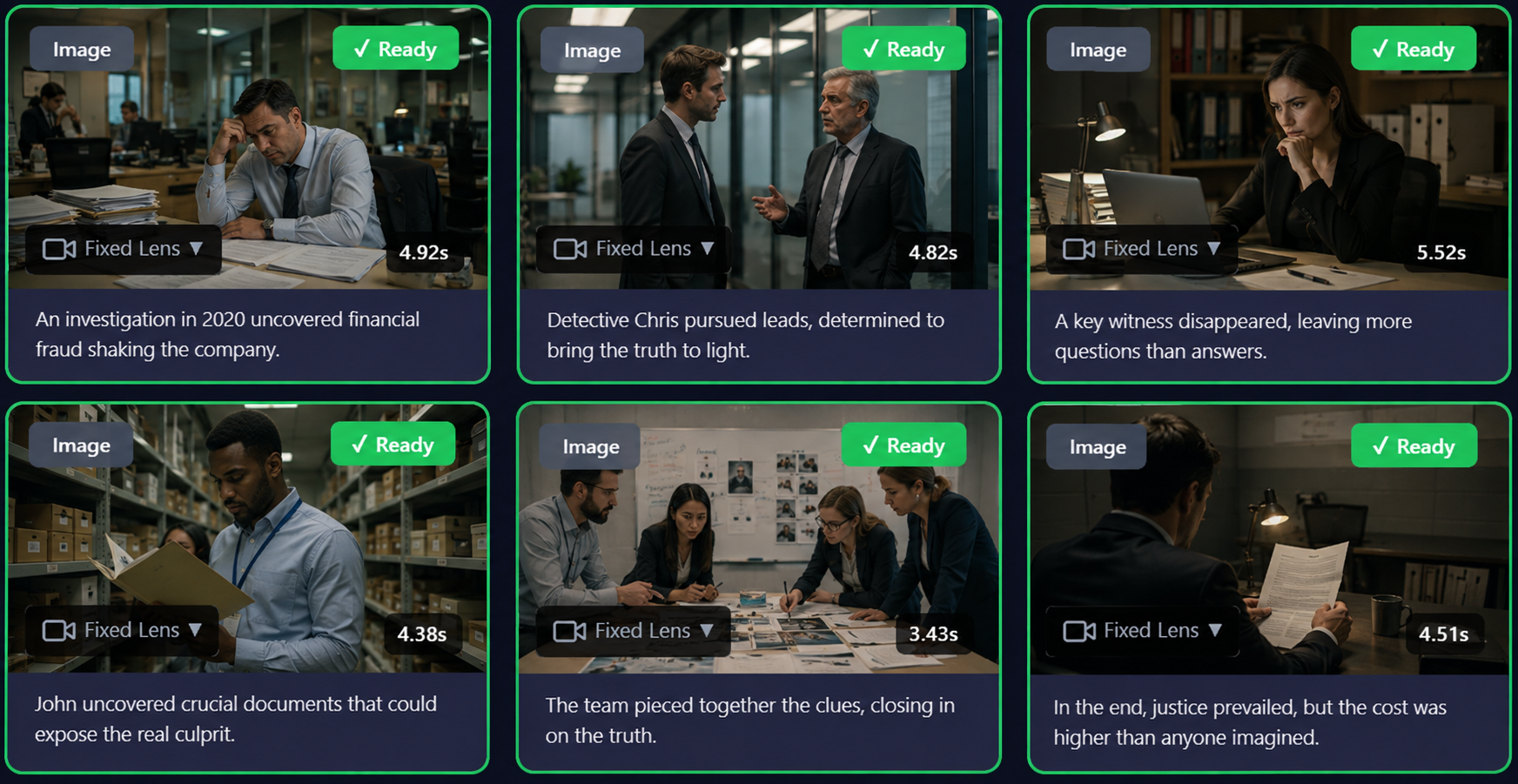
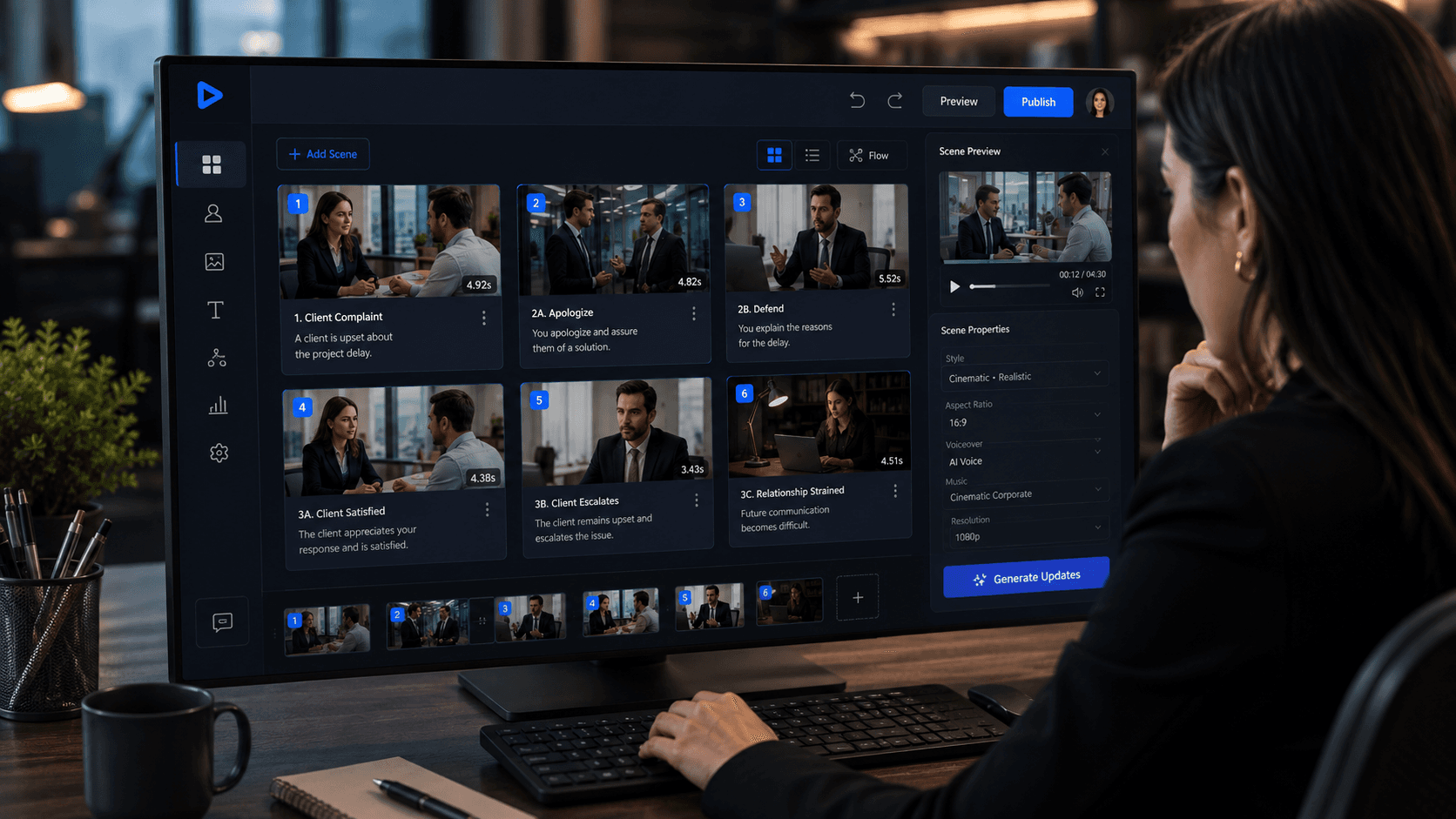
Imagine that same customer-service training. Instead of relying primarily on an AI presenter explaining the situation, the learner could watch the interaction unfold as a sequence of generated scenes. You could establish the location, show the customer entering, cut between characters, create close-ups during tense moments, and visually demonstrate what happens after each decision.
That is where Vimerse Studio's multi-shot workflow becomes useful. Different image, video, lip-sync, and generation models can be used within the same production rather than depending on a single visual format.
A scenario could look something like:
Situation → Decision → Generated Scene → Consequence → Next Decision
The result could feel less like watching a presentation and more like stepping inside a simulation.
Created entirely in Vimerse Studio. Try Vimerse Studio for free: https://vimerse.app
Synthesia vs. Vimerse Studio
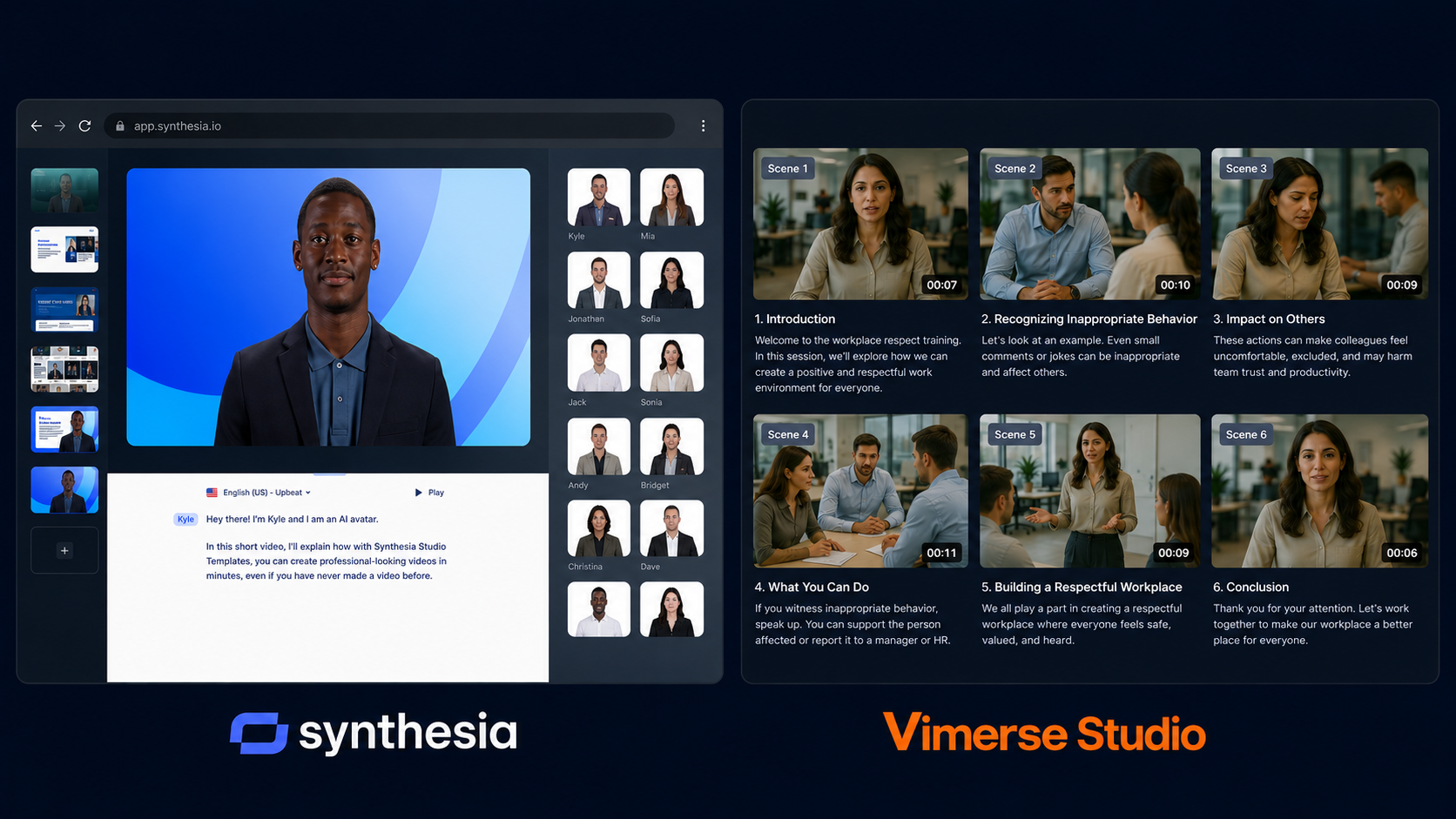
The two platforms are moving toward some of the same territory, but from different starting points.
Synthesia currently offers a free Basic plan, a $29/month Starter plan, and an $89/month Creator plan. Creator is where interactive videos become available. Enterprise pricing is customized and adds capabilities aimed at larger organizations, including SCORM export, live collaboration and unlimited video minutes. (Synthesia)
Who Should Choose Which?
If your priority is corporate training at scale, especially if you need multilingual videos, interactive knowledge checks, branching scenarios, LMS delivery and enterprise collaboration, Synthesia is already a mature option.
Vimerse Studio makes more sense when the visual production itself matters. It is suited to projects that need many different AI-generated shots, characters, environments and visual styles rather than keeping most of the experience centered around a presenter.
The opportunity for Vimerse Studio is to bring those two ideas together.
Scenario-based training does not have to look like a traditional training video. A sales rep could practice handling an objection. A manager could navigate a difficult employee conversation. A hospitality worker could respond to an angry guest. A new hire could make decisions during a simulated first day.
Each choice could send the viewer into another generated scene, turning training into something closer to an interactive story.
The Future of AI Training Looks More Like Practice
The most useful training rarely comes from simply being told the correct answer. People learn when they have to make decisions, see what happens, and try again.
Synthesia's push into scenario-based training is a strong example of where AI video is heading. (Synthesia)
For Vimerse Studio, the opportunity is not necessarily to recreate Synthesia. It is to take the same principle and push the visual experience further with multi-shot AI production.
Because the next generation of AI training videos may not feel much like training videos at all.
They could feel like situations you actually have to navigate.