Creating AI videos right now often feels like performing a magic trick where half the time, the rabbit comes out of the hat missing an ear. We have all been there.
You have a brilliant, cinematic concept in your head, but the final generated video looks disjointed, the characters shapeshift wildly between cuts, and you are entirely exhausted from tabbing between six different browser windows.
If you are tired of generating subpar AI videos and want to know how the professionals are actually getting things done, you are not alone. The truth is, most creators are making the exact same structural mistakes before they even click the "generate" button.
The core problem is not that you lack creativity. The problem is that the standard AI video creation process is fundamentally broken.
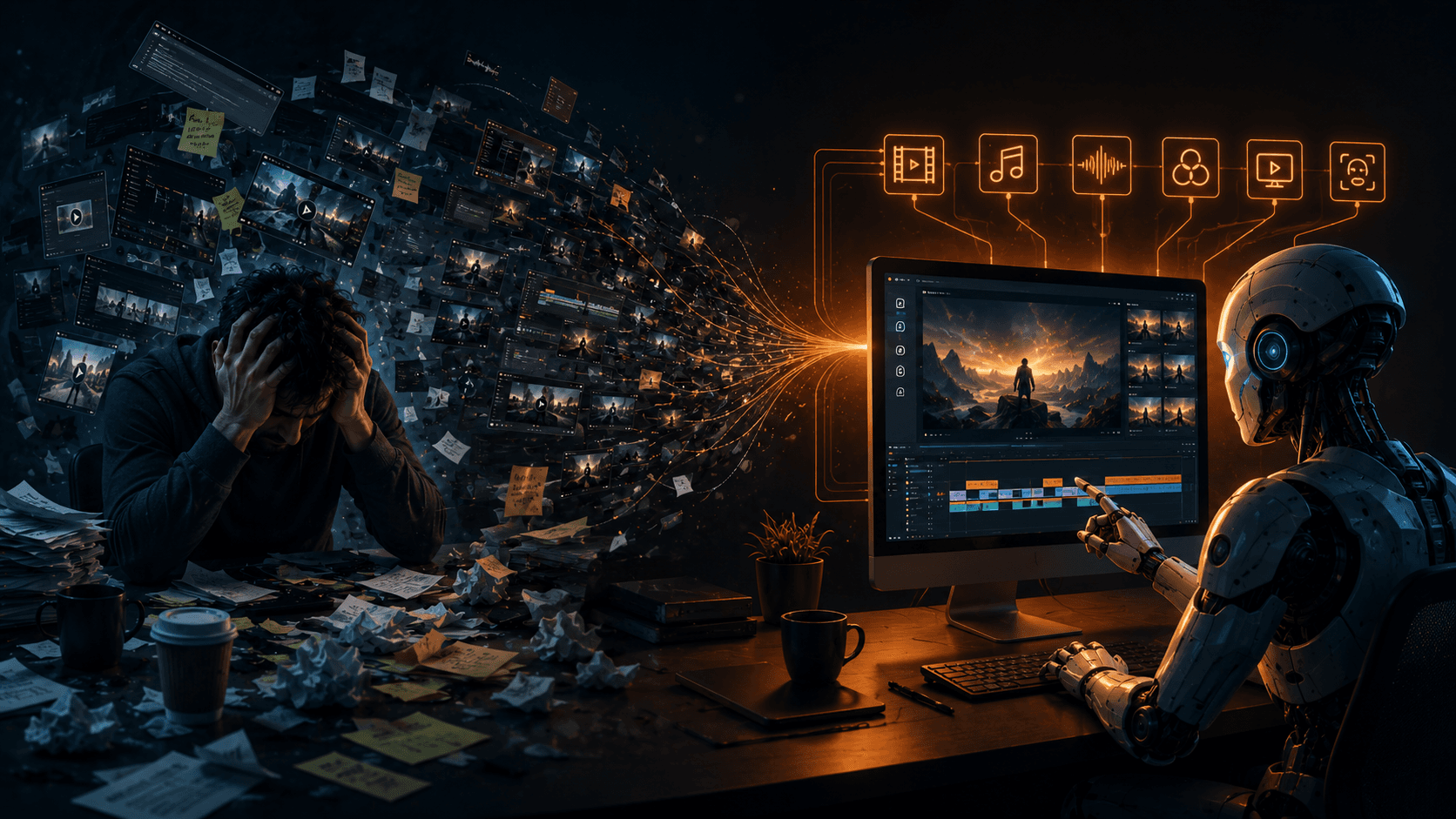
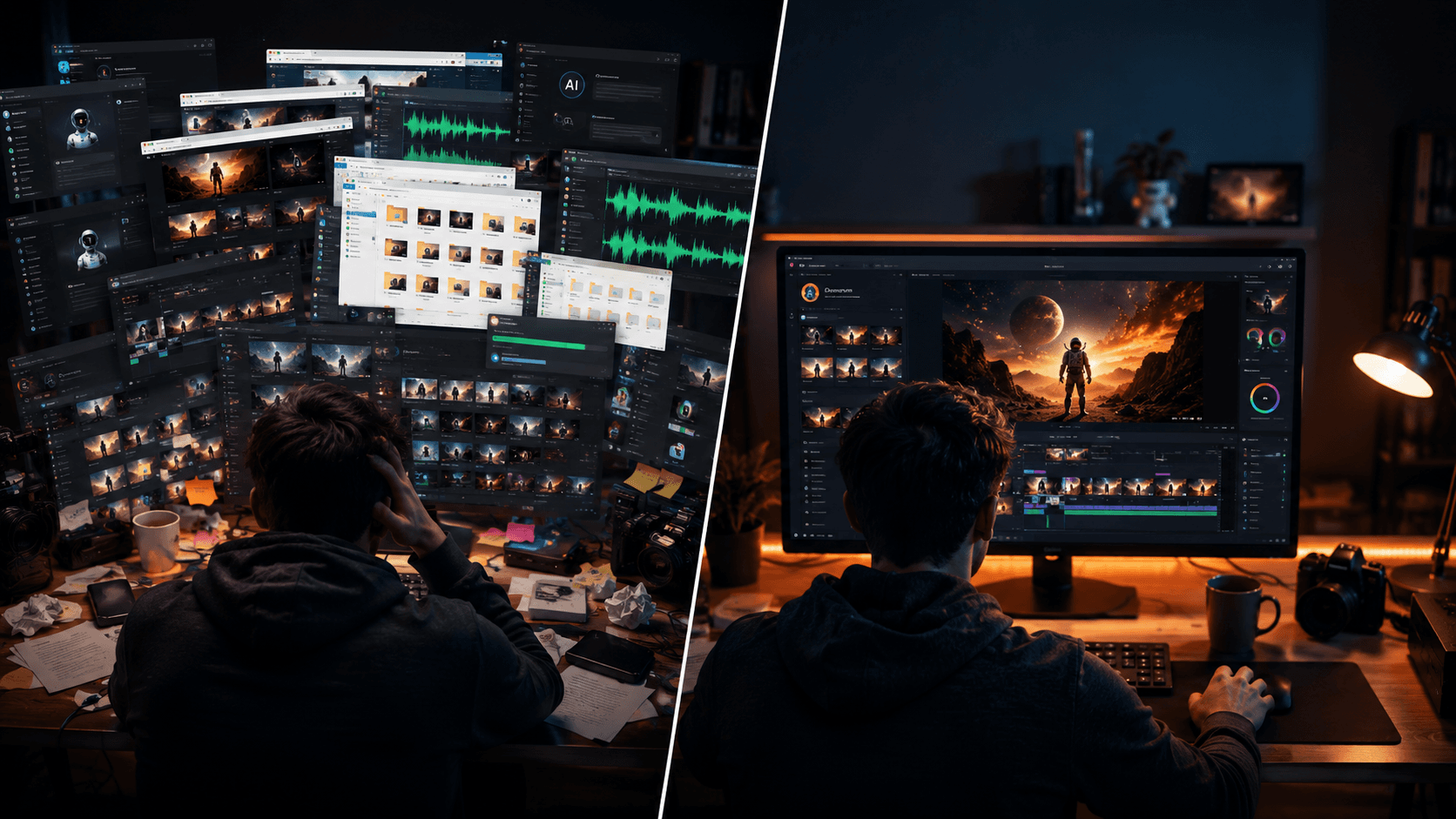
Right now, making a high-quality AI video requires an absurd juggling act. You start by writing a script in ChatGPT. Then, you copy and paste that text into ElevenLabs to generate your voiceover. Next, you bounce over to Nano Banana, Flux, or another image generator to create your base visual assets. Once you have those images, you drag them one by one into motion engines like Seedance, Kling, or Veo. But wait—you also need lip-syncing, so you have to route your assets through yet another standalone tool.
Finally, after your hard drive is cluttered with dozens of poorly named MP4 and WAV files, you dump everything into Premiere Pro or CapCut to painstakingly stitch it all together.
It is a logistical nightmare.
And along the way, your main character’s hair color has inexplicably changed three times, the audio has drifted out of sync, and you have burned through a massive stack of credits without even realizing it. You end up paying around $50-70 across five different subscriptions, most of which use confusing, opaque credit systems that expire at the end of the month whether you use them or not.
This fragmented approach is the number one mistake creators make. It drains your time, your wallet, and your creative energy. You do not need another standalone video generator. You need a unified system. This is exactly what Vimerse Studio was built to solve.
Vimerse Studio is not a single AI generator trying to compete with Kling, Veo, Runway, or Seedance. Instead, it is the ultimate all-in-one AI video creation workflow desktop app. It acts as the workflow layer that connects the world’s best AI models together into one seamless, intuitive pipeline. With Vimerse Studio, you do not have to choose between your favorite tools—you get to orchestrate them.
Let's walk through how Vimerse Studio eliminates the biggest mistakes in AI video creation using its structured, 6-stage workflow.
Stage 1: The Power of Model Choice
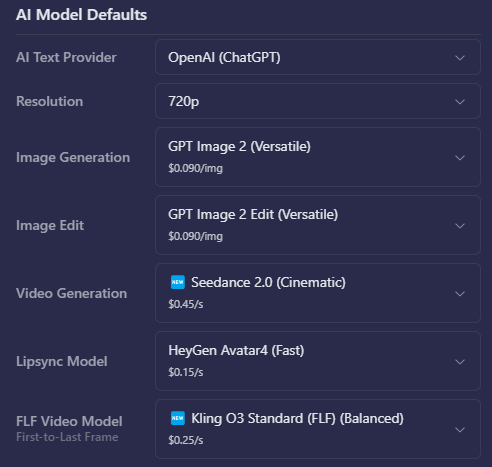
This is where Vimerse Studio truly separates professional creators from beginners. The mistake most people make is locking themselves into a single AI model for their entire project. But the reality is that no single model is perfect for everything. Maybe you want Flux for gorgeous static imagery, but you need Veo's realistic physics for a driving scene, and Kling's dynamic character movement for an action shot. Vimerse Studio allows you to pick the exact model you want for each individual shot.
For images, you can choose between GPT, Flux, Imagen, Seedream and Nano Banana. For video motion, you can seamlessly switch between Veo, Kling, Seedance, and OmniHuman. You are the director, and these top-tier models are your crew. You simply select the best tool for the specific shot, all without ever leaving the Vimerse Studio interface.
Stage 2: Fixing the Shapeshifting Character
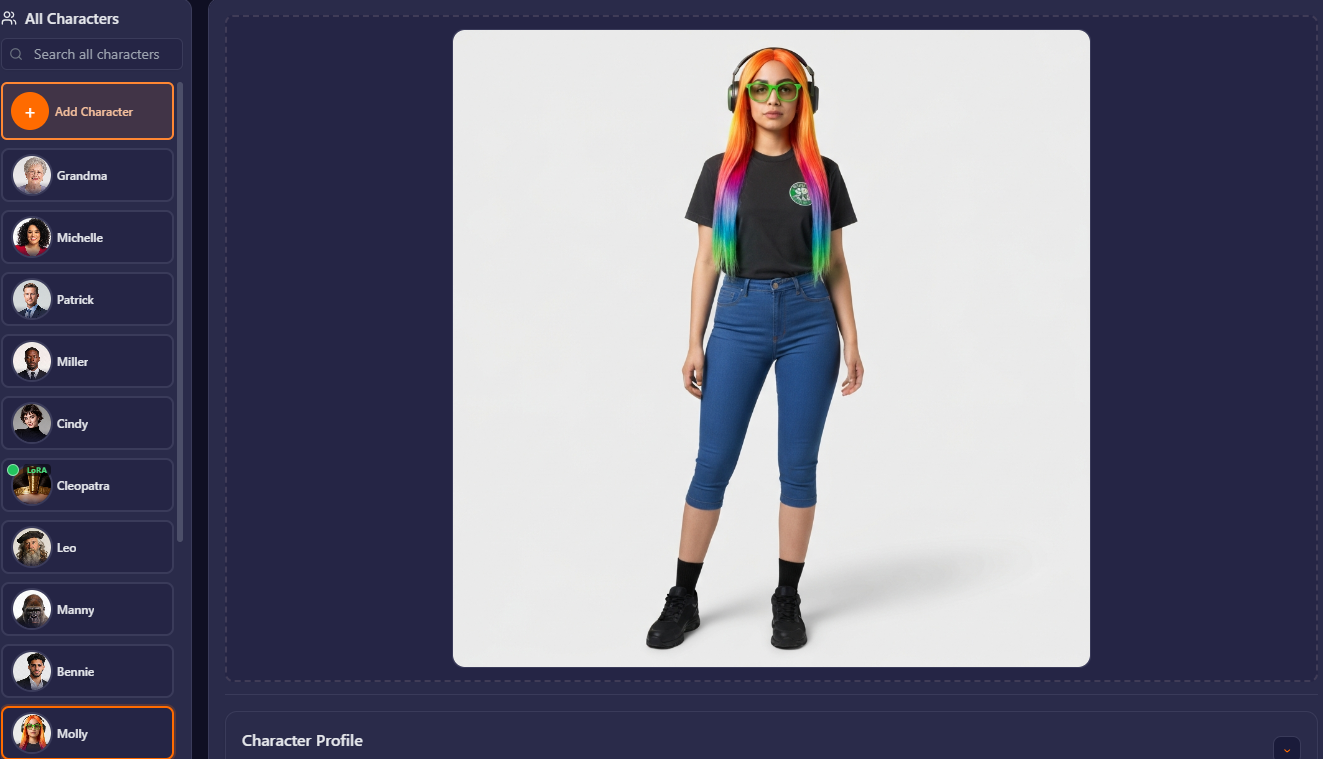
One of the most glaring mistakes in amateur AI videos is character inconsistency. A character might wear a red jacket in shot one, and a burgundy sweater in shot two. Their facial structure warps depending on the angle. Vimerse Studio solves this right out of the gate with its Character stage. You can establish consistent characters that remain identical across all your scenes. Advanced users can even utilize optional LoRA training to lock in specific faces and aesthetics. You define your protagonist once, and Vimerse Studio ensures they stay consistent throughout the entire production.
Stage 3: Streamlining the Story
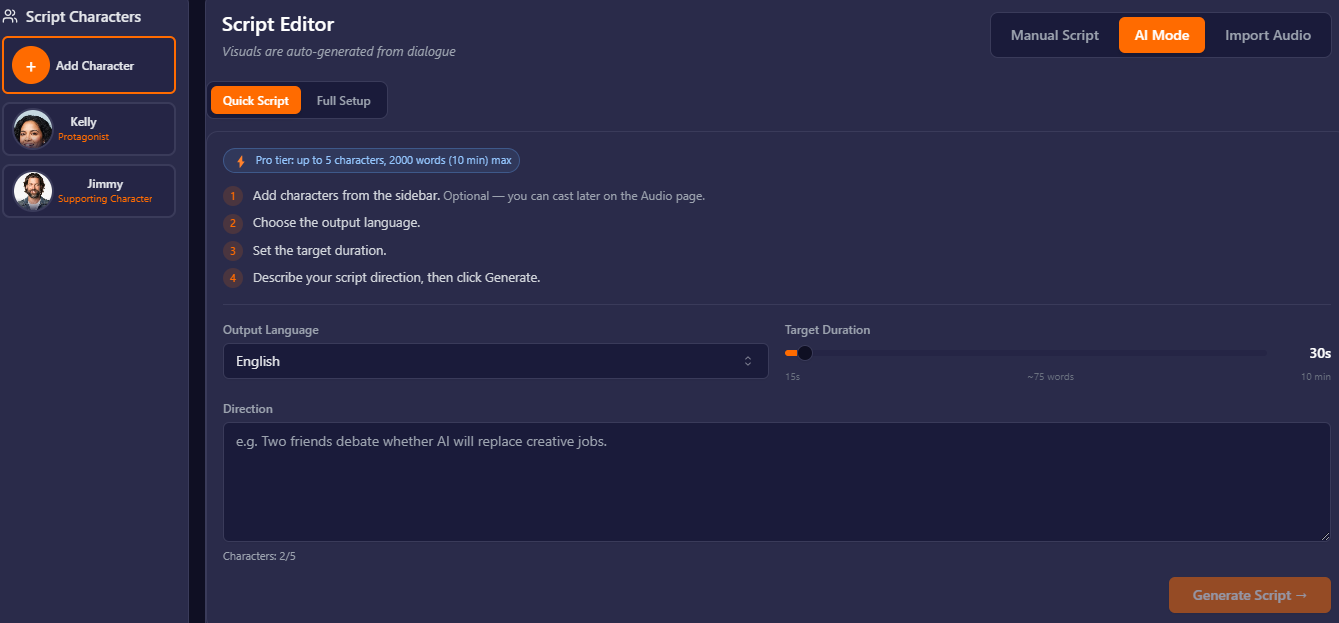
A beautiful video with no narrative is just a tech demo. Vimerse Studio includes a dedicated Script stage where you can manually type out your story or use integrated AI to generate it for you based on a simple prompt. Having the script live inside the same application where your video is generated means you never lose track of your narrative arc. The story dictates the visuals, not the other way around.
Stage 4: Eliminating Prompt Fatigue
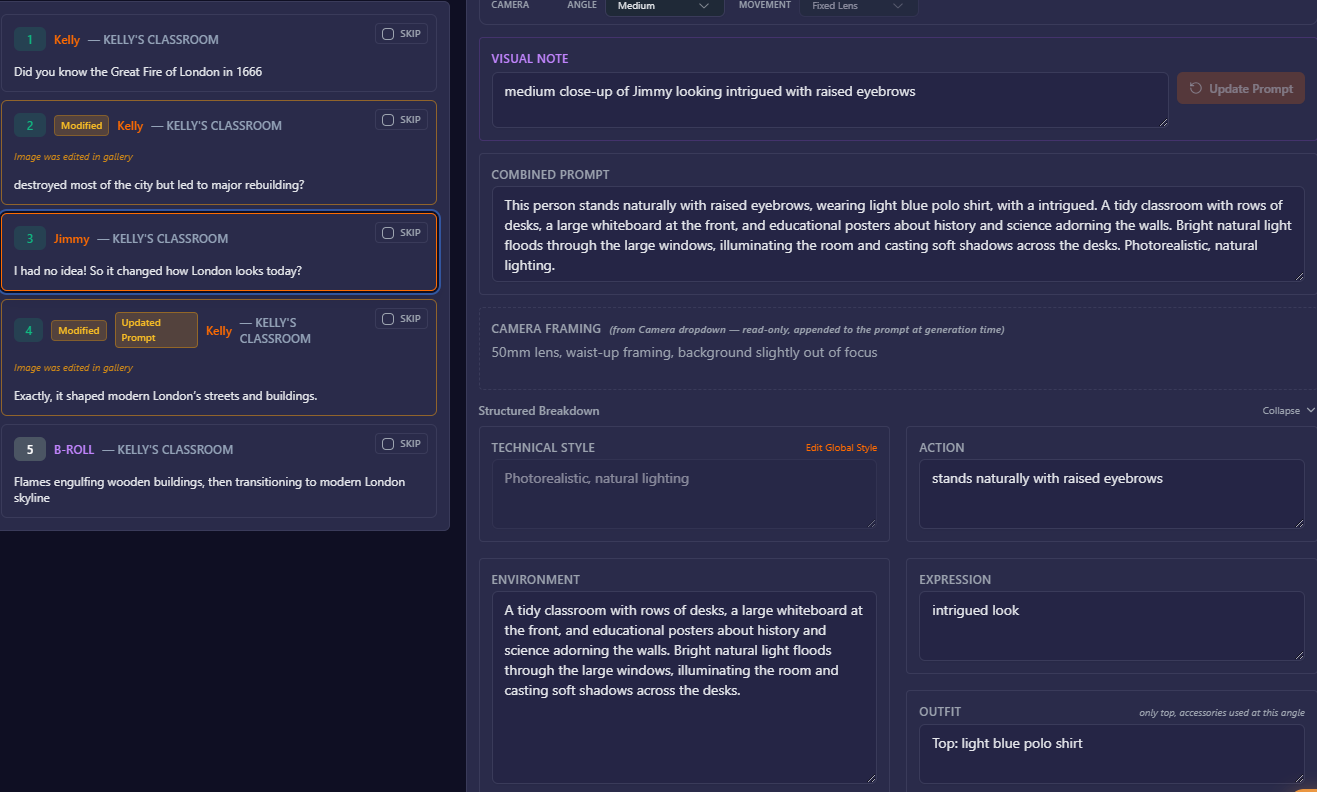
Writing highly specific visual prompts for twenty different shots is exhausting. It is easy to get lazy, resulting in generic, boring video clips. Vimerse Studio's Shot Prompts stage acts as your personal director of photography. The AI automatically breaks down your script and auto-generates highly detailed visual prompts for each individual shot. It ensures that the lighting, camera angles, and atmosphere remain consistent, saving you hours of trial and error.
Stage 5: Professional Audio and Native Lip-Sync
Bad audio immediately ruins the illusion of a high-quality video. Instead of exporting scripts to third-party audio tools, Vimerse Studio handles the Voiceover stage internally via deep integration with ElevenLabs. You have access to top-tier AI voices in 11 different languages, allowing you to maintain one consistent voice across the whole video. Even better, lip-syncing is supported natively. You do not have to manually align audio waves to mouth movements in a video editor later; the workflow handles it for you.
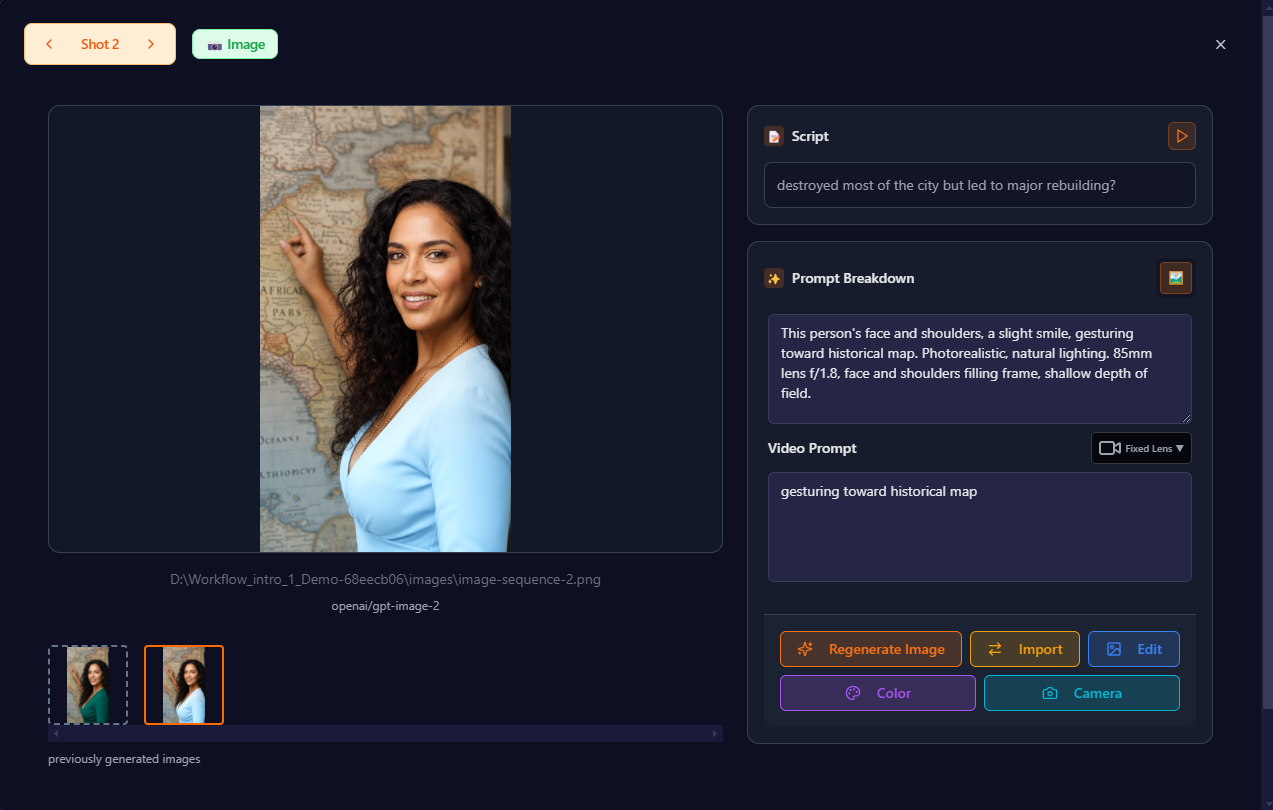
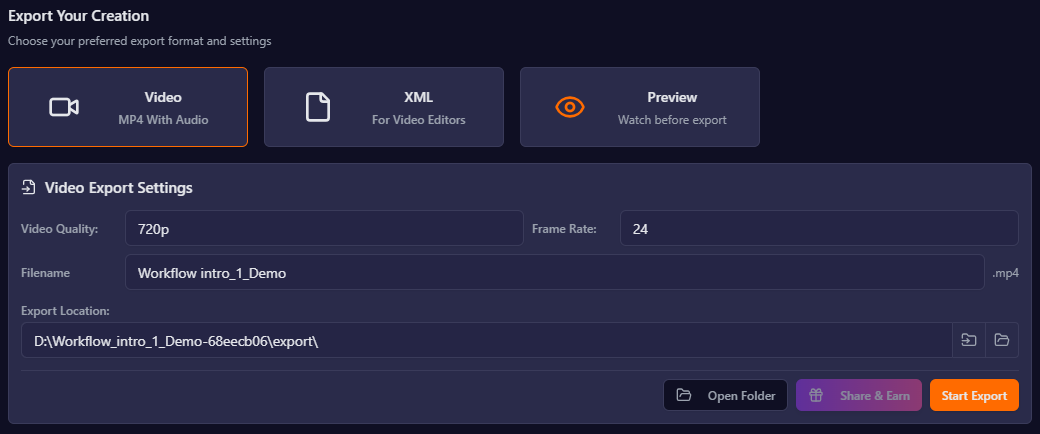
Stage 6: Frictionless Export
When the generation is done, you shouldn't have to spend another three hours organizing files. Vimerse Studio’s Export stage gives you a finished, ready-to-publish MP4 file. Or, if you want to make fine-tuned adjustments, you can export a Premiere Pro XML file. This pulls your entire orchestrated timeline directly into Premiere Pro, with all your cuts, audio tracks, and visuals perfectly aligned.
Beyond the workflow, the biggest mistake creators make is falling into the subscription trap. The current software-as-a-service model for AI tools is punishing. You end up paying for monthly subscriptions across a half-dozen platforms. These platforms usually run on confusing credit systems.
| Vimerse Studio | Higgsfield | Magnific(ex-Freepik) | OpenArt | Artlist | |
|---|---|---|---|---|---|
| Pricing | Dollars / generation | Credits | Credits | Credits | Credits |
| Image | $0.090 | 0.25–5 credits | 50–500 credits | 1–4 credits | Varies |
| Video | $0.45/sec | 10–45 credits | ~2,600 credits | 50–100+ credits | Unlisted |
| Shown first? | ✓ Exact $ | ✗ | ✗ | ✗ | ✗ |
| Fixed value? | ✓ Dollars | ✗ | ✗ | ✗ Devalues | ✗ |
| Predictable? | ✓ Yes | ✗ Hard | ✗ Hard | ✗ Hard | ✗ Hard |
| Rollover? | Pay per use | ✗ | ✗ | ✗ | ✗ |
Competitor figures are estimates from public reviews and user reports; per-model credit costs are mostly unpublished and change frequently. Vimerse Studio prices are current.
You might pay for an image generator, but you only get enough credits to realistically create a few minutes of good footage. Worse, if you take a month off from creating, you still pay, and your credits often expire.
Vimerse Studio offers a massive structural advantage with a fundamentally different pricing model. There are absolutely no subscriptions. You purchase a one-time license for the desktop app ($49). Once you own the software, you simply pay for the generation usage you actually need.
We believe in total transparency. In Vimerse Studio, the per-second price of every single model is shown to you right on the screen before you click generate. You know exactly what a Kling video shot or a Recraft image is going to cost you before it happens. There are no opaque credit conversions, no hidden fees, and no monthly drain on your bank account. You pay only when you create, and you know exactly what you are paying for.
This predictable, transparent pricing combined with a unified workflow makes Vimerse Studio the ultimate solo creator studio. You can finally achieve professional, agency-level video quality without hiring a team and without drowning in a sea of browser tabs.
Key takeaways
- Consolidate your workflow: Stop juggling five different apps to make one video. Vimerse Studio orchestrates your script, voiceover, shot prompts, visuals, and export in a single desktop application.
- Maintain character consistency and model flexibility: Use powerful tools to keep your characters identical across scenes, and easily swap between industry-leading models like Kling, Veo, and Flux on a shot-by-shot basis.
- Escape the subscription trap: Avoid opaque credit systems and monthly fees. With Vimerse Studio, you buy a one-time license and enjoy transparent, pay-per-generation pricing where the exact cost is shown before you generate.
Try Vimerse Studio free: https://vimerse.app