Everyone loves the fantasy of AI video creation. You type a brilliant prompt, sit back, and watch as a cinematic masterpiece unfolds on your screen.
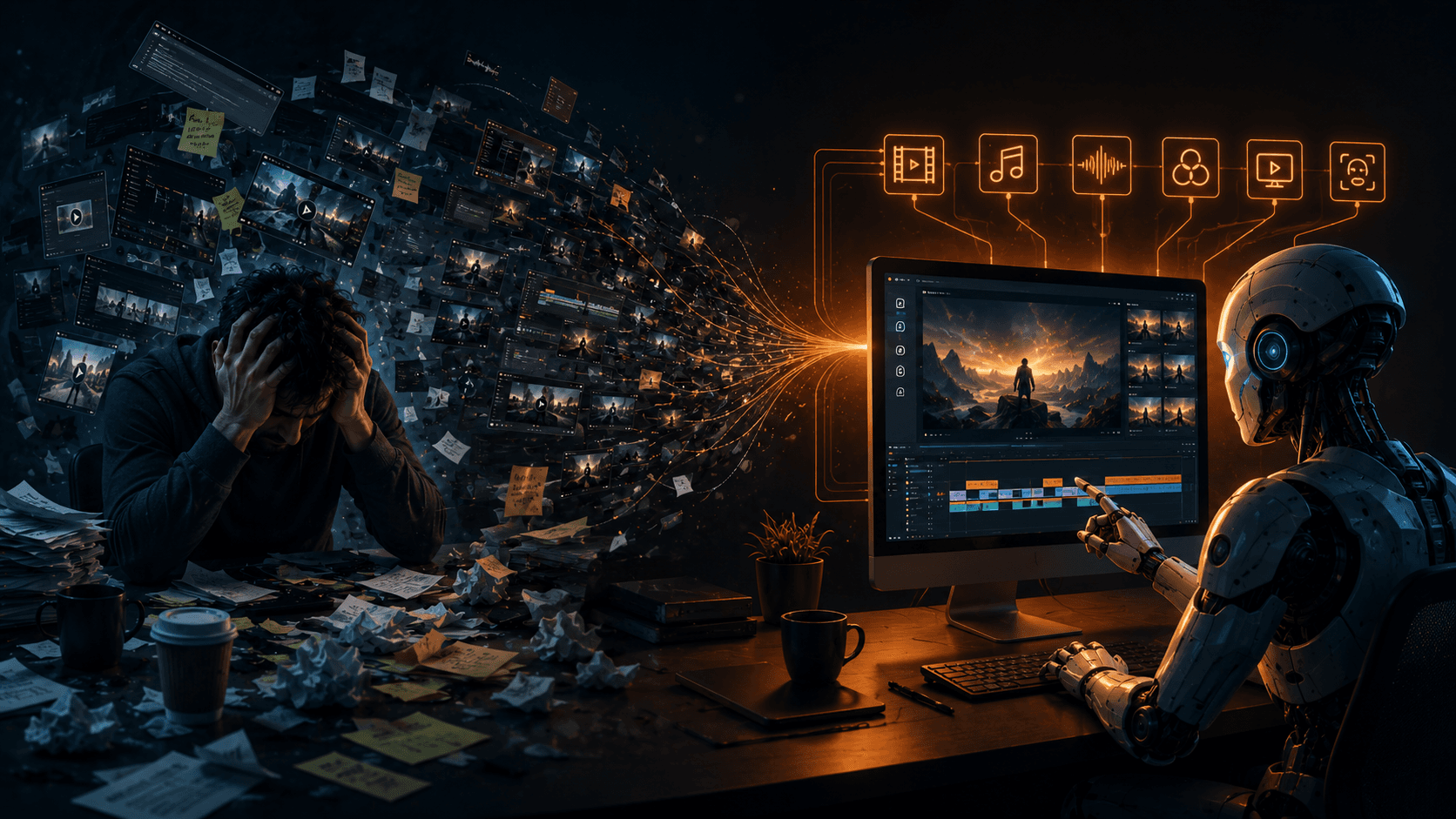
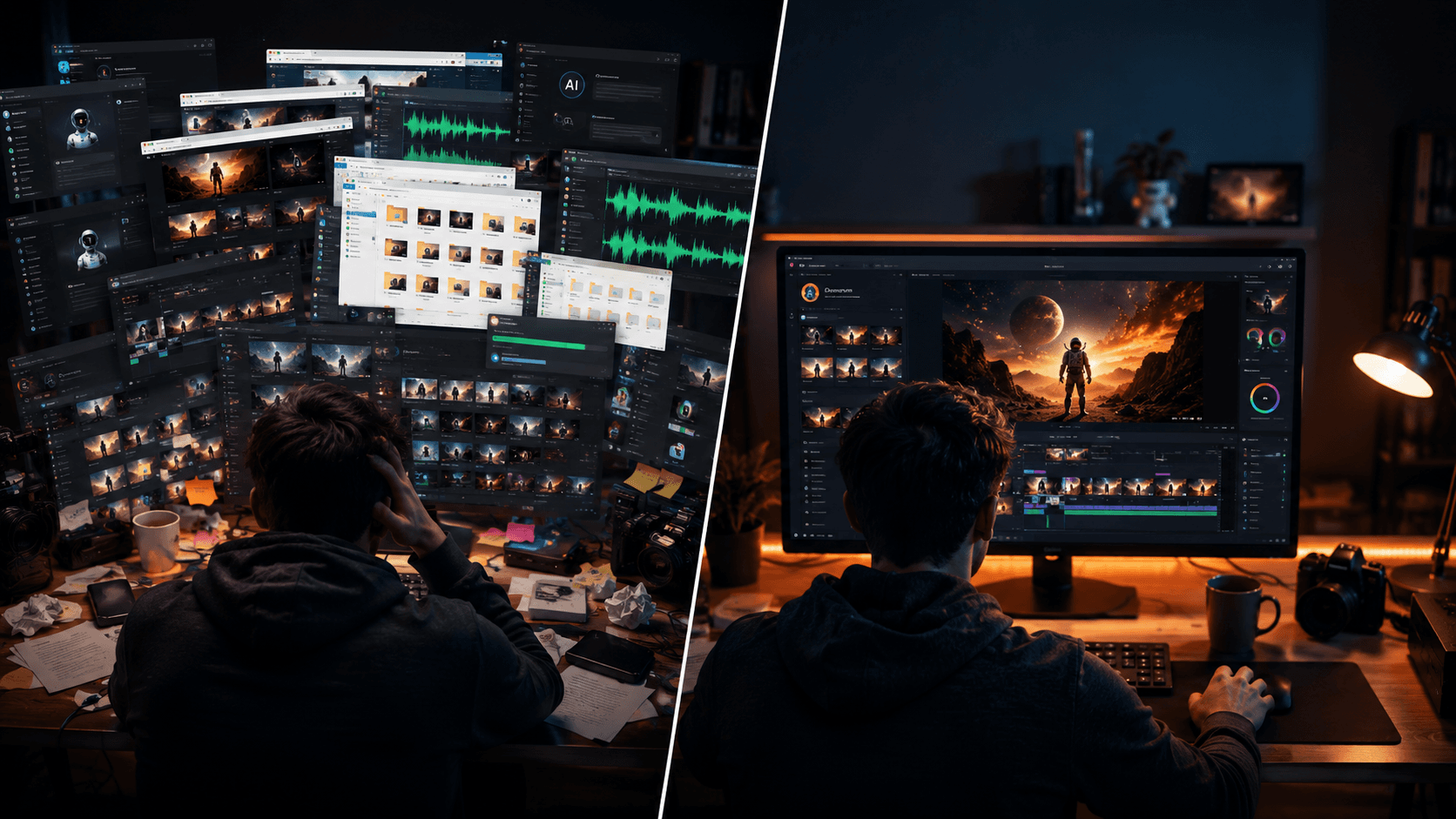
But anyone who has actually tried to produce a cohesive, narrative-driven AI video knows the dirty little secret: the actual day-to-day process is a disjointed, frustrating mess. You aren't acting like a visionary director; you are acting like a human clipboard, frantically copying and pasting text, audio files, and images between a dozen different browser tabs. You try to build your own makeshift automated workflow using basic chatbots, discordant web apps, and complex spreadsheets, hoping that somehow, the AI will remember the context of your project from one step to the next. But it rarely does.
If you've spent days or weeks trying to force different AI tools to play nicely together, you know the pain of the learning curve. The standard approach to making an AI video involves juggling multiple subscriptions and platforms. First, you open a standard conversational AI chatbot to brainstorm and generate your script. Then, you copy that script and paste it into an AI voice generator. You download those audio files to your local drive. Now you need base visuals, so you jump into a completely different platform to generate images. Next, you take those images and feed them into an AI video generator. Finally, you drag all these disparate pieces into a traditional video editor, desperately trying to align the audio with the video and make sense of it all.
Through all of this manual labor, you are constantly fighting the "persistent memory" problem. Your main character is supposed to be a 30-year-old detective in a trench coat. In shot one, he looks exactly how you envisioned. In shot two, he suddenly looks ten years older. In shot three, his trench coat has magically turned into a leather jacket. Because these tools are entirely disconnected, there is no shared memory or context. Every time you generate a new shot, you are starting from zero. Your character looks different in every scene, ruining the illusion of your video.
This is where Vimerse Studio completely changes the landscape for solo creators. Vimerse Studio is an all-in-one AI video creation workflow desktop app. It is crucial to understand what Vimerse Studio is not: it is not a single, isolated generator trying to compete with Kling, Veo, Runway, Sora, or ElevenLabs. Instead, Vimerse Studio is the ultimate workflow layer that seamlessly connects them all. It acts as your persistent, intelligent orchestrator, turning chaotic individual tools into a streamlined, automated pipeline. You simply pick the exact AI model you want at each stage of production, and Vimerse Studio handles the heavy lifting.
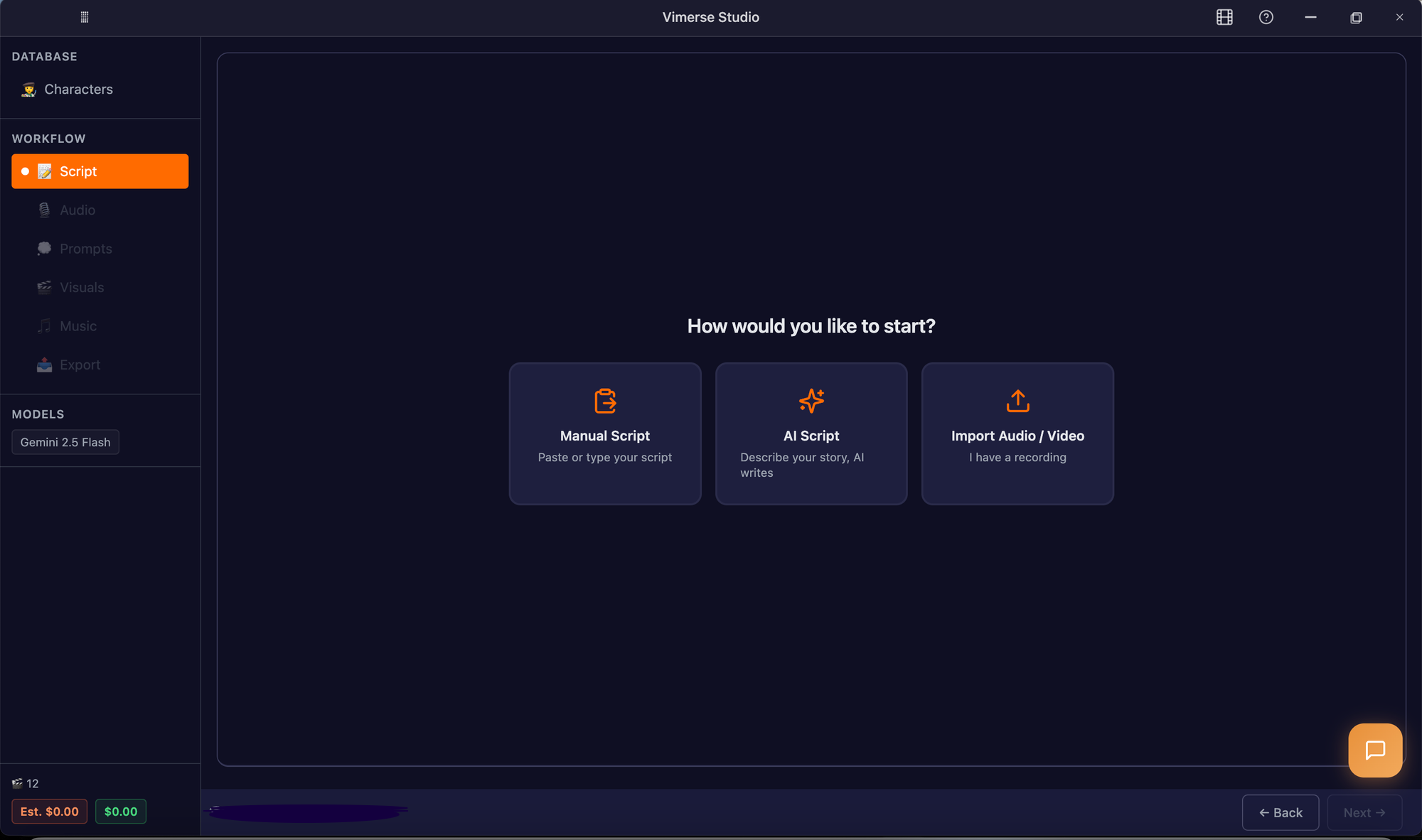
To truly understand how Vimerse Studio eliminates the need to use five different apps to make one video, let's look at its seamless 6-stage workflow. It solves the persistent memory problem and the manual assembly problem in one beautiful interface.
Stage 1: Visuals (The Power of Choice)
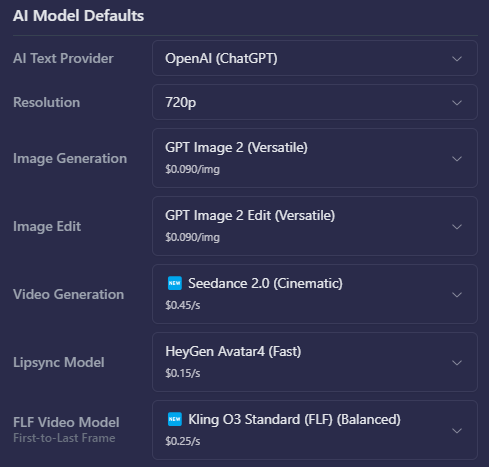
This is where Vimerse Studio truly flexes its muscles as a workflow layer. You aren't locked into one proprietary model. For images, you can choose between Flux, Imagen, Seedream, or Nano Banana. For video animation, you can choose Veo, Kling, Seedance, or OmniHuman. The magic here is that you can pick the specific model per project. If Kling handles a sweeping landscape perfectly but you prefer Veo for a tight facial expression, you simply select the right tool for the job within the same project. Vimerse Studio bridges the gaps between these models invisibly.
Stage 2: Character Consistency
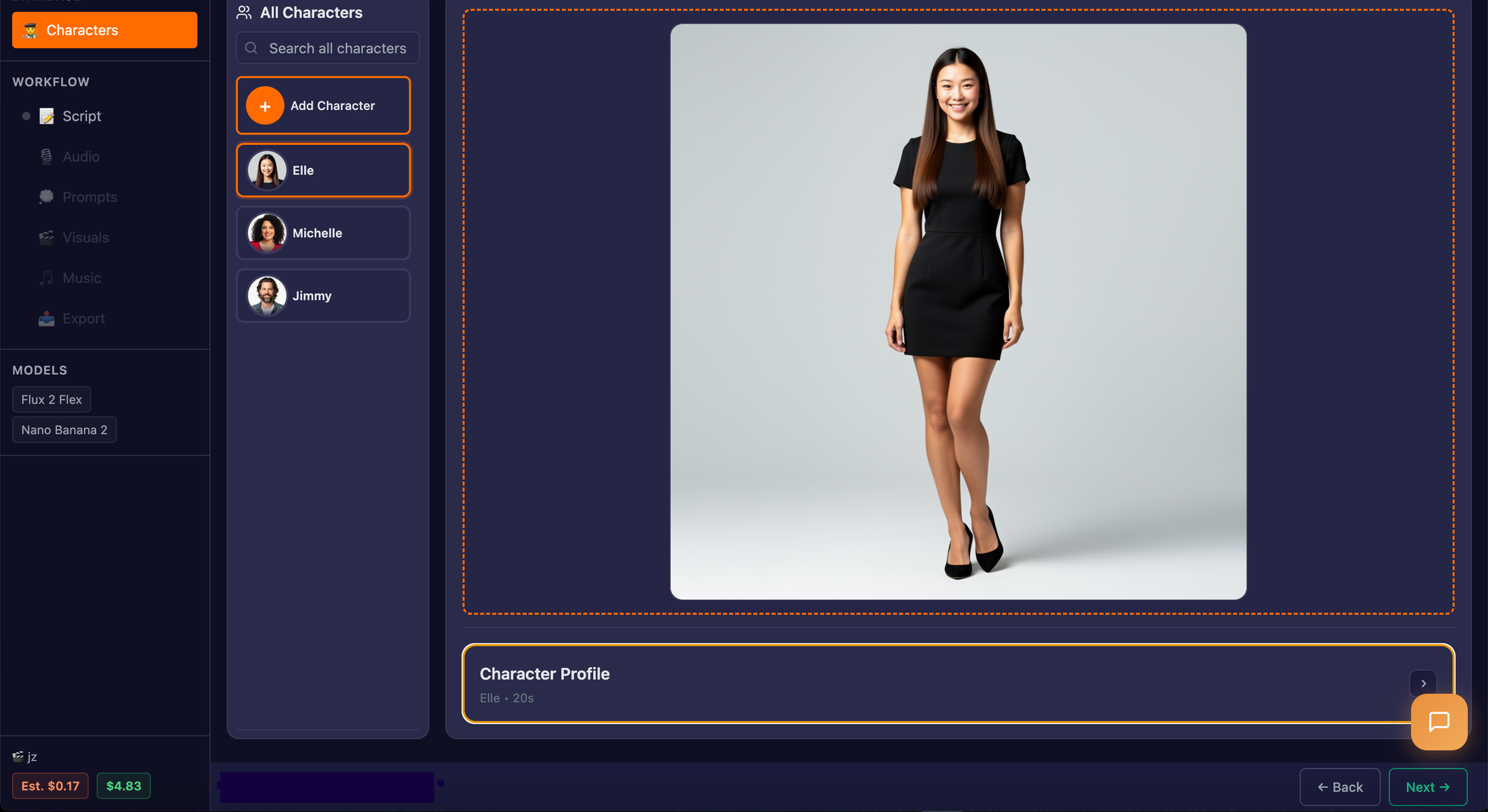
Instead of crossing your fingers and hoping a web app remembers what your protagonist looks like, Vimerse Studio tackles this problem head-on at the very beginning. You establish consistent characters that will persist across all your scenes. Through optional LoRA (Low-Rank Adaptation) training, Vimerse Studio gives your project the "memory" it needs. Your character will look like the same person in shot one, shot ten, and shot fifty, completely eliminating the jarring visual shifts that plague amateur AI videos.
Stage 3: Scripting
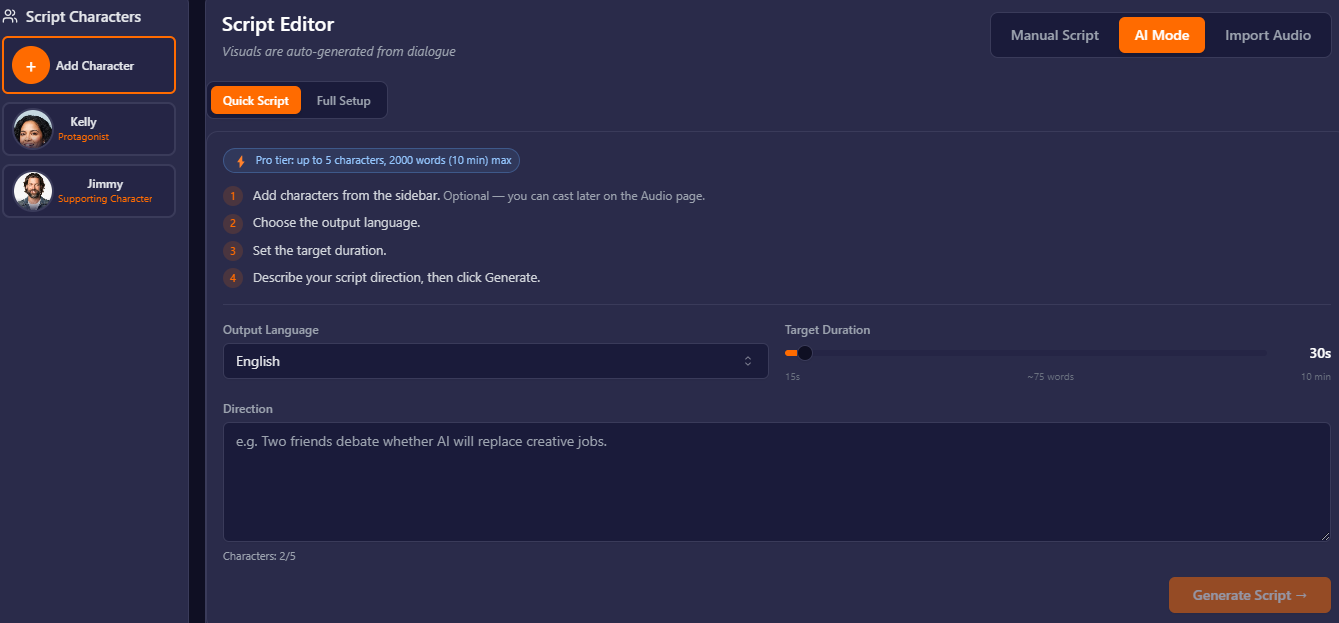
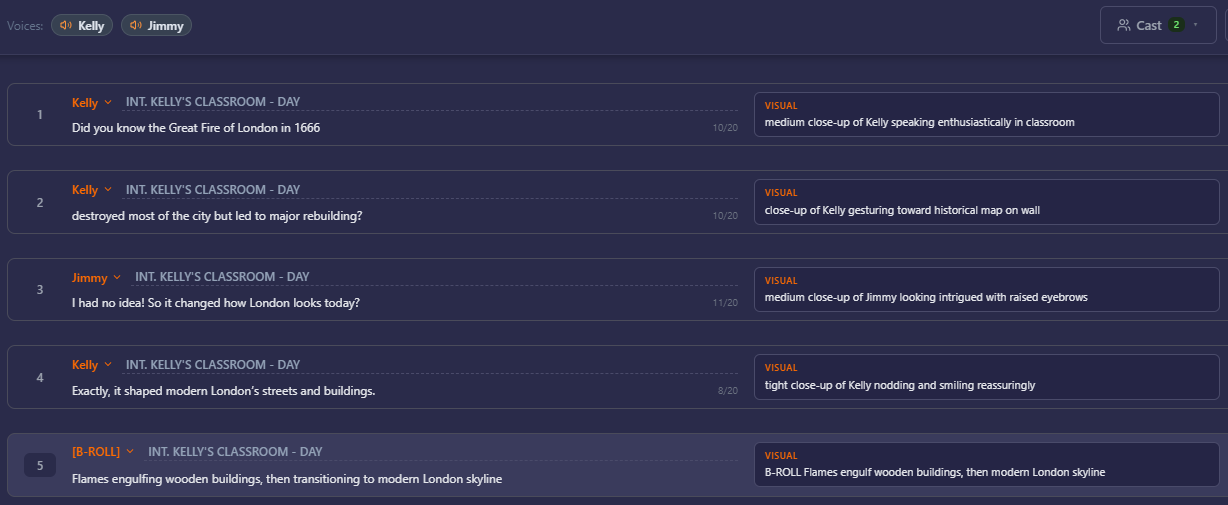
You don't need to leave the app to talk to a separate chatbot. Vimerse Studio allows you to write your script manually right in the interface, or you can use integrated AI to generate it for you. The script is the foundation, and it instantly flows into the next steps without any copy-pasting required.
Stage 4: Voiceover and Lipsync
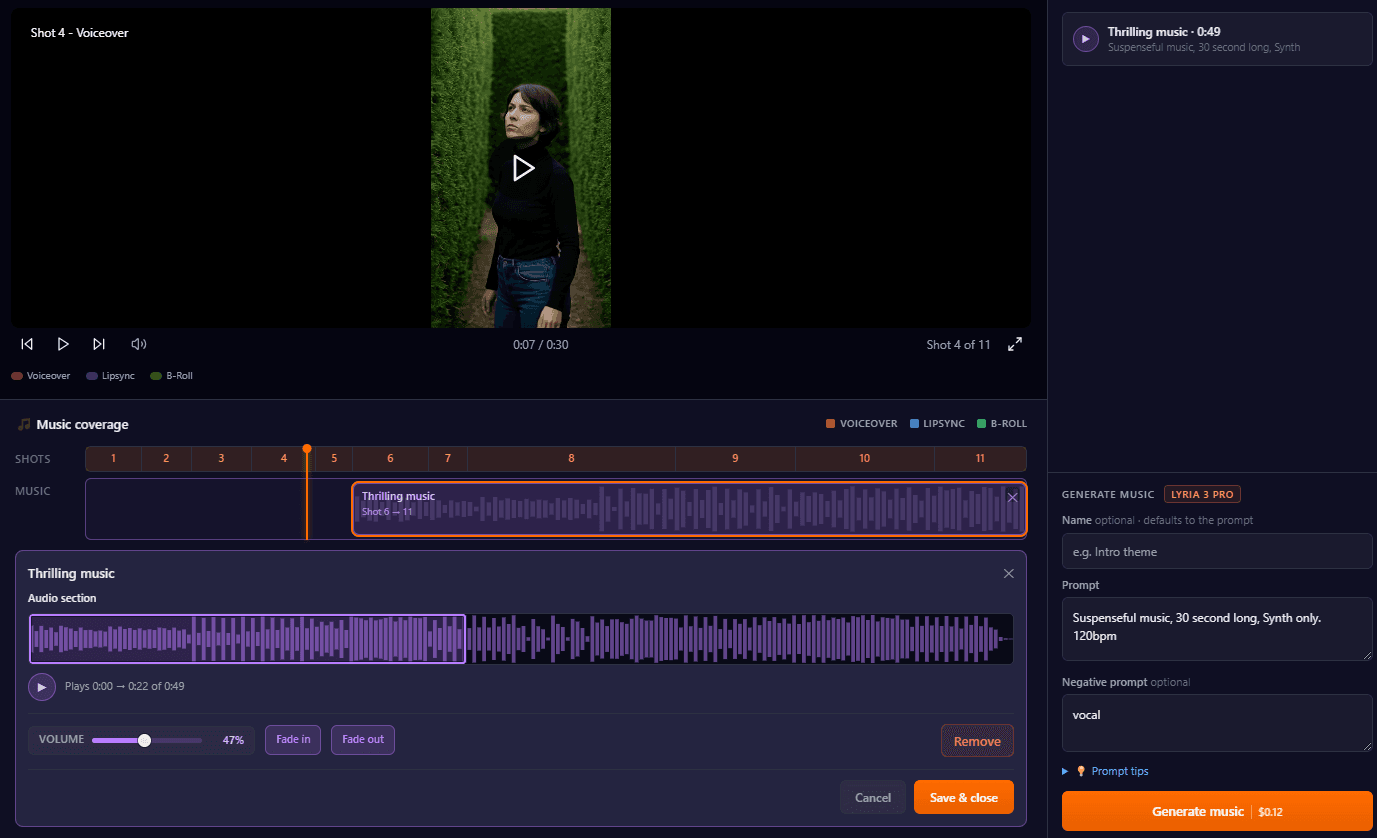
Vimerse Studio integrates directly with ElevenLabs, giving you access to premium voices in 11 different languages. Because it is a unified workflow, you maintain one consistent, high-quality voice across the entire video. More importantly, Vimerse Studio supports automated lipsyncing, aligning the generated audio perfectly with your visuals without forcing you to nudge audio tracks manually on a timeline.
Stage 5: Shot Prompts
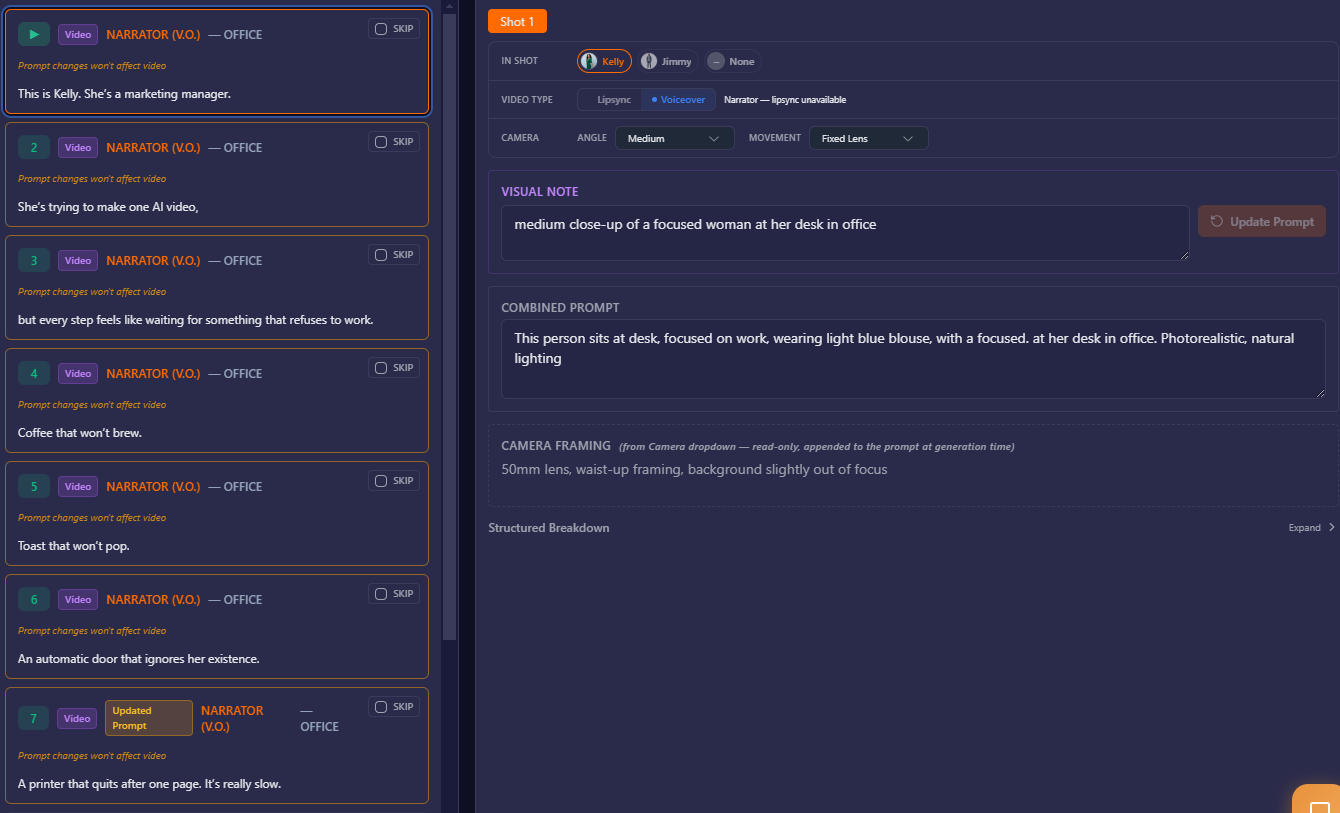
Translating a script into effective visual prompts is an art form that usually requires a steep learning curve. Vimerse Studio automates this by reading your script and auto-generating optimized visual prompts for every single shot. It acts as an expert prompt engineer, ensuring the AI models understand exactly what needs to be rendered.
Stage 6: Exporting
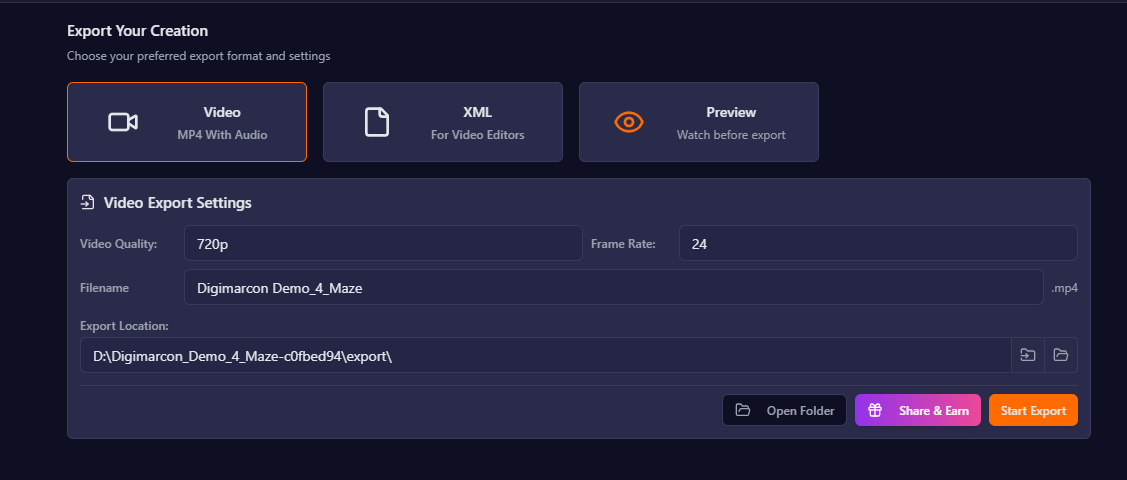
When the generation is done, you aren't left with a folder of random, disconnected files. Vimerse Studio automatically assembles your project. You can export the finished product directly as a ready-to-publish MP4, or, if you want to add fine-tuned human touches, you can export a Premiere Pro XML file with all your clips and audio perfectly laid out on a timeline.
Beyond the workflow revolution, Vimerse Studio solves the second massive headache of AI video creation: the financial trap. When you build your own workflow using disjointed tools, you are subjected to a web of recurring subscriptions and opaque credit systems. You might be paying [VERIFY: $20 a month for a text bot, $30 a month for voice generation, and $40 a month for a video generation platform]. Even worse, these platforms use confusing token economies. What does 500 credits actually mean? How many seconds of video is that? And if you have a slow month where you don't create anything, you still pay the subscription, and your credits often expire.
Vimerse Studio offers a massive structural advantage through its pricing model. There are absolutely no subscriptions. You purchase a one-time lifetime license to the software (Standard is $49, Pro is $299). From there, you simply pay-per-generation for the exact usage of the AI models.
There are no opaque, confusing credits to decipher. Vimerse Studio operates on total transparency. The per-second price of every single model is shown to you in real-world currency before you click generate. You always know exactly what a 4-second clip using Veo or Kling will cost before you commit. It is entirely predictable. If you take a month off from creating videos, you pay nothing. You only pay for the art you actually bring into the world. It is the fairest, most transparent way to leverage top-tier AI models without feeling like you are being nickel-and-dimed by five different tech companies simultaneously.
For the solo creator who wants professional, consistent video without hiring a full production team or spending days wrestling with disconnected bots, Vimerse Studio isn't just a tool—it's your entire studio.
Key takeaways
- One Unified Workflow: Stop acting as a human copy-paste machine between disparate web apps. Vimerse Studio orchestrates the entire pipeline from script to voiceover to final video export in one seamless desktop interface.
- True Character Consistency: Solve the "persistent memory" problem of AI video. Built-in character locking and optional LoRA training ensure your subjects look identical from the first frame to the last.
- Transparent, Subscription-Free Pricing: Ditch the monthly fees and opaque expiring credits. With a one-time software license and a transparent pay-per-generation model, you see the exact cost per second before you generate, and you only pay when you create.
Try Vimerse Studio free: https://vimerse.app